
YouTube videos in Zendesk Android Support SDK articles | Community
Skip to main content

YouTube videos in Zendesk Android Support SDK articles

  • February 16, 2024
  • 4 replies
  • 0 views

I'm building an Android app that's using `5.2.0` version of the Zendesk's Support SDK so that users can view individual Zendesk content articles. The SDK doesn't seem to handle YouTube videos very well. My end goal is to view the video on the device in full screen.

Nothing happens after tapping on the full screen frame icon within the embedded YouTube window within the article. The SDK doesn't handle the UI well if the user taps on `Shorts` as well. Visit https://imgur.com/a/ZzRfel7 to see what I'm talking about.

Is this something that Zendesk can fix?

Based on what https://support.zendesk.com/hc/en-us/articles/4408829384986-Inserting-videos-in-articles-and-content-blocks  says below, it seems like maybe there's a way to use custom unsafe HTML embed code + `allowfullscreen` to embed the YouTube video instead of relying on Zendesk's article editor toolbar video method.
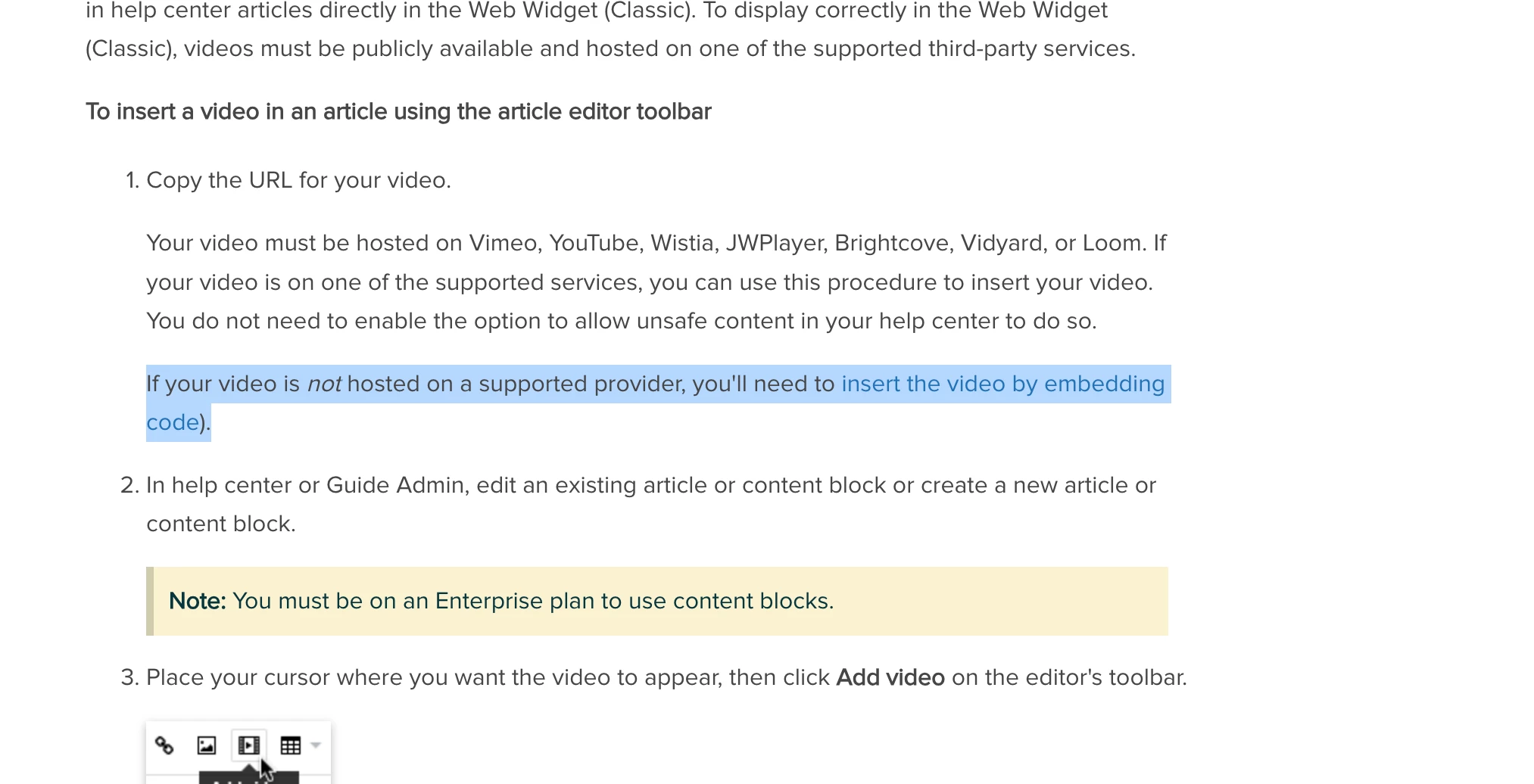
 custom embed code 

Related:

Nothing about this is posted in https://developer.zendesk.com/documentation/classic-web-widget-sdks/support-sdk/android/known_issues/
 

cc @maddie12 @mick11 @christopher53 @greg29

4 replies

  • Author
  • February 16, 2024

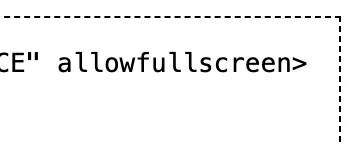
https://www.allowfullscreen.com/iframe   shows `alllowfullscreen` 👇🏼


The article that's shown in the imgur link in my comment above, is using custom embed code to show the YouTube iframe. I edit the embed code to end like 👇🏼 and then save the article

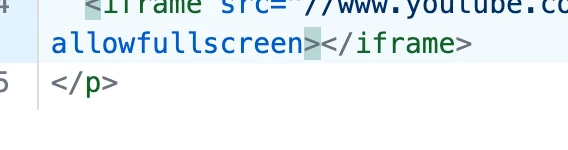
When I go back to inspect the embed code, the Zendesk platform has changed it to 👇🏼


Mick11
  • March 26, 2024

Hi Langston,

Full screen videos from YouTube isn't a feature that we support today on the Support SDK, sorry. You may be able to find a way to do this with customer code as you mentioned.

I haven't tested this, but allowfullscreen is a legacy attribute according to Mozilla, so you could try the allow allow="fullscreen" as stated in their docs. 

Good luck!


  • June 1, 2024

Full-screen videos from YouTube aren't a feature we support in the Support SDK at this time, sorry. However, you might find a way to achieve this with custom code, as you mentioned. For an alternative solution, consider using the YouTube Transcript Downloader to easily convert video transcripts into text for your needs.


Maryam11
  • August 30, 2025

this isn’t a bug in your app—you’ve run into a product gap in the Zendesk Support SDK for Android. Zendesk has (publicly) said that full-screen YouTube playback isn’t supported in the Support SDK today. That’s why tapping the player’s full-screen icon does nothing inside. On the content side, Guide does let you embed videos via the toolbar or custom HTML, but what’s allowed in articles is restricted HTML, and even with allow fullscreen the mobile SDK’s built-in WebView still controls whether full-screen can happen. So changing the embed code won’t solve it in the SDK UI.
