Need to change IOS Support Chat Custom Chatbot Message ? | Community
Skip to main content

Need to change IOS Support Chat Custom Chatbot Message ?

  • November 3, 2021
  • 5 replies
  • 0 views

I have integrated IOS support Chat SDK for agent to customer chat. When agent is Offline need to show some custom  welcome message not for default message and questions. and same online need to welcome message then need to hide remains auto question .

5 replies

Greg29
  • November 3, 2021

Hi @mohan11! If you want to change the default welcome message (or most other text), you will need to change the localization strings for those particular messages. In your situation, the offline messages begin on line 122 and present different options based on the scenarios that you need to customize!

Regarding the last part of your question, could you explain in more detail what you are looking to accomplish here?


  • Author
  • November 5, 2021

Hi @greg29 Thanks for your response . I have implemented below code for Zendesk Support Chat .like customers to Agent chat conversion . 

is it possible do Custom welcome message via admin portals ?

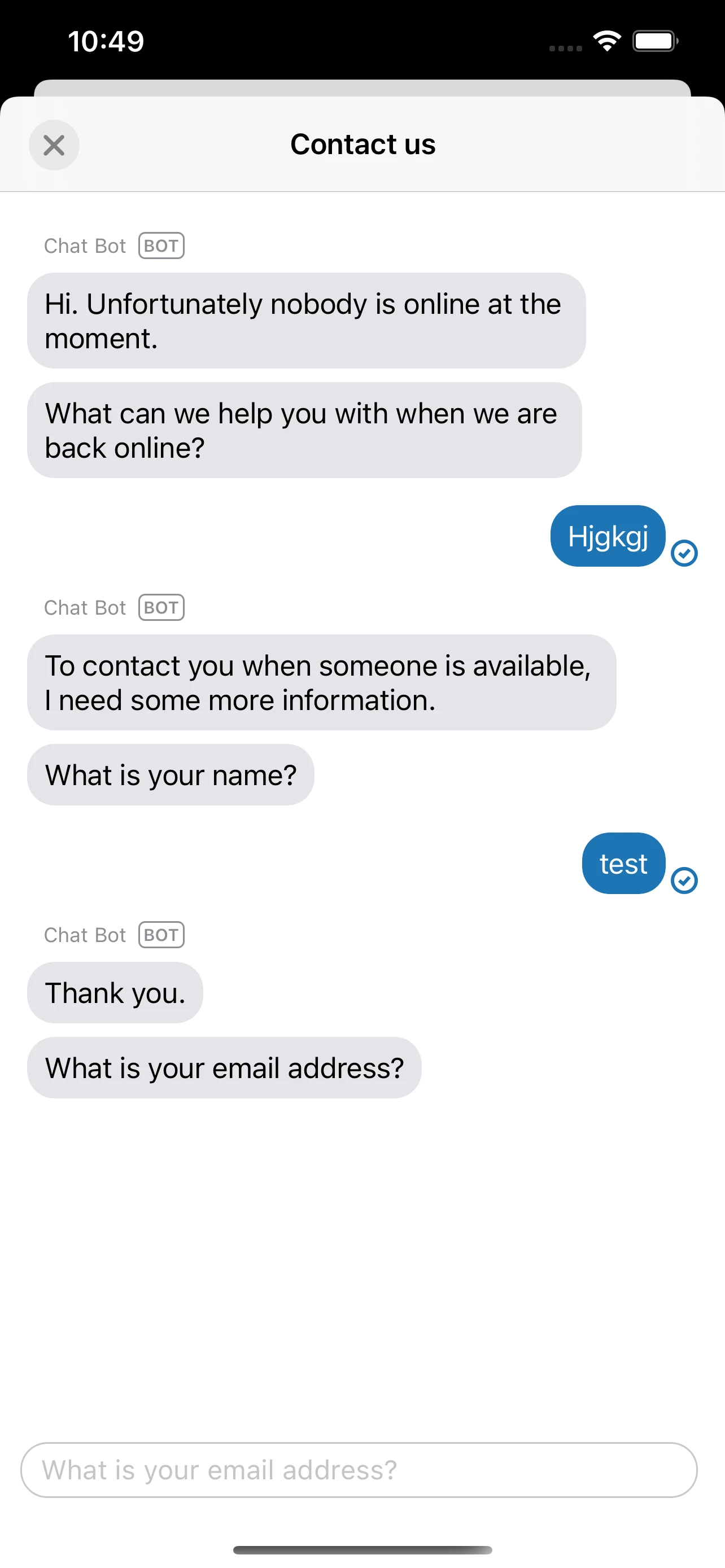
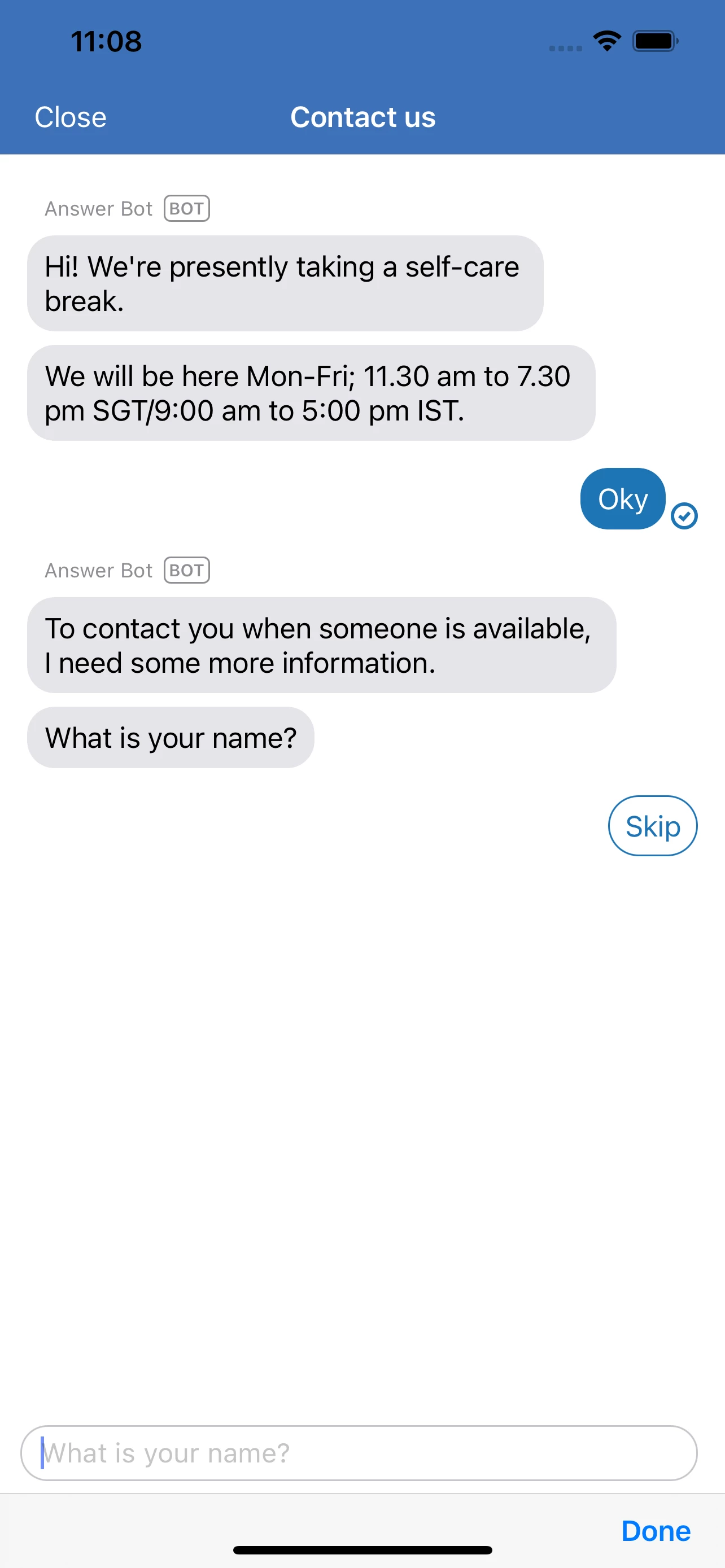
1.I have changed Localisation string When Agent is Offline Welcome message but few default Pre chat form filed are appearing .Like What is your name and what is your Email need to remove that how can do that . For your reference :

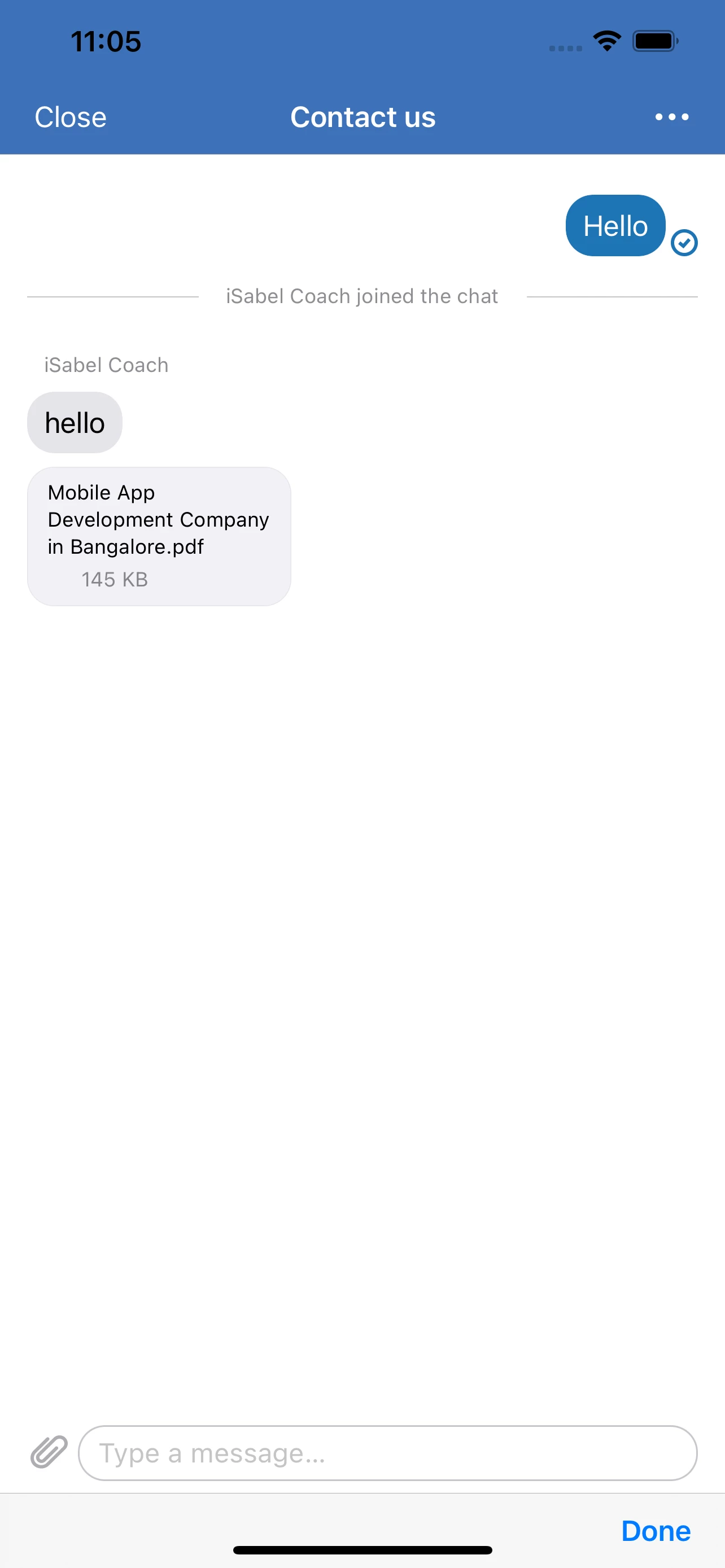
2. When Agent is Online Need to show only one welcome message as of now its showing empty screen when start chat conversion ,Don't want ask any pre chat question and other things . 

Can you please provide above question solution how can I achieve things .is it possible to connect Live support to fix the Problem?

Please share the contact details here ?. 

Reference screen:

"chatConfiguration.isPreChatFormEnabled = false" - I have disable this option.

    func LiveChatBtnAction() {

        do {

            try startChatNew()

        } catch {

            print("Unexpected non-vending-machine-related error: \(error)")

        }

    }

    func startChatNew() throws {

        try self.presentModally()

    }

    func buildUI() throws -> UIViewController {

        // Support Chat initial

      //  self.resetData()

        Chat.instance?.clearCache()   

        let chatAPIConfiguration = ChatAPIConfiguration()

//        chatAPIConfiguration.department = "IOS APP"//

    /*       chatAPIConfiguration.visitorInfo = VisitorInfo(name: UserName, email: UserEmail, phoneNumber: "") */

        Chat.instance?.configuration = chatAPIConfiguration

        let chatConfiguration = ChatConfiguration()

        chatConfiguration.isAgentAvailabilityEnabled = true

        let formConfiguration = ChatFormConfiguration(name: .hidden, email: .hidden, phoneNumber: .hidden, department: .hidden)

        chatConfiguration.isPreChatFormEnabled = false

        chatConfiguration.preChatFormConfiguration = formConfiguration

         let messagingConfiguration = MessagingConfiguration()

        //let answerBotEngine = try AnswerBotEngine.engine()

       // let supportEngine = try SupportEngine.engine()

        let chatEngine = try ChatEngine.engine()

         return try Messaging.instance.buildUI(engines:[chatEngine], configs: [messagingConfiguration, chatConfiguration])

    }

       private func presentModally() throws {

        let viewController = try buildUI()

        let button = UIBarButtonItem(title: "Close", style: .plain, target: self, action: #selector(dismissChatView))

        viewController.navigationItem.leftBarButtonItem = button

        let chatController = UINavigationController(rootViewController: viewController)

        chatController.modalPresentationStyle = .overFullScreen

        present(chatController, animated: true)

    }

    @objc private func dismissChatView() {

        self.navigationController?.dismiss(animated: true, completion: nil)

}


Ranganath
  • January 11, 2022

Hi @mohan11 your code is working  nice. Thanks for ur code it save my day..😊


Plugs
  • December 7, 2022

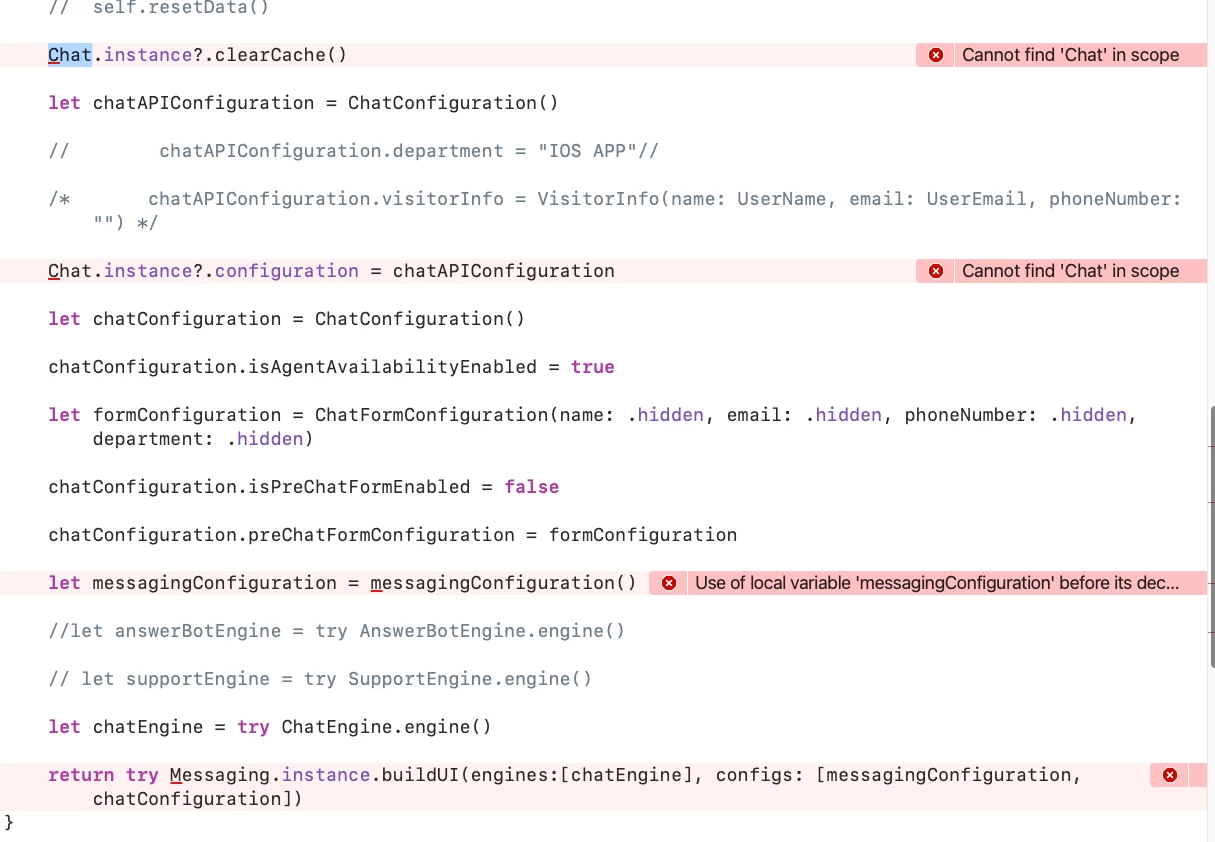
His Mohan c I have save your code but I am getting on error in code can you please help me In this how can I solve this 

I am waiting for your prompt message


Hi Aalok,
 
Have you initialized the Chat SDK as documented?