How to change a navigation title in Help Center | Community
Skip to main content

How to change a navigation title in Help Center

  • August 12, 2021
  • 5 replies
  • 0 views

asa

Hellow.

I want to change a navigation title in Help Center.

Can do it?

Thank you.

5 replies

Tipene
  • August 13, 2021

Hi Asa,

Can you provide a bit more detail on which area you are wanting to change, or perhaps send a screenshot?

Thanks!

Tipene


asa
  • Author
  • August 15, 2021

Hi Tipent,

Thank you for a comment!

I will attach a reference image and URL.

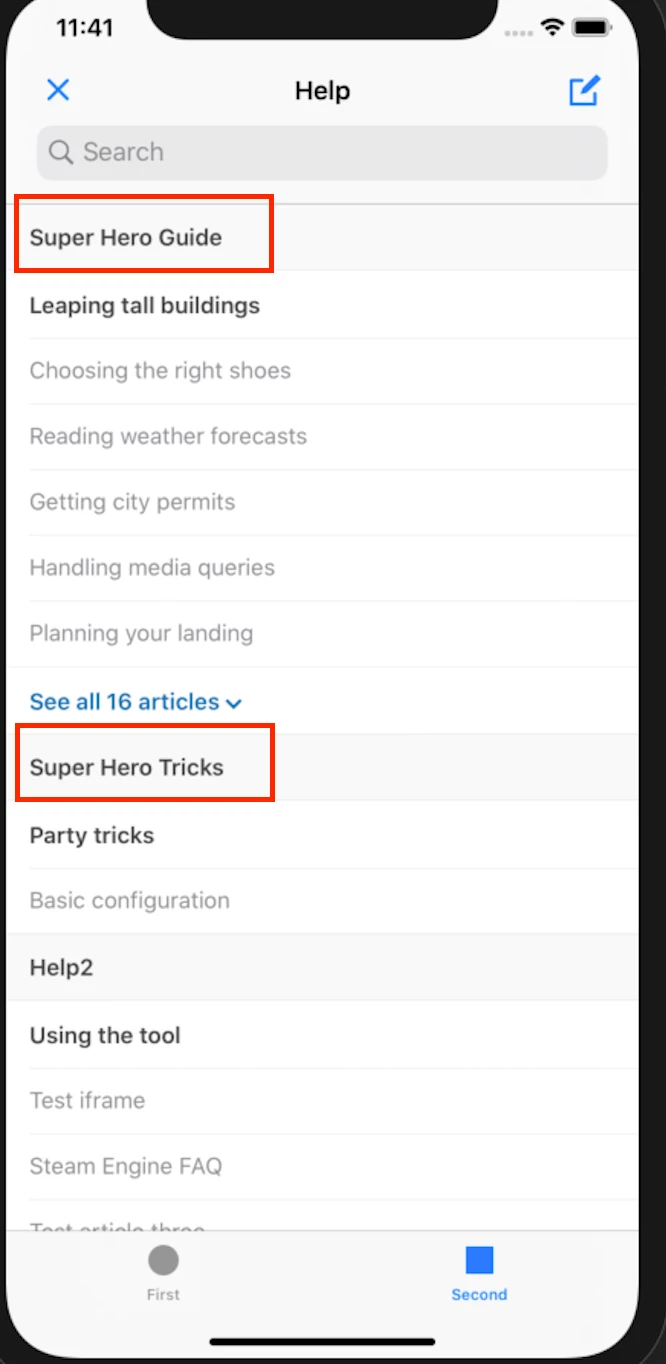
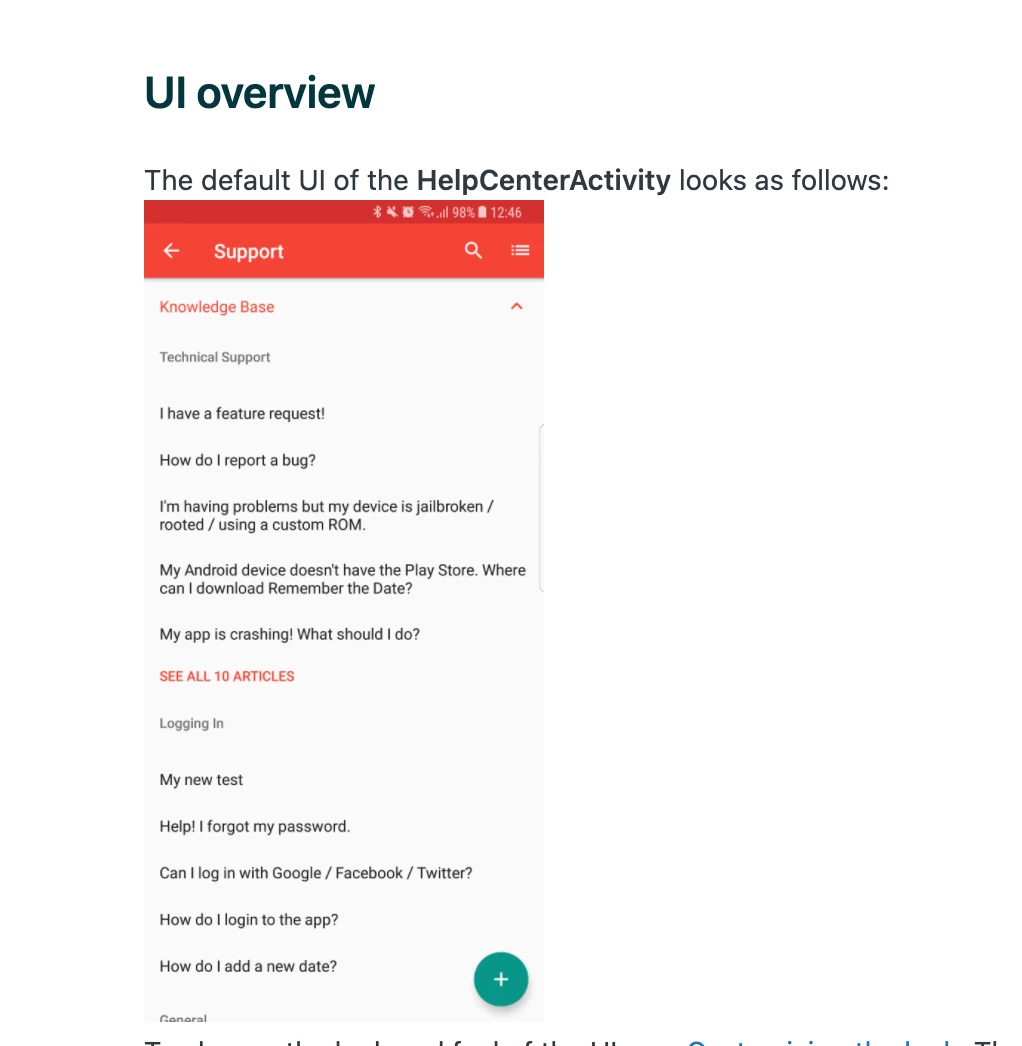
There are images iOS and Android in the document.

iOS navigation title is "Help", but Android is "Support".

I want to set a same name.

- Document URL

iOS: https://developer.zendesk.com/documentation/classic-sdks/support-sdk/ios/help_center/

Android: https://developer.zendesk.com/documentation/classic-sdks/support-sdk/android/help_center/


Tipene
  • August 16, 2021

Thanks for sharing that context, Asa!

Yes, you can absolutely customize the Help Center navigation title. For iOS, you will want to update the Localizable.strings file. If one doesn’t exist, you can create one and then customize the "ios.ZDKHelpCenter.helpCenterOverview.title" value.

Here is a link to the documentation with a bit more detail:

https://developer.zendesk.com/documentation/classic-sdks/support-sdk/ios/localize_text/

For android, you’ll need to update the values.xml file which you can find in your build directory. You’ll need to update the following:

<string name="support_activity_title">Support</string>

Here is a link to the documentation for the android side:

https://developer.zendesk.com/documentation/classic-sdks/support-sdk/android/localize_text/

I hope this helps! Feel free to reach out with any questions.

Tipene


asa
  • Author
  • August 17, 2021

Hi Tipent,

Your comment helped me a lot!

I will try the method I was taught.

Thank you.

Asa


Tipene
  • August 17, 2021

Glad I could help!

Have a great day :)

Tipene