Help with chat profile | Community
Skip to main content

Help with chat profile

  • September 23, 2024
  • 2 replies
  • 0 views

jose29

We are using what i am told to be a maybe old version of a zendesk integration. Everything was fine until last week when we needed a new jwt chat token since a new version release of ZD.


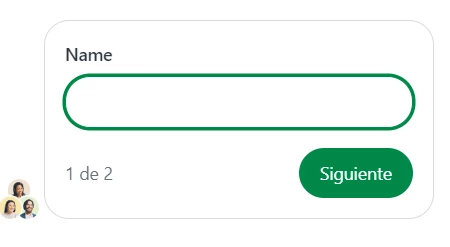
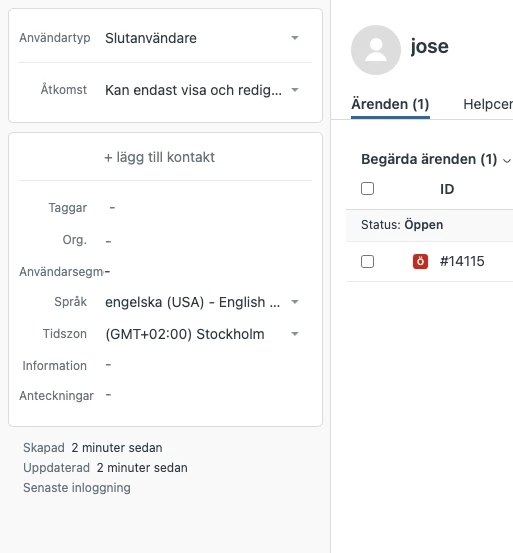
The point is now the profile it was creating for the chat issue is missing the email the user inputs in the beginning.


If there's any guide or already opened topic about this please refer it to me.


Otherwise, any hint will is welcomed.
2 replies

Greg29
  • September 25, 2024

Hi Jose!


We do have some documentation to help you with this issue. Please take a look at this article and these dev docs to get you in the right direction. If you run into any problems with this, drop us a line here and we'll be happy to help!


jose29
  • Author
  • September 26, 2024

I will check it, thanks a lot for the tip and your time.

By the way, they have re-explained the issue so it is that the profile is not grabbing our system's credentials to create such profile.

This is what users should not need to fill in, but even with this, we keep getting a blank field like I attached to the first message.


The code looks like this:

<script id="ze-snippet" src="https://static.zdassets.com/ekr/snippet.js?key=@********.Current.SupportZendeskChatToken"></script>
<script type="text/javascript">zE('webWidget', 'identify', { name: '@Html.Raw(nameAux)', email: '@username'});</script>


Is it fixed the same way or did I misguide you with the original post? Sorry about the confusion!