
I am trying to use the secure setting and wants to make an api call to my server. But in the actual request it is sent as {{setting.apikey}} instead of actual value. I already setup my local environment with the steps mentioned in below article.
https://developer.zendesk.com/documentation/apps/app-developer-guide/using-the-apps-framework/#testing-an-app-with-secure-settings-locally
var fetchItem = {url: API_URL+'auth',headers: {apikey:"{{setting.apikey}}"},secure: true,data:'',type: 'POST',httpCompleteResponse:true,contentType:"application/json",cors: false,};console.info(fetchItem);zafClient.request(fetchItem).then(
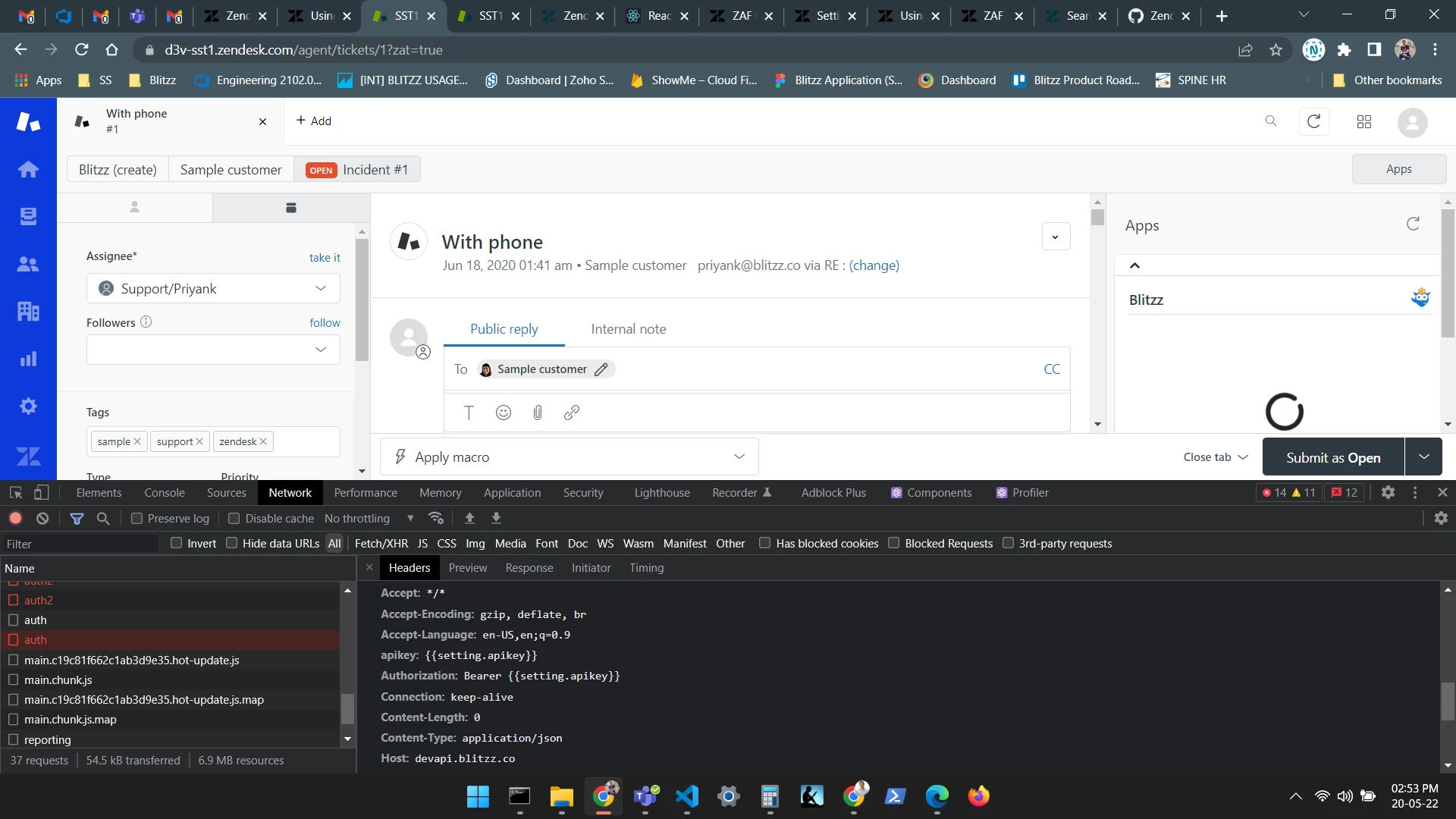

It looks like you're testing your app out through ZAT. We discuss in our documentation that secure settings won't work when testing the app locally through ZCLI or ZAT. As a workaround you can upload it as a private app and work on it from there.
Hope this helps,