how can I create an application that runs periodicall | Community
Skip to main content

how can I create an application that runs periodicall

  • September 13, 2021
  • 5 replies
  • 0 views

David56

Hello, Zendesk developer team.
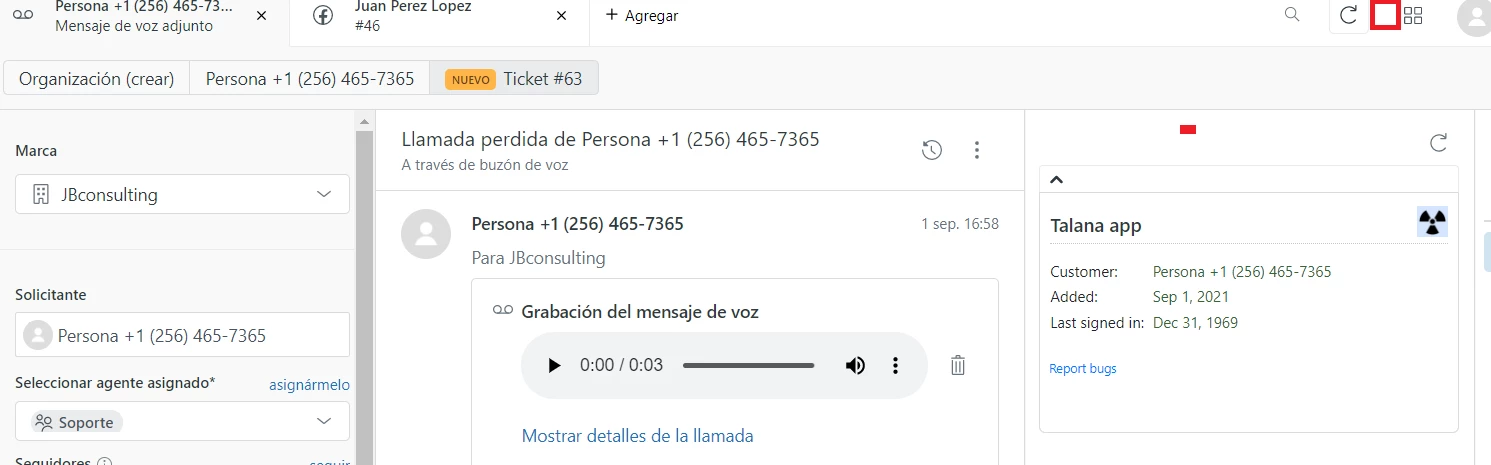
I have a question, how can I create an application that runs periodically without entering the ticket.?
Is there a tutorial?

 

5 replies

Zach22
  • September 14, 2021

Hi David,

Depending on your use case you may be able to achieve what you're intending to do by using the Background location in Support. We don't have any specific tutorials on this but below is a quick example of some code you can use to perform an action in a background app periodically.

<!DOCTYPE html>
<html>
<head>
</head>
<body>
<script src="https://static.zdassets.com/zendesk_app_framework_sdk/2.0/zaf_sdk.min.js"></script>
<script>
const client = ZAFClient.init();

const periodicFunction = () => {
console.log('This is an action')
};

client.on('app.registered', () => {
setInterval(periodicFunction, 10000);
});
</script>
</body>
</html>
You'll just need to remember to set the location to Background in the manifest.json file
 
Hope this helps!

David56
  • Author
  • September 17, 2021

excellent it worked very well for me. You can give me the tutorial to create an app that is not in the tickets but in the top bar 


Zach22
  • September 20, 2021

Hey David,

We don't have any specific tutorials for developing an app for the top bar location, however it is very similar to the process you have followed for a sidebar app. You will just need to update your manifest file to refer to the top_bar location and check the objects and events available in this location in our documentation


David56
  • Author
  • September 28, 2021

Thank you, you are helping me a lot. Finally, I would like to activate this listener when the page loads inside top_bar:
<script>
constant client = ZAFClient.init ();

periodic function const = () => {
console.log ('This is an action')
};

client.on ('app.registered', () => {
setInterval (periodicFunction, 10000);
});
</script>

Is there an event within the top bar that runs every time zendesk support loads ?.


Eric27
  • October 1, 2021

Hey David,

You can just use a standard 'onload' to accomplish this. This MDN documentation may be useful to you.

Have a wonderful day!

Eric Nelson | Manager - Developer Advocacy