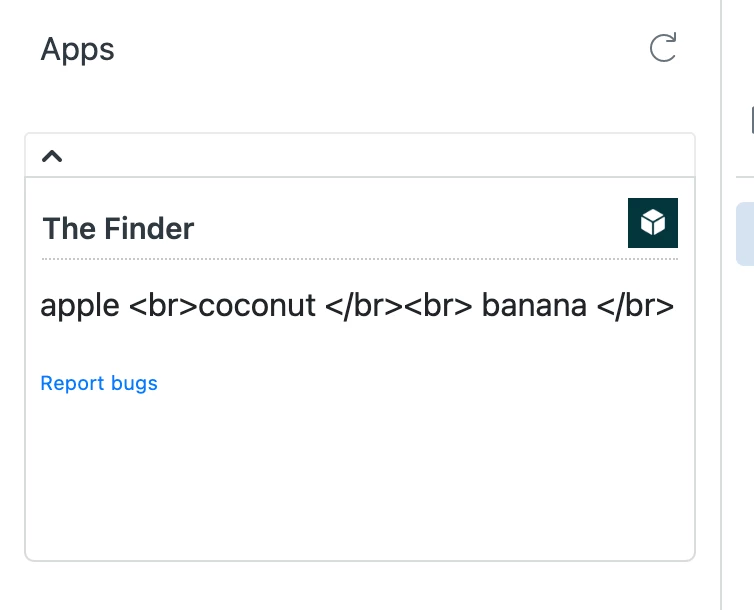
I'm didn't major in CS, so hopefully I'm just missing something fundamental here about JS and HTML and Handlebars templates. I used this guide to get going: https://developer.zendesk.com/documentation/apps/build-an-app/build-your-first-support-app/part-3-creating-and-inserting-templates/
I have an app set up to scan for key phrases. If the key phrase is found, the phrase is appended to a variable with \n. so for example, the content getting rendered would be
contents = "apple \n" + "coconut \n" + "banana \n"
This is what I get out: 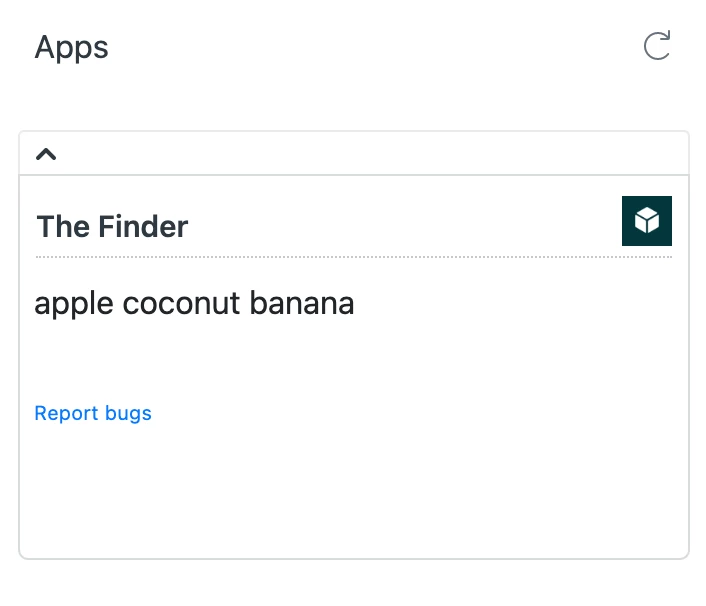 That's not terrible looking, but a space isn't a line break. Is there a way to force it to display them in a single column? This is my template for reference as well, I feel like I need to add something here maybe to do this:
<script id="body-template" type="text/x-handlebars-template">
<p>{{contents}}<p></script>