
Use custom user fields in trigger | Community
Skip to main content

Use custom user fields in trigger

  • July 1, 2022
  • 3 replies
  • 0 views

Tracy14

We can see that it's possible to use custom ticket fields in triggers via

{{ticket.ticket_field_replacewithcustomfieldID}}

However we can't find any information about doing the same with custom user fields. We've tried several guesses and couldn't get it working. Is this possible?
3 replies

Tracy14
  • Author
  • July 1, 2022

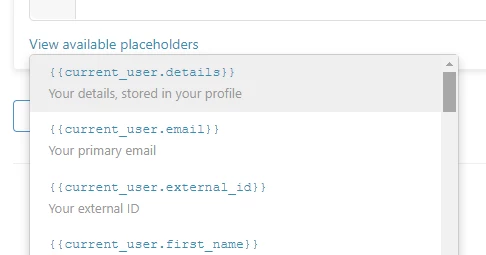
Fabulous! Thanks, Ahmed. I wasn't able to find that placeholders article via web search. It would be really great to have something within the app pointing me to this content when I need it - like here when defining a trigger body:

Or equally heplful, even just adding an example like this to the list:

{{current_user.custom_fields.your_field_key}}

  • March 15, 2024

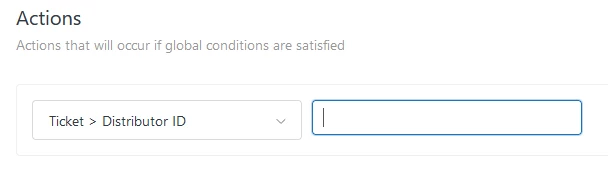
Is it possible to use a placeholder for a custom user field like this? My goal is to have a custom organization field flow to the ticket field when an email comes in.


Jakub13
  • February 28, 2025

It's not possible to natively use custom user fields (unlike you can use custom ticket fields). 
However, my way around is using tags. You have to make a separate trigger for each “custom user field” value though which is a bit hectic, depends on how many values you have… but it is doable and it works.


If > ticket tags contain…. then ….

Let me know if that helps