
Reposition of zendesk chat icon | Community
Skip to main content

Reposition of zendesk chat icon

  • October 31, 2022
  • 2 replies
  • 0 views

Pratibha

I am trying to reposition the icon vertically using react-zendesk in the project. Below is the implementation snippet:

const setting = {
  color: {
    theme: '#0d00ff'
  },
  webWidget: {
    helpCenter: {
      chatButton: {
        '*': 'Chat with us'
      }
    },
    offset: {
      vertical: '50px'
    }
  }
};
<div className='App1'>
        <Zendesk zendeskKey={ZENDESK_KEY}
          {...setting} />
      </div>

 Rather than just setting the position to bottom right, I wanted it a vertical size so that it won't be floating just in the mentioned position, but still after going through the documentation it's not helping.
2 replies

Pratibha
  • Author
  • November 1, 2022

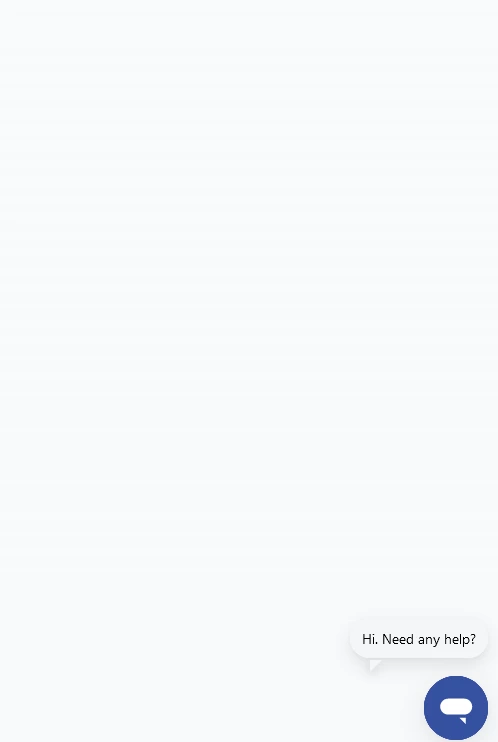
If you see the screen, the chat icon is in the bottom right and we want it slightly vertically above but with the mentioned code it's not getting reflecting. 


  • November 3, 2022

Hi Pratibha!

I'm not too familiar with this package since it's not owned or managed by Zendesk. However, it looks like you want to reposition the launcher but in your code you're targeting the entire widget itself. 

I'm not sure there would be a way to customize the vertical position of the launcher with this package as you only have access to positioning it to the right or left of the page. I would suggest taking a look at these docs. Here you'll find a walkthrough on creating a custom launcher which would allow you to position it where ever you'd like. 

Hope this helps!

Erica