

Hi there
I've been using the Zendesk chat enterprise trial for the past 2 weeks, and am now on the paid Enterprise plan. I wanted to integrate with Klaviyo but I can't find access to the API set up anywhere.
I've read all the documents on this, and a previous post - but API set up is neither in my Chat account or my Admin Center. Screengrabs attached.
The closest I can get is within Chat / Settings / Account / API & SDKs and this doesn't generate a token.
I am the sole admin and sole owner, so is this a glitch in my account?
Any help would be hugely appreciated, as I'm about to give up and trial Freshdesk instead!
Thanks, Rose
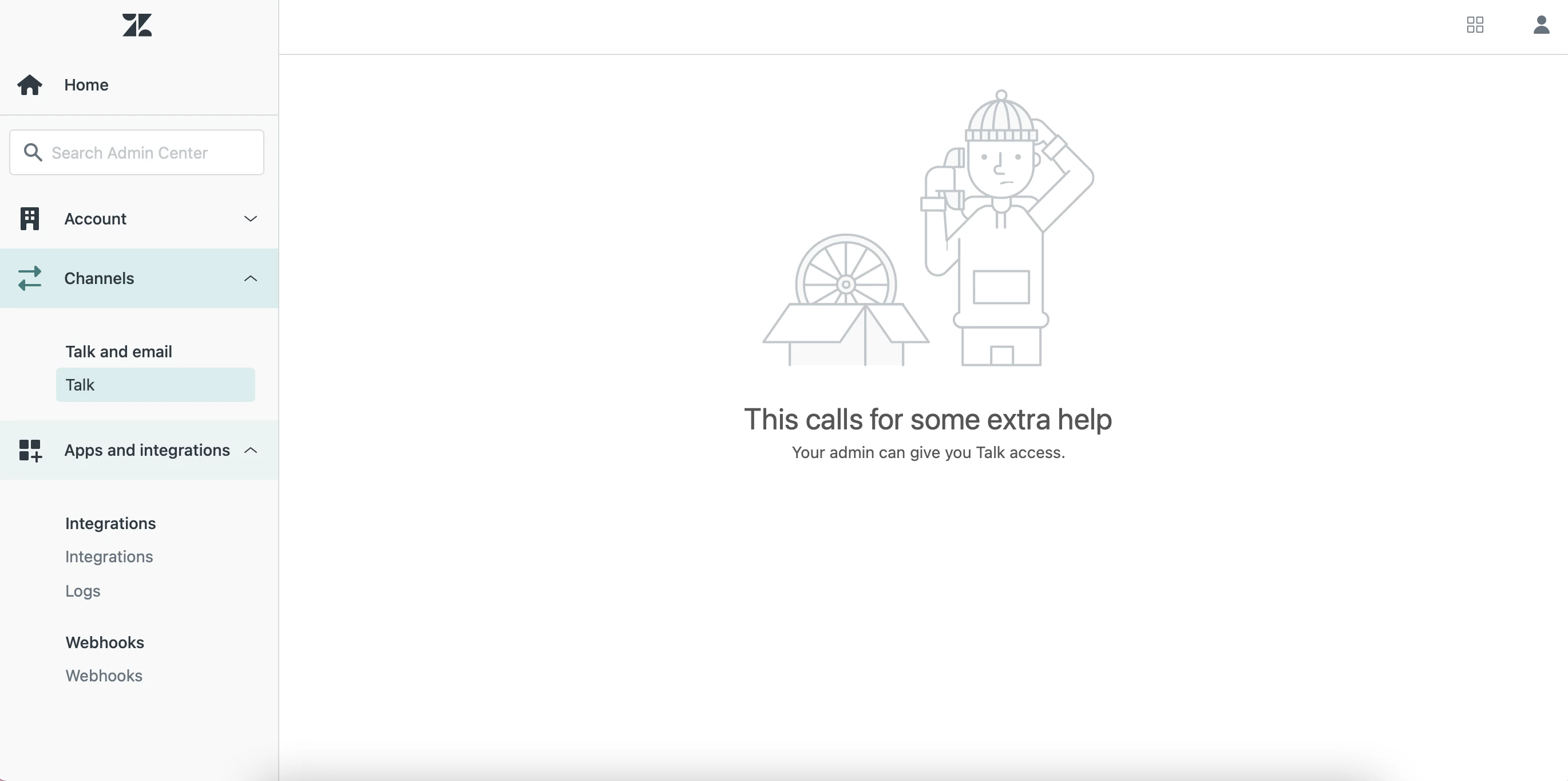
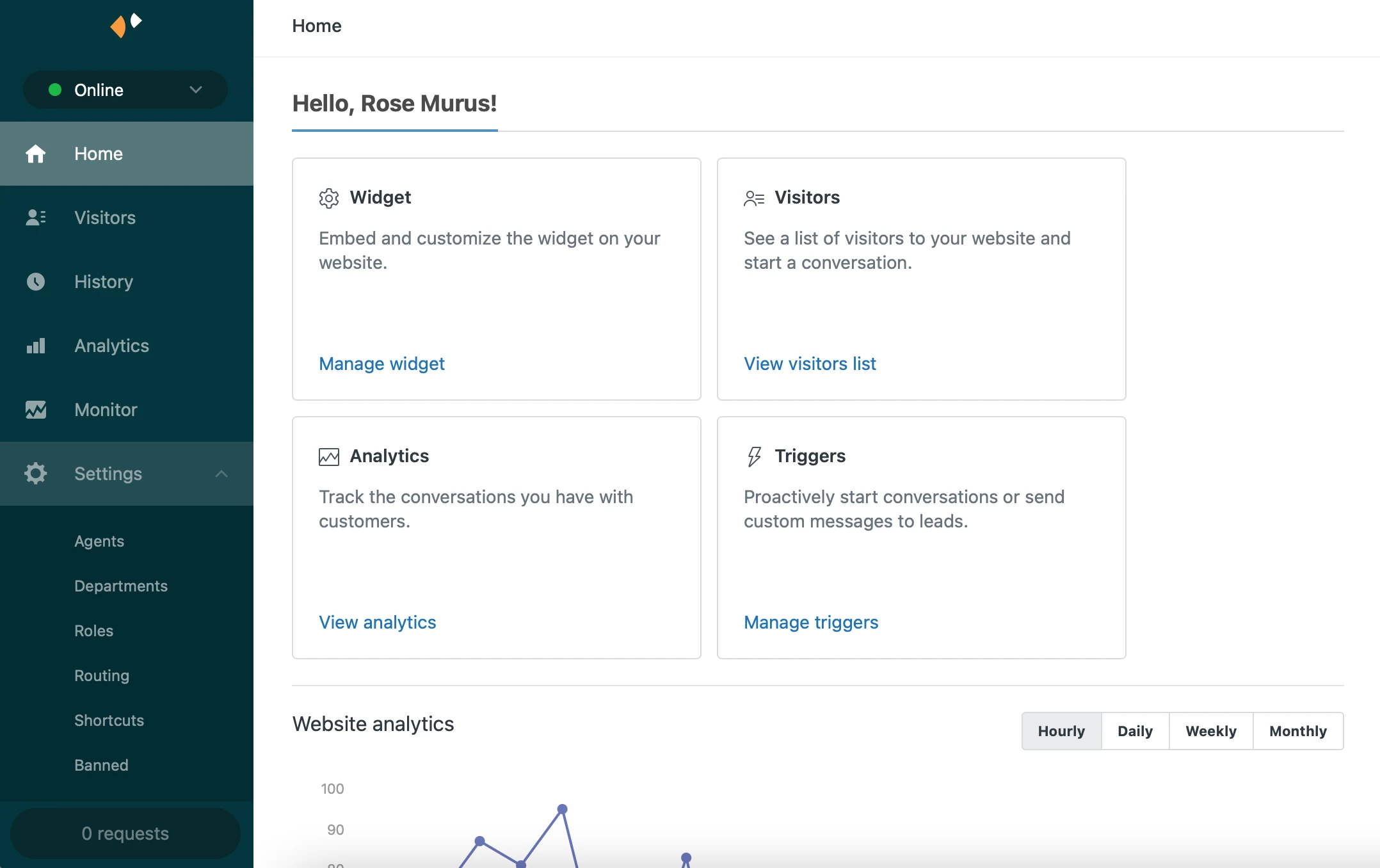
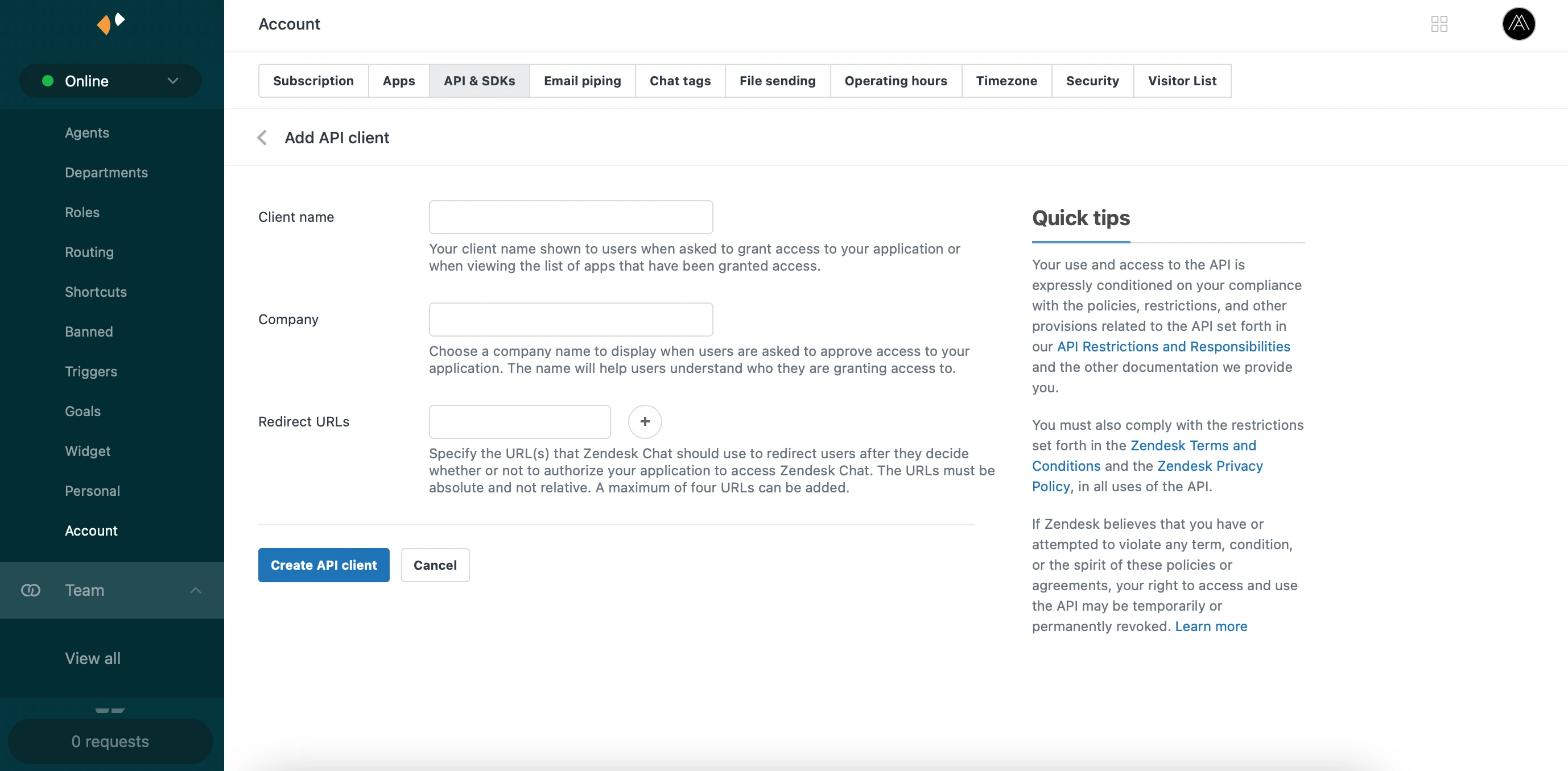
Thank you so much for posting your question to the Community! In order to use the Chat API you would need to set up Authentication using OAuth. Based on the images you've shared you're definitely on the right track. Next step would be to fill out the necessary fields in the Add API client page then hit Create API client. For example, the client name could be klaviyo-integration since that would be the purpose/use-case for this authentication with the Chat API.
We have a really nice walkthrough for setting this up which includes the next steps. You can find the link to that article here.
If you run into any issues while following the article walkthrough, please don't hesitate to reach back out!
Best,
Erica - Sr. Developer Advocate