Custom Dropdown field is not populated in ticket. | Community
Skip to main content

Custom Dropdown field is not populated in ticket.

  • November 23, 2022
  • 3 replies
  • 0 views

Jason35

Hi I am using the following endpoint 

/api/v2/requests

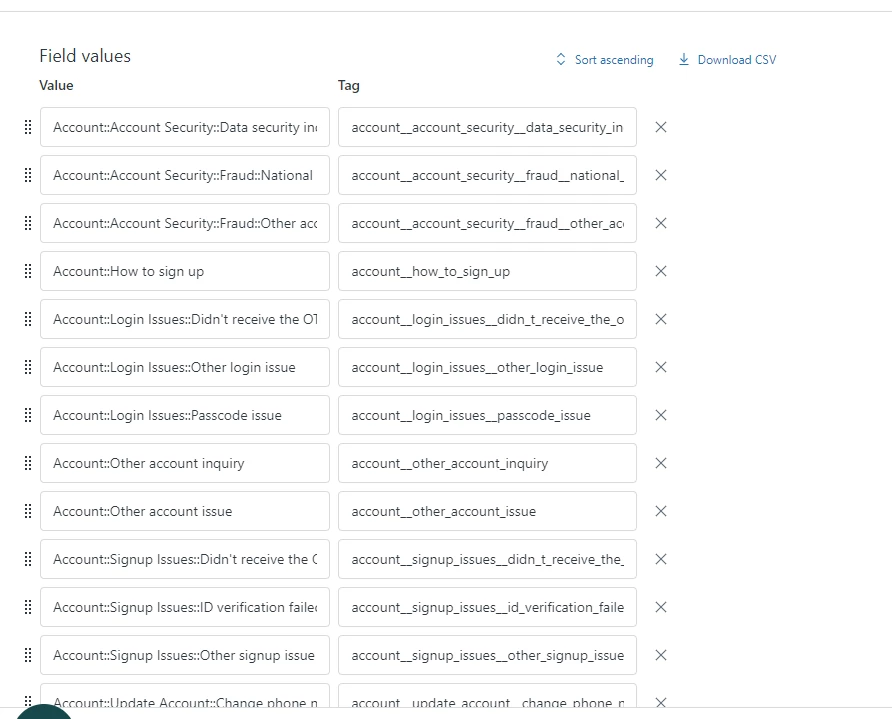
to create zendesk tickets on our account. We have the tickets creating correctly and correctly populating a number of custom fields. But one of our fields does not seem to populate. The field in question is a drop down field with multiple possible values.


I am following the docs here around custom fields.

https://developer.zendesk.com/documentation/ticketing/managing-tickets/creating-and-updating-tickets/#setting-custom-field-values


and like I said other custom fields are working correctly. 

I have attached the below json of the custom field that we are sending. 


```

{

  "custom_fields": [

      {

          "id": 10767612515085, "value":"orders__live_recording_request__order_fulfillment_"

      }

]

}

```


I have redacted the other custom fields from that json that are working. But for some reason when the ticket is submitted the field is never populated in the side bar of the form. I have double checked the id field is correct. E.g the form field id. And the value is the tag of the selected value. So at a lose for what I am doing wrong :(

3 replies

Dave24
  • November 25, 2022

Hi Jason,

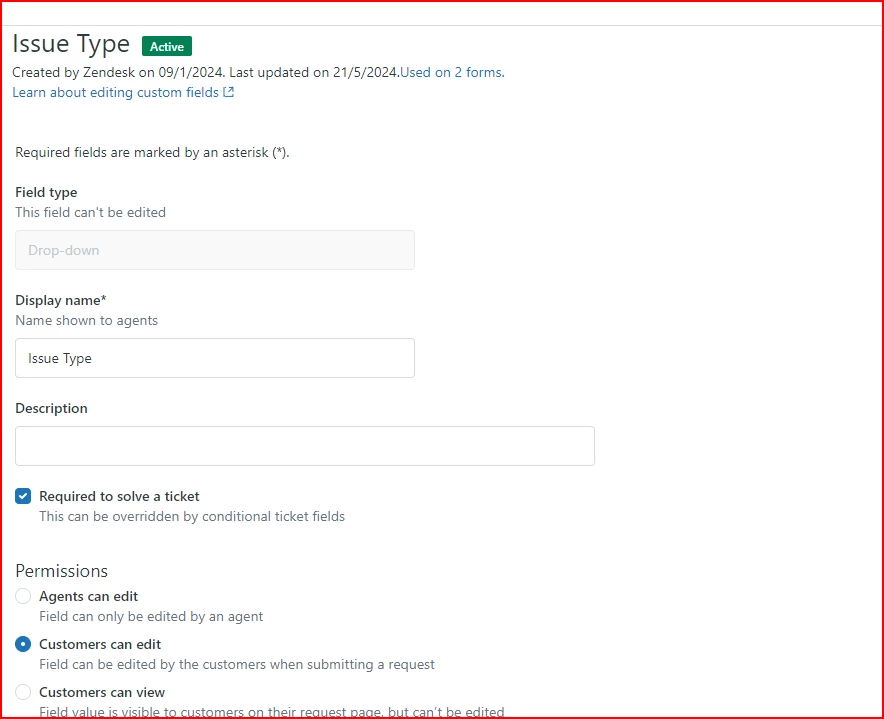
Is it possible that this custom field is not set to be editable by end-users? You'd set that when creating the custom field: Creating custom ticket fields


Sai17
  • June 12, 2024

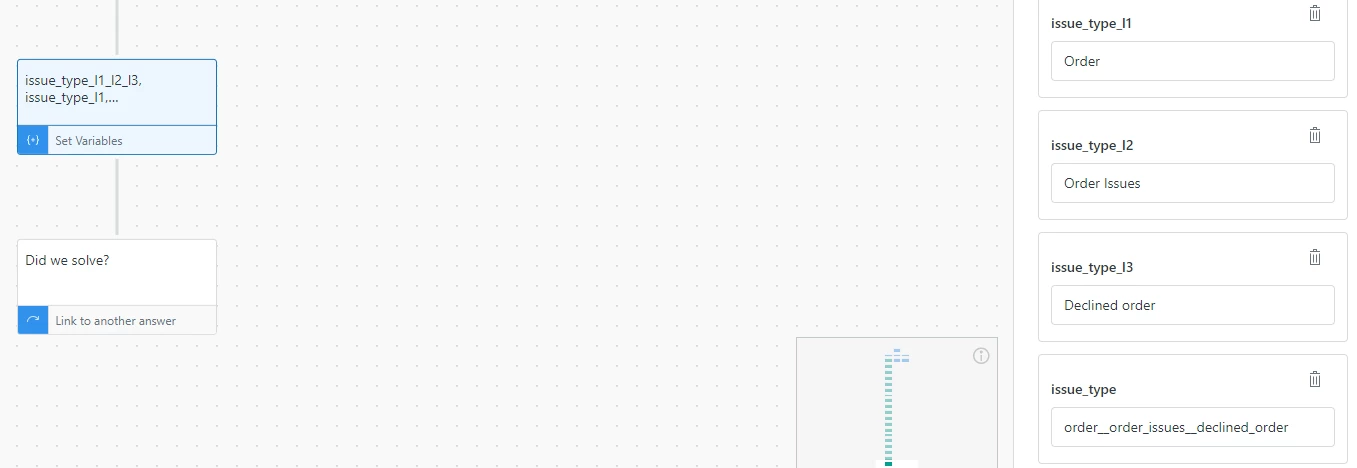
Can I achieve this by creating variables in bot flow, setting tag values of a custom dropdown field against these variables and passing them to the ticket at the time of “transfer to agent”?


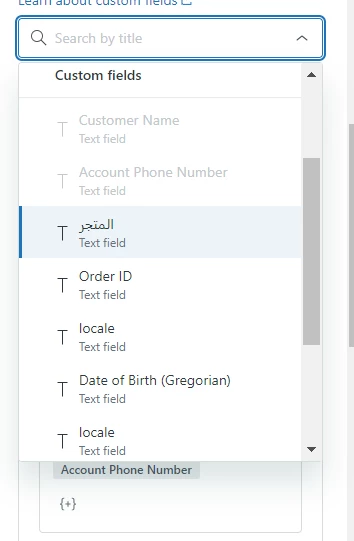
The biggest issue is dropdown fields are not even visible at the transfer step in order to set existing variables against the dropdown fields values. Only text fields are visible!


  • June 25, 2024
Hi Sai!
 
Just to confirm are you having the same issue as OP?