APIUnavailable when using Events API | Community
Skip to main content

APIUnavailable when using Events API

  • May 6, 2022
  • 15 replies
  • 0 views

Andrea15

Hello,

I have the Support Suite (Professional) with Productivity Pack add-on.

all the APIs are working for me except the Events API.

I've tried both:

POST myaccount.zendesk.com/api/v2/users/{userId}/events

POST myaccount.zendesk.com/api/v2/user_profiles/events

It always returns HTTP 403

Client error: `POST https://viddyoze.zendesk.com/api/v2/users/XXXXXXXX/events` resulted in a `403 Forbidden` response: {"errors":[{"id":"999999999999-DUB","code":"APIUnavailable","title":"API is unavailable for this account"}]}

15 replies

Tipene
  • May 6, 2022

Hey @andrea15,

Thanks for reaching out!

Can you confirm if you're also seeing the same 403 response when making a GET request to the /api/v2/users/{user_id}/events endpoint?


Andrea15
  • Author
  • May 9, 2022

Hey @tipene,

Weird. That's working.

It returns HTTP 200

{"events":[],"links":[{"next":""}],"meta":{"has_more":false}}


Tipene
  • May 9, 2022
Hey Andrea, 
 
Thanks for getting back to me.
 
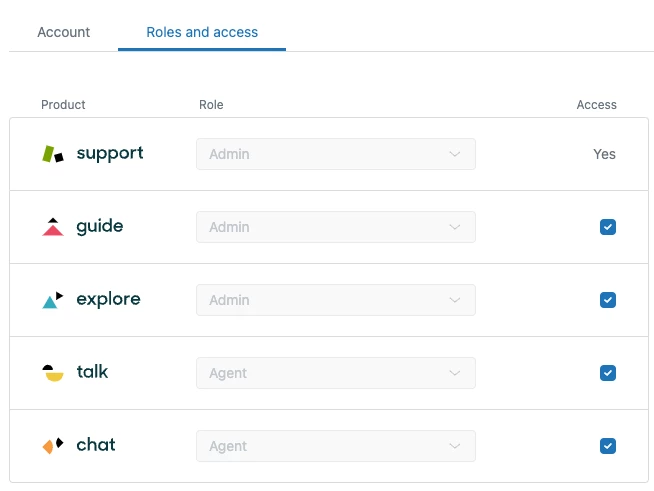
Can you check that your user account has the appropriate permissions set to access the events. You can find this in the agent center, under Support > People > Roles > People.
 

Andrea15
  • Author
  • May 10, 2022

I believe I have sufficient privileges as Admin (?).

The documentation says Agent Role is required.

Admin inherits Agent role, right?


Tipene
  • May 10, 2022
Admin role should provide the necessary permissions. To confirm this is the case, can you check the fields in your agent center under Support > People > Roles > People are the same as the screenshot below:


Andrea15
  • Author
  • May 10, 2022

Hey @tipene

thanks for your help. I can't seem to find the Roles menu item under People.


Tipene
  • May 12, 2022
Hey Andrea,
 
Sorry for the delay in getting back to you!
 
Thanks for clarifying the role visibility on your end.
 
Can you also take a read through this article and confirm that everything has been enabled correctly:
 
Adding Sunshine user profiles and events to customer context in a ticket
 
Let me know how you go with that.
 
Thanks!
 
Tipene

Andrea15
  • Author
  • May 13, 2022

Hey @tipene,

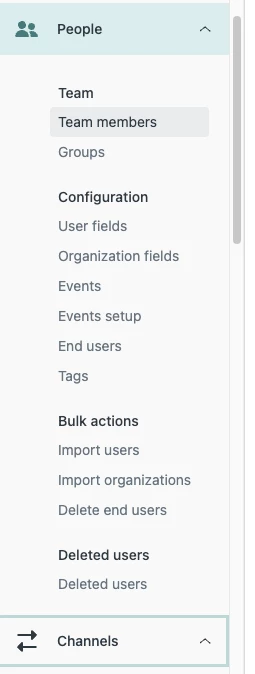
article says: click the People icon in the sidebar, then select Configuration > Profiles.

But not such Profiles menu item exists. See above image for confirmation.


Greg29
  • May 16, 2022
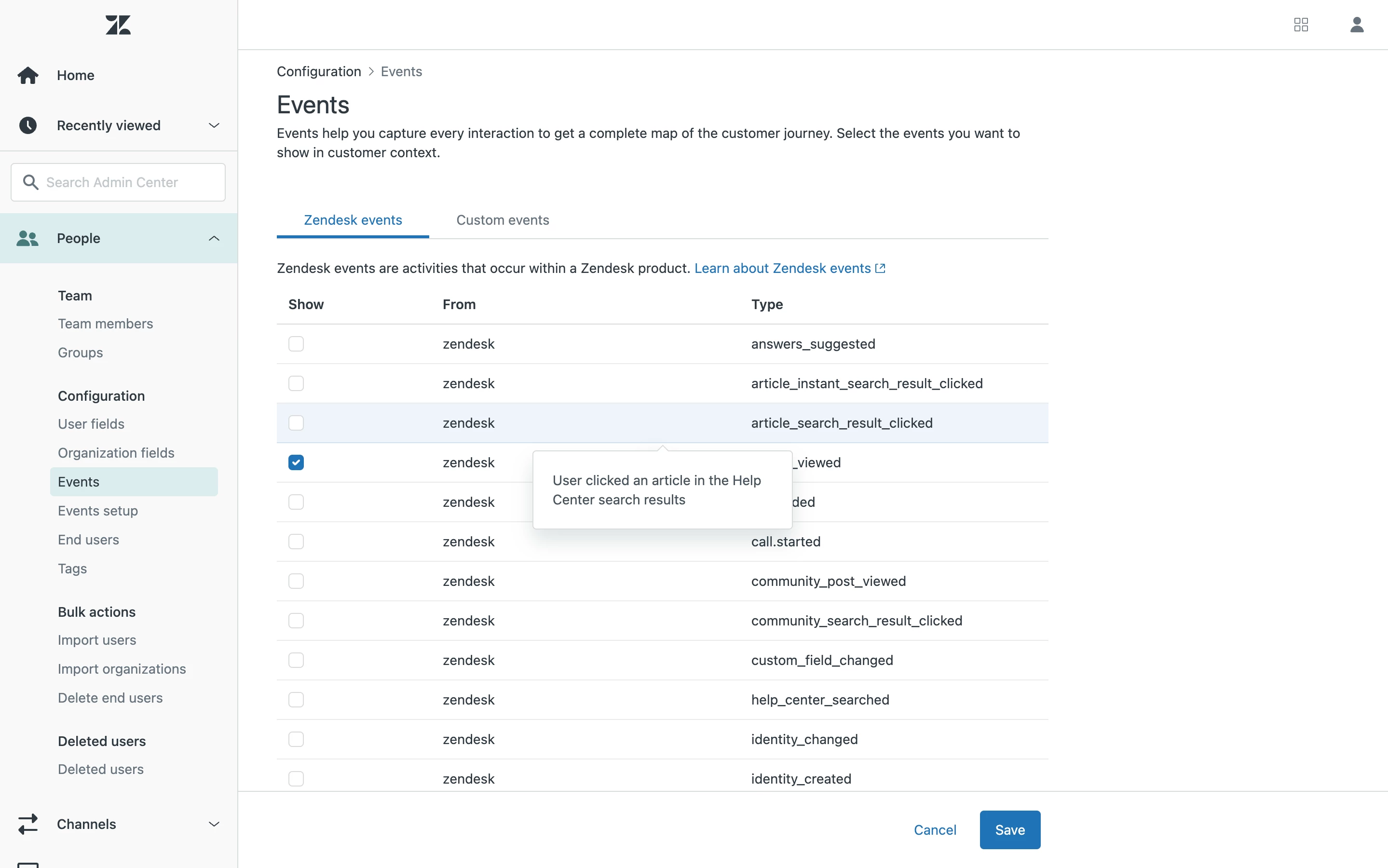
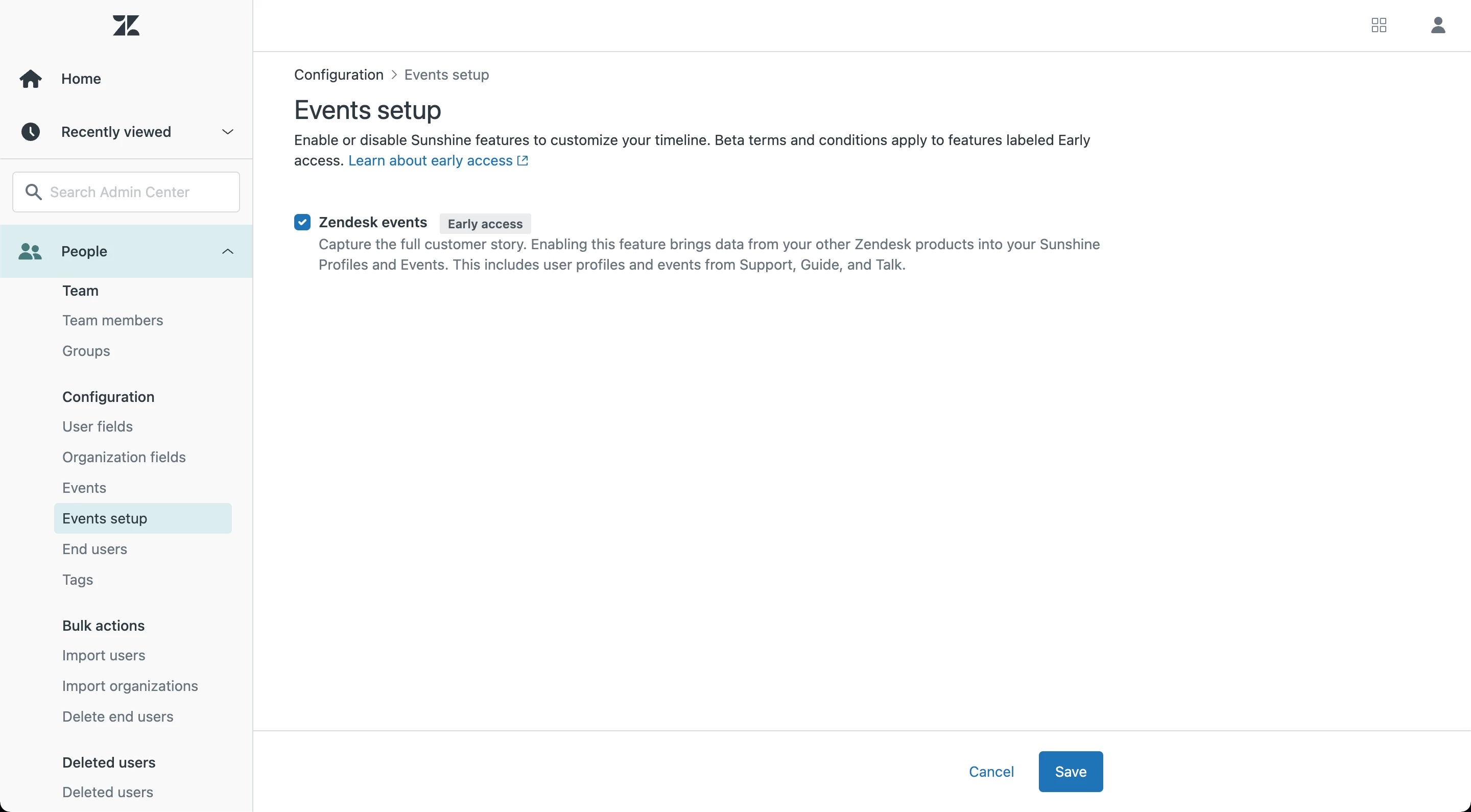
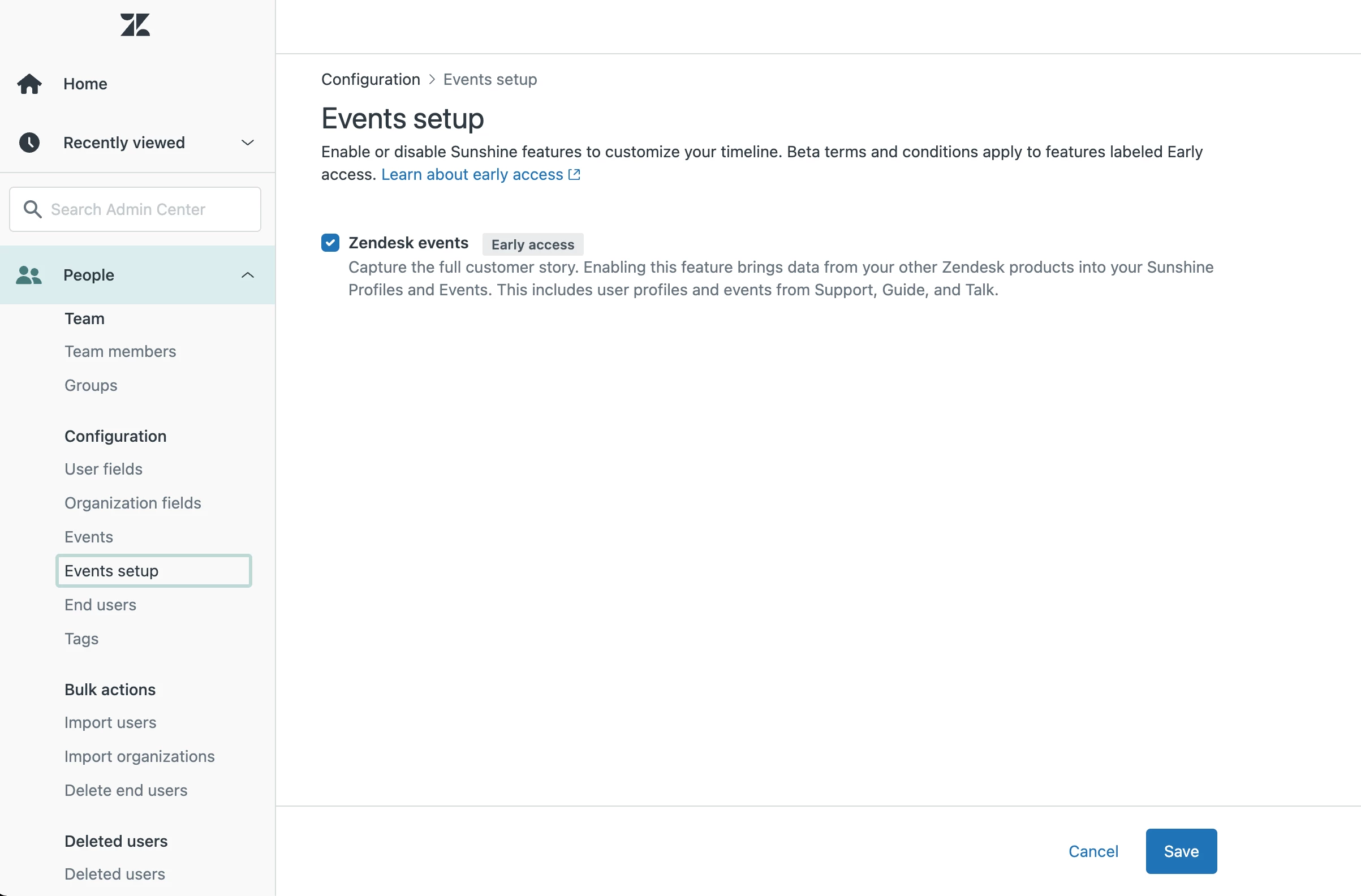
Hi Andrea! Are you in the Admin Center for your account? You can reach the Admin Center from the product tray in the upper right corner of your instance. If you are in the Admin Center, are you an admin in your account? If the answer to both of those is "yes", could you take a screenshot of your admin center and remove and identifying information? 

Andrea15
  • Author
  • May 18, 2022


Andrea15
  • Author
  • May 18, 2022

Hey Greg Katechis, yes I can confirm I'am in the Admin Center and I'm using the Admin/Owner account


Greg29
  • May 18, 2022
That is definitely strange...I can't think of a reason that would not show up for a customer. Would you mind turning on account assumption so that I could check a few things out?

Andrea15
  • Author
  • May 19, 2022

Hey @greg29, sure, done


Greg29
  • May 25, 2022
Hi Andrea, thanks for your patience while I've been looking into this. It turns out that this is a very confusing situation regarding the two different types of "Suite" products that we have offered over the last couple of years. It looks like there have been some tickets open discussing the issue with the Sunshine APIs which have not been fully resolved. To give a very quick recap of the underlying situation:
 
  • We currently offer Zendesk Suite as a product that you can purchase, which includes access to Sunshine.
  • We previously offered Support Suite, which does not include access to Sunshine.
  • Differentiating these two is unfortunately so difficult that even those of us who work here have gotten tripped up on this a number of times. This is something that we should be more aware of so that we can get you the correct info from the beginning. I've started some conversations internally on how we can make this clearer to both our customers, as well as us, the employees.
 
To determine the next steps that we should take, I'm going to open a private ticket to discuss your options and then facilitate the process to make sure that your decision is successfully complete. I'm really sorry that this has been so difficult for us to troubleshoot thus far, but I'll make sure that the rest of the process is less of a headache!
 
Talk to you in the private ticket soon!

Claudio13
  • July 20, 2022

Hi @greg29, i think I have the same issue on my account. 

Can you please support us? 

cc @judit martinez