

I'm using the following requests API in my code which allows end-users to submit attachments to upload it to zendesk web form ticket:
api/v2/uploads.json?filename=upload.fileType This response is successful and returns a token which is then passed into the body before submitting the following request :
/api/v2/ticketsHowever, When the ticket is received in the helpdesk it looks like the image attached.
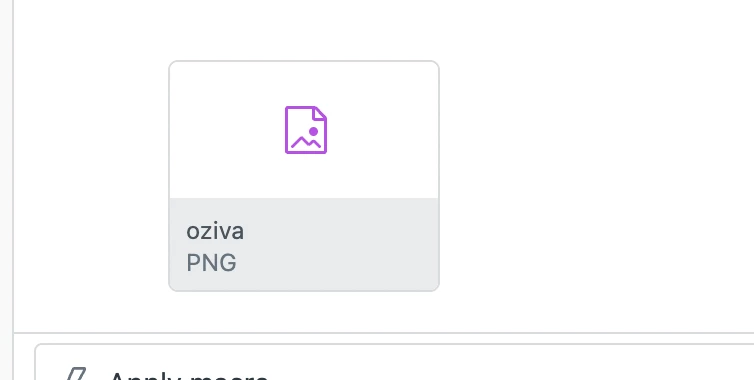
Note : I tried the same by using POSTMAN and was successfully able to upload an image in zendesk using the same APIs and uploading image in binary format,but unable to replicate in code.
- In my code i've set content-type - application/binary
- I have used readAsBinaryString() and FileReader to read the file content into binary.
- I have set processData = false
Below are some important details of my code :
Code to send the request:
$.ajax({

url:'https://oziva.zendesk.com/api/v2/uploads.json?filename='+encodeURI("file.type"),

processData:false,

type:'POST',

data:{filename:file_binary,},

contentType:'application/binary',

headers: {

"Authorization":"Basic " + btoa("username:password")

},
code to read the input file from user:
document.getElementById('attachment').addEventListener('change', function selectedFileChanged() {

console.log('file metadata',this.files); // will contain information about the file that was selected.

if (this.files.length === 0) {

console.log('No file selected.');

return;

}

var file = document.querySelector("#attachment").files[0];

const reader = new FileReader();

reader.onload = functionfileReadCompleted() {

// when the reader is done, the content is in reader.result.

console.log('result',reader.result);

file_content=reader.result;
};
reader.readAsBinaryString(file);
});
then assigning file_content to file_binary and sending it in request as in above code.
can you please suggest solution for this ASAP.
thanks!!
