
Hi All,
I've been tinkering with this issue for about a month and seem to not be having any luck, so I'm hoping it's something the community can assist with
Our process is that when a user logs a ticket, we complete "key facts" ie a summary of the issue, and attempt a recreation. This summary gets pushed to a multi-line custom field. If the issue needs to be escalated, the ticket is sent to Zapier which uses that field to populate the description in Jira
With that said, I'm trying to make Jira display in the best way I can for our developers as Zapier's integration with Jira doesn't currently support formatting ie bold, italics, so it's sent through as plain text. Ideally, the formatting is handled before it gets sent to Zapier.
The summary is added (and continually updated, so copy > paste > update > saved) to the ticket as an internal note
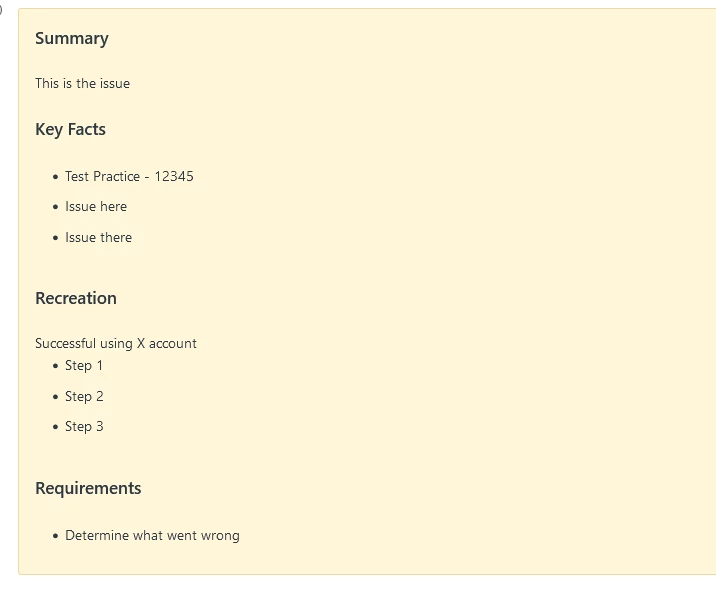
I was able to find a trigger to take the internal note and add it into the custom field
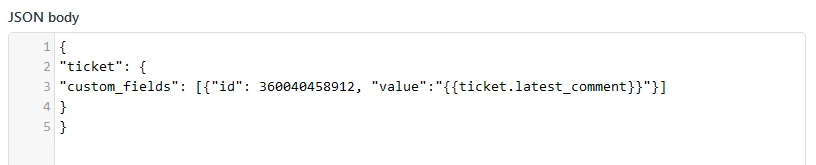
The custom field then updates as below
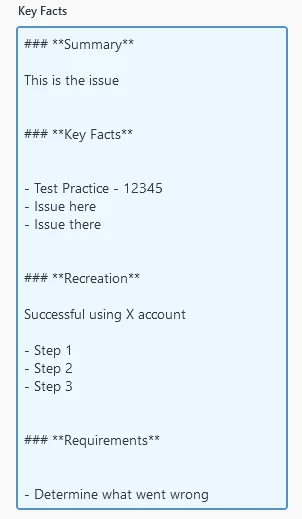
When it makes it over to Jira, it looks like this
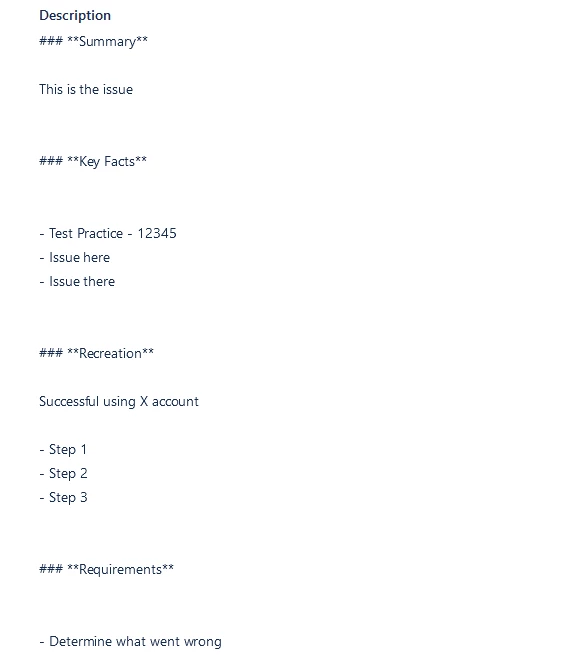
In the API, it looks like this

My questions are:
- How can I remove the extra paragraphs around the dot points and headings? The API shows \n\n\n or \n depending on the body, is there a line I can add into the trigger that would replace either of the above so the text in the field tighter?
- Is it possible to remove the formatting (###, **) from the custom field so it simply displays as plain text? Probably similar to the above, but replace with nothing
I've tried the various options in the placeholder guide and explored the depths of the web for possible solutions but I just can't seem to succeed in this situation.
I'm not particularly proficient with the throwing in code and making it all come together so any assistance or guidance would be really appreciated
Marc
