
Why do I get the error "could not activate field XYZ"? | Community
Skip to main content

Why do I get the error "could not activate field XYZ"?

  • August 17, 2021
  • 4 replies
  • 0 views

lhild

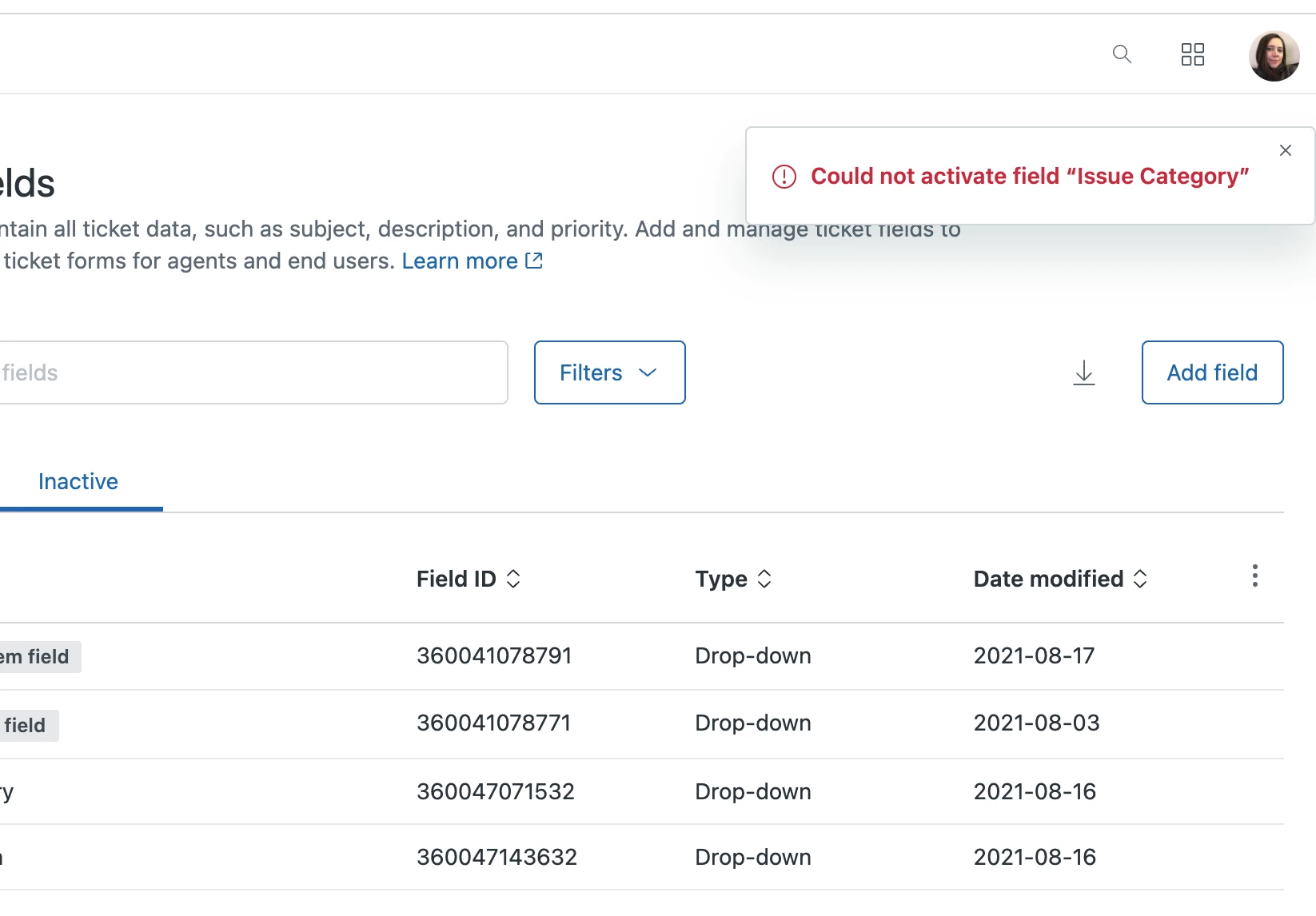
I created custom ticket fields and made them inactive. I now want to add them to my ticket form and I select "activate" but I keep getting the message "could not activate field XYZ".

I only have 14 fields on my ticket form, and I could not find info on the max number of fields you can have on a ticket form. Am I reaching some limit? or is there another reason I would get this message?

 

4 replies

mccabe.tonna

odd; can you attach a screenshot of what you're seeing?


lhild
  • Author
  • August 19, 2021


  • August 19, 2021

Hey there @Laura Hild!

Thanks so much for sharing that screenshot (thanks as well @McCabe Tonna for helping take a look).  

It certainly looks like we could do a bit more in our in-product error messaging for detailing why that field can't be reactivated. Got you covered though: It turns out that one of the values in your Issue Category field shares a tag with another ticket field that's currently active.  Since a tag can't be used in more than 1 ticket field, this field can't be reactivated unless the tag from either the active field or the Issue Category field is changed.

I'll spin up a support request for us real quick so you and I can talk about that specific tag in your account, along with any other questions you might have in the meantime. 


lhild
  • Author
  • August 19, 2021

Aha! Thank you! That is very helpful to know.