
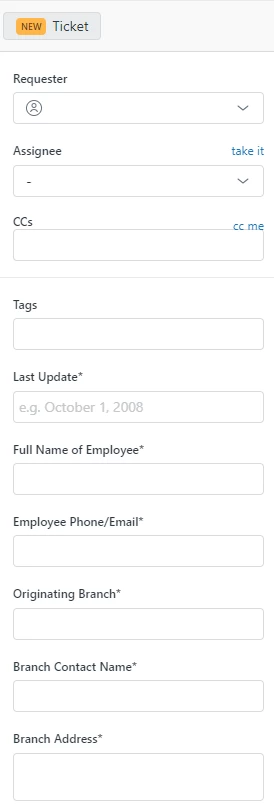
I am working for a company that has currently changed some account information for our ZenDesk account while I was on vacation. When I came back, all of a sudden when I go to create a new ticket, I do not get a ticket number, but instead an incident number. As far as I can tell the numbers have remained continous so that has not created any problems, however we do a lot of copy and pasting from our tickets to customers emails so every time I have to manually type out "Ticket #" because I keep getting "Incident #" in the ticket field. They look like this now.

However, they used to look like this

I want to get back to the latter picture in my ticket field.
Edit: I have figured out this issue. Basically I had to go into the Fields section of Objects and Rules in the admin center. I could not find the "Type" field to edit. After some searching I changed the filter to show both active and inactive fields. Therein I found the "Type" field and activated. Once I activated it I was able to change the field to - every single time I create a new ticket and now the ticket header is showing "Ticket #" instead of incident. I guess a previous admin had changed the field to inactive and after the change in payment to the account this feature was changed somehow, I'm not quite sure. Either way it's fixed now.




I assume this happens after you submit the ticket as Open correct? If that's the case, I would just make sure the Type field is set to Question when you create the ticket. If you do set it to question and it still shows up as Incident, it sounds like there could be a trigger that is auto-setting this field after the ticket is submitted. You can check the events of the ticket using these instructions: Viewing all events for ticket updates
I hope this helps!