Setting up Conditional Fields - Missing Fields | Community
Skip to main content

Setting up Conditional Fields - Missing Fields

  • February 25, 2022
  • 4 replies
  • 0 views

Garrett14

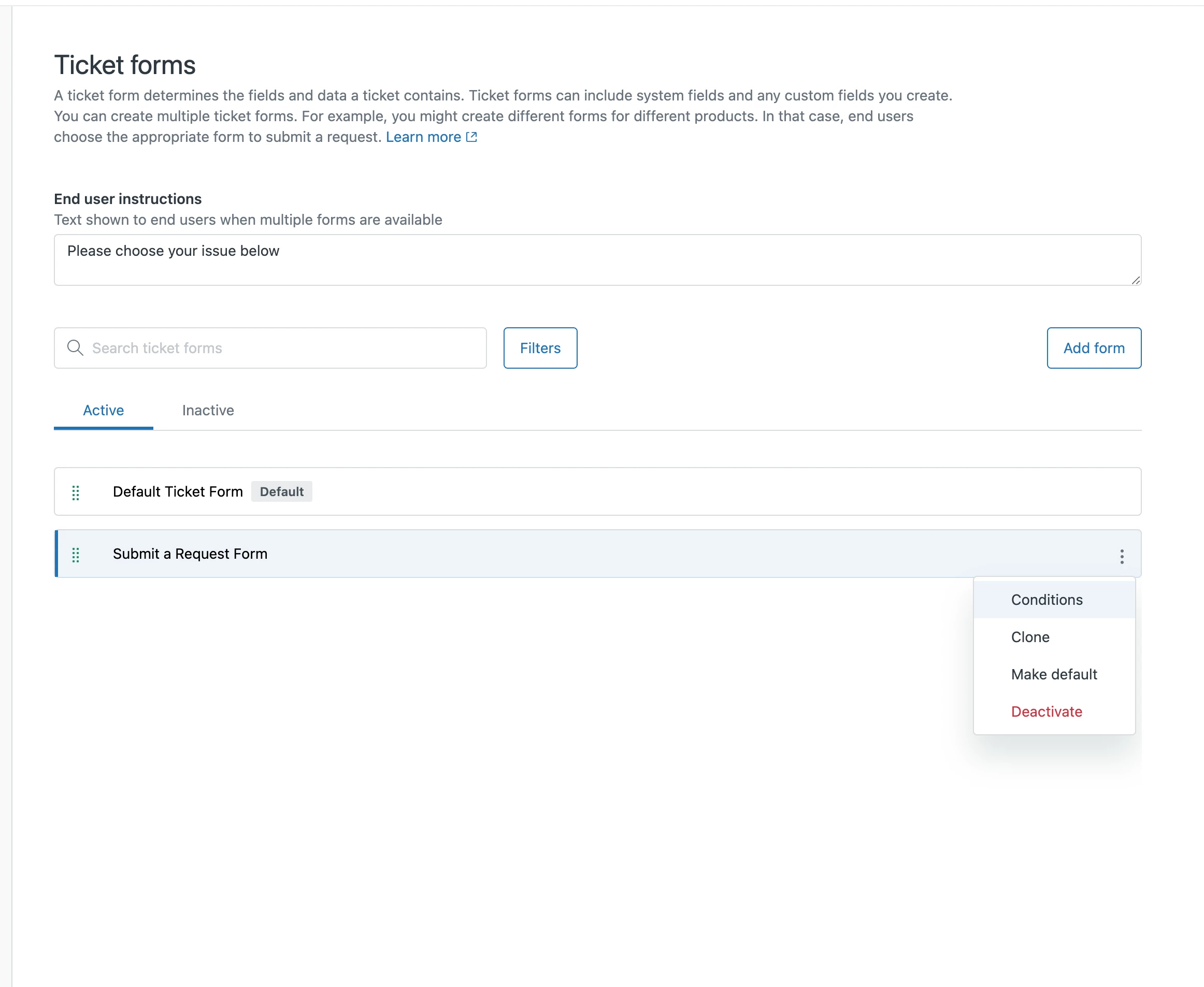
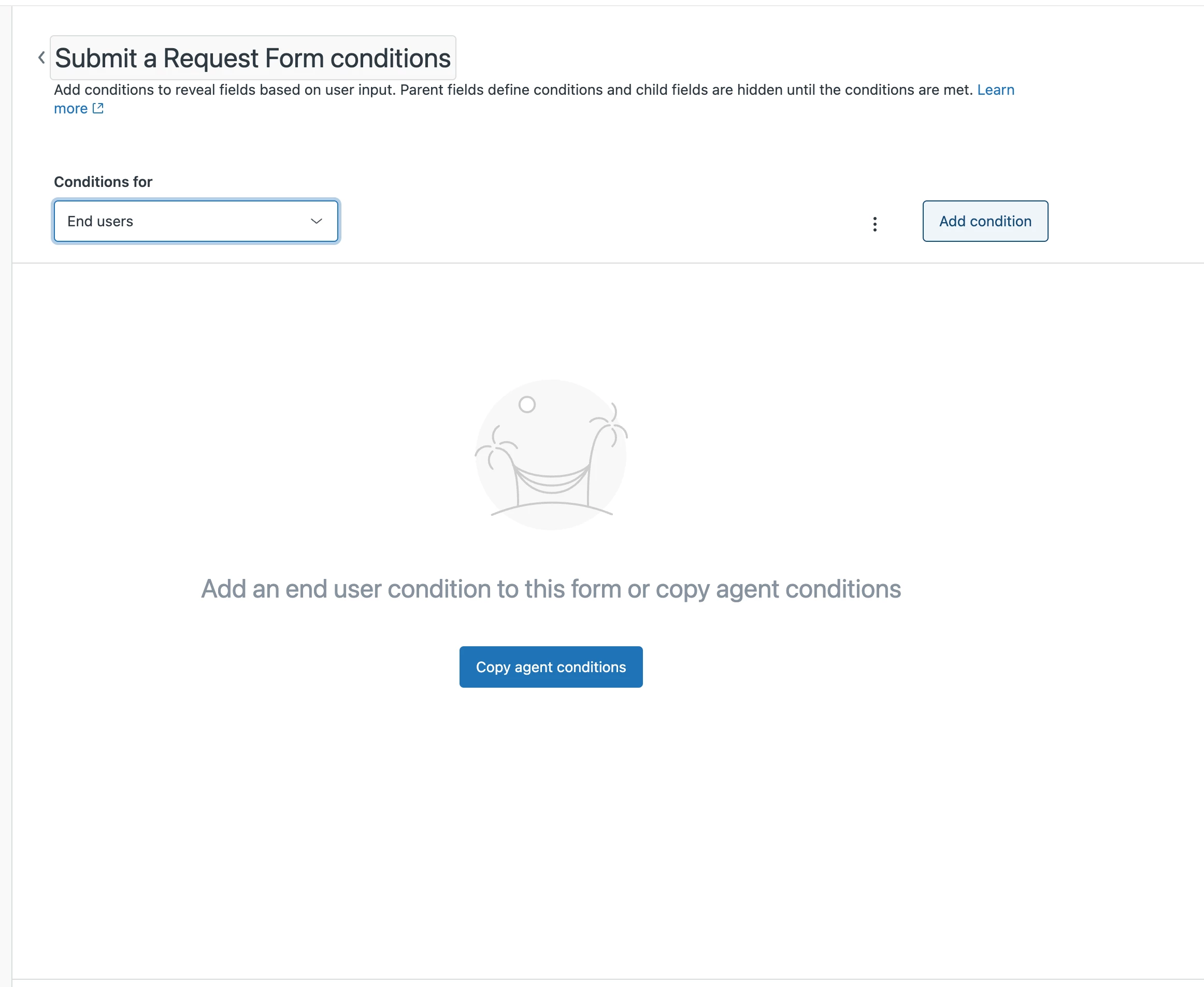
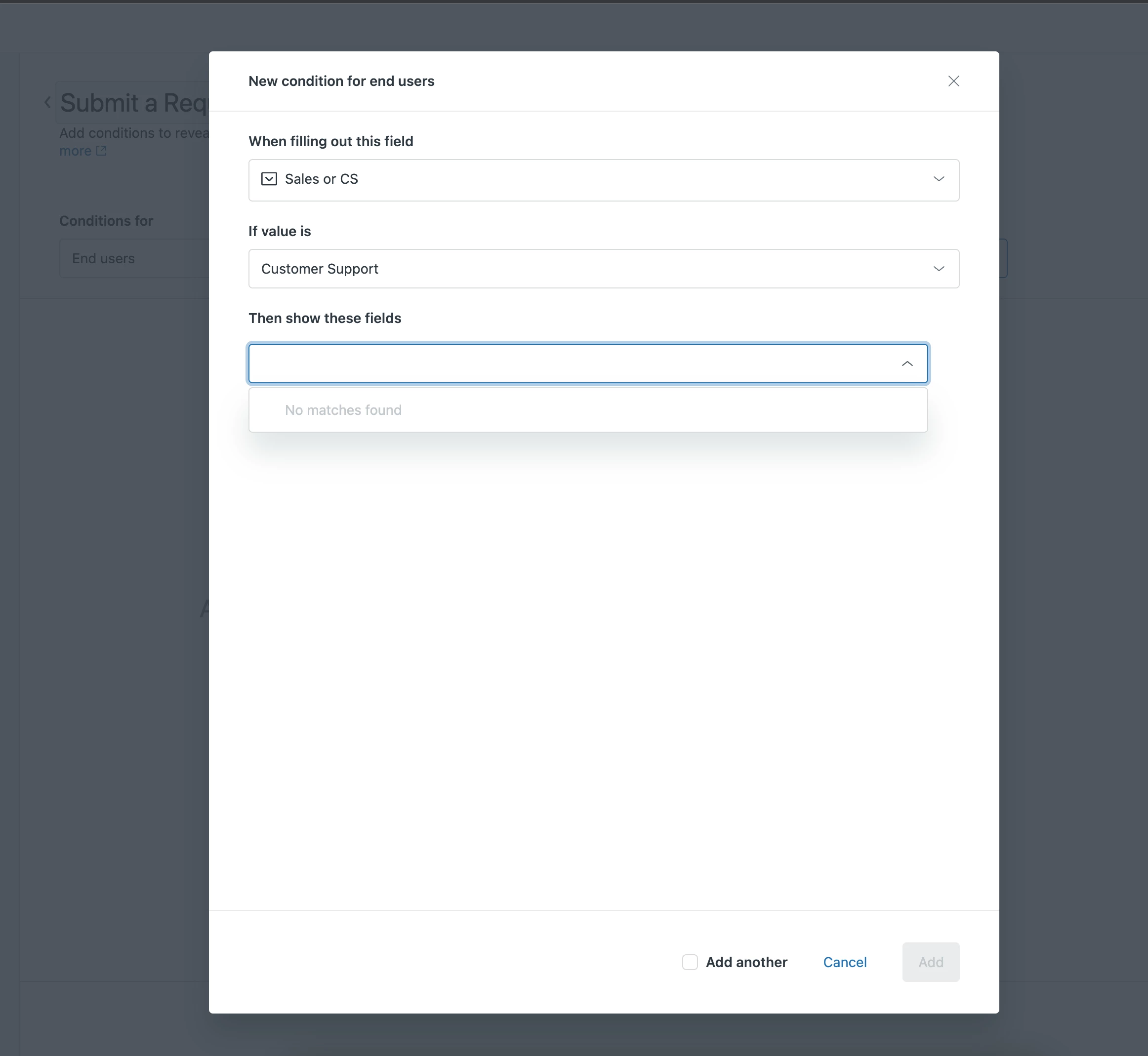
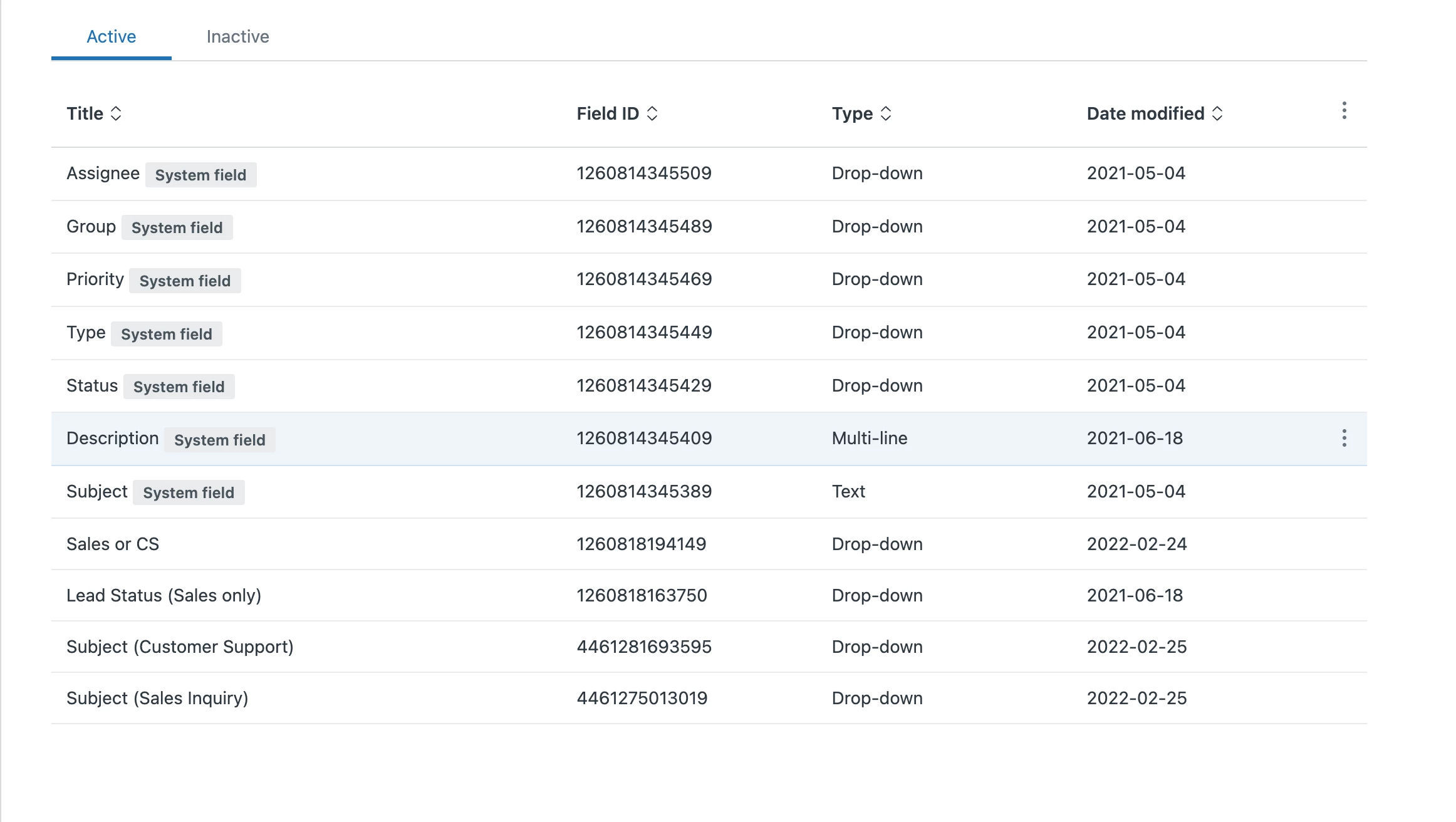
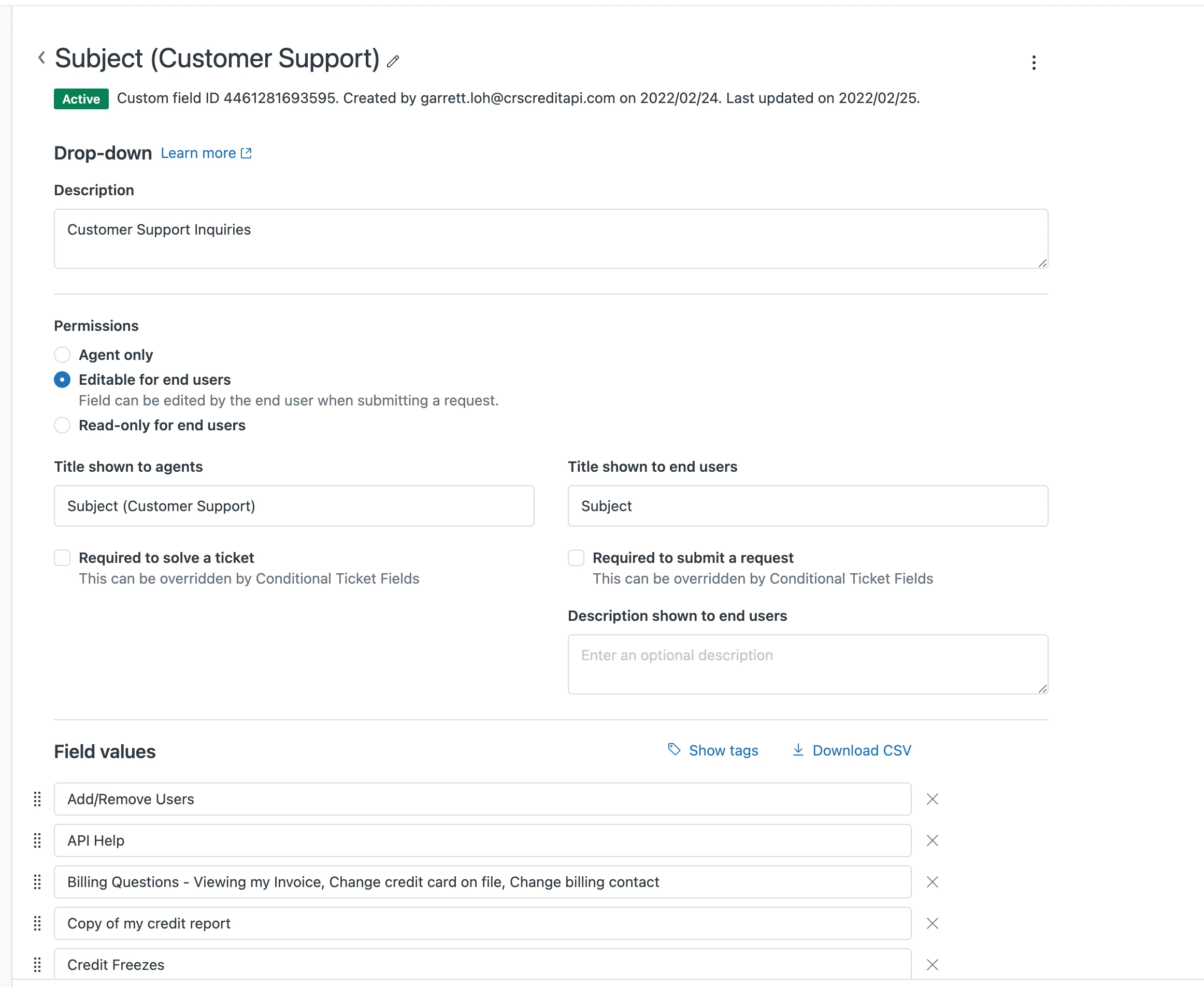
I'm trying to setup conditional fields (If X then Y statements). I am able to see the X statements but the Y statements are missing from the dropdown menu. I checked the Y text fields and they seem to be correctly configured (dropdown + editable for end users)


What am I doing wrong?!?
4 replies

Garrett14
  • Author
  • February 25, 2022

Confirming that I am setup with a Growth Account


Dave12
  • February 26, 2022
Hi Garret -
 
Thanks for all the screenshots, that was super helpful! I'm noticing that you're setting up conditions for end-users, so my guess it that the remaining fields you have aren't showing up because none of them are set up to be editable by end-users. For information on how to set that up, see Adding custom fields to your tickets and support request form

Jacob20
  • February 26, 2022

Hi Garrett,
Have the fields you're trying to make visible conditionally "Y", been added to the form?
That and what Dave said are the only explanations I can think of, that could explain what you're seeing.


Garrett14
  • Author
  • February 26, 2022

@dave12 the 2nd image is a picture of one of the fields with the settings adjusted as editable for end users. I also specify in the original post that this setting was enabled. Am I still doing something incorrect here?


@jacob20 your solution worked!