Replies to tickets are not being sent to customer | Community
Skip to main content

Replies to tickets are not being sent to customer

  • May 26, 2021
  • 7 replies
  • 0 views

I'm experiencing an issue with most of my ticket replies not being sent to customers. I don't have any indication to tell if the reply has been sent or not. How can I solve this?

This topic has been closed for replies.

7 replies

  • May 26, 2021

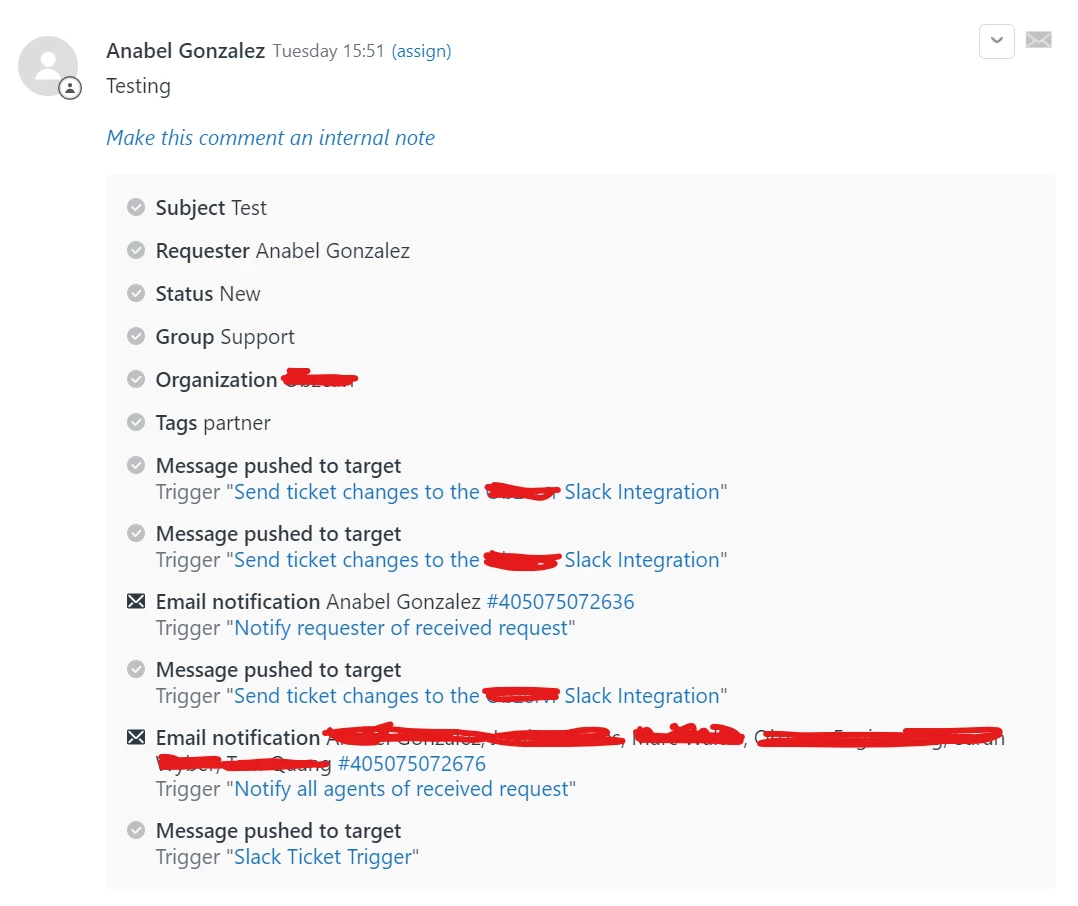
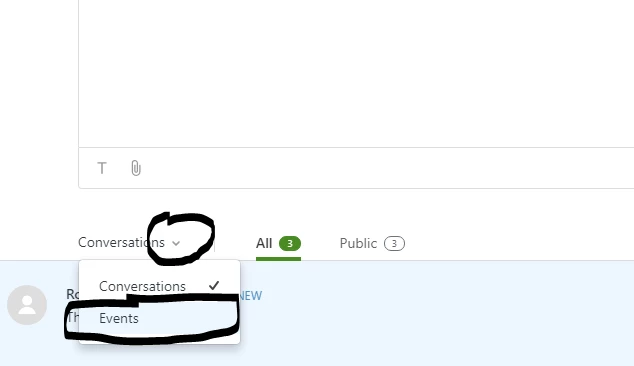
You can check the 'Events' view to see if an email notification was triggered


  • Author
  • May 26, 2021

This is the first message:

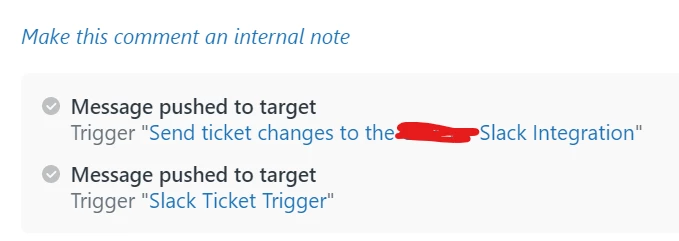
Then all the other messages look like this


  • May 26, 2021

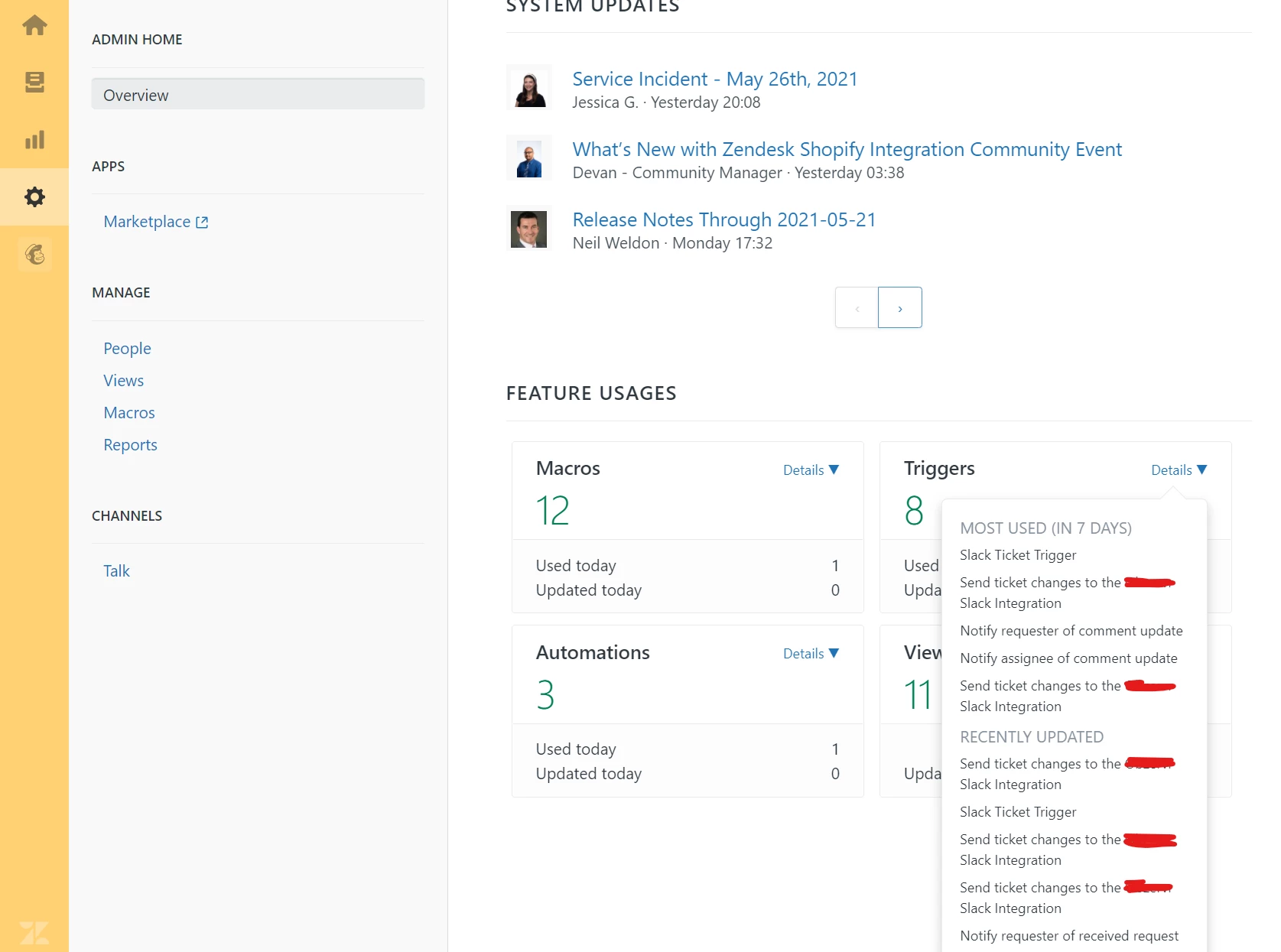
Looks like you have disabled, changed or removed the default trigger for email notifications. Go into Admin > Business Rules > Triggers and looks for an email notification rule.  You may need to create a new one. Your first reply one is there, but the subsequent trigger is not firing or not there.


  • Author
  • May 26, 2021

I haven't made any changes to the triggers. Where can I find the Business Rules option?


  • May 27, 2021

Are you an admin?  It shows some triggers have changed - so there must be an option for this - or it is a less granular setting.


  • Author
  • May 27, 2021

I'm not an admin. I got this from one of the admins. No one else is experiencing the issue, only me.


  • May 28, 2021

Hi

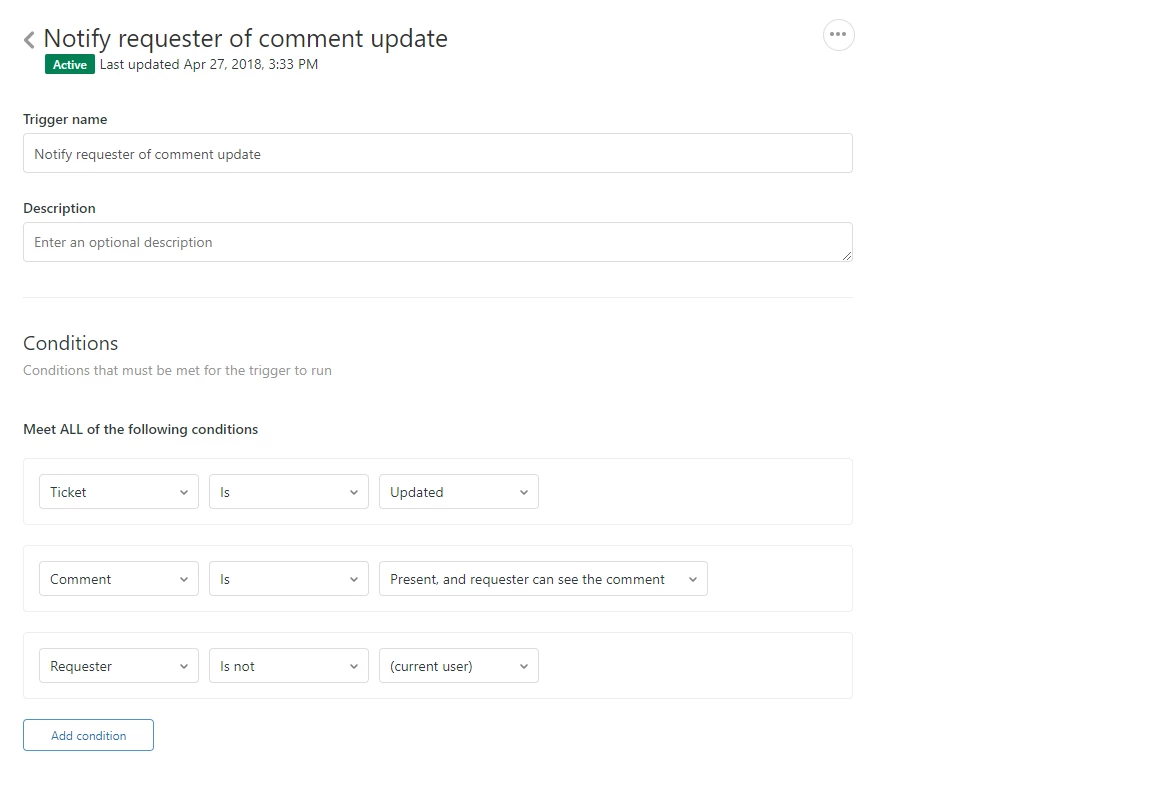
The final condition on that trigger may be your issue. It looks like your test ticket has you as the Requester. If that's correct then the rules for the Trigger mean you won't get a notification as the final rule on the Trigger means that notifications are not sent if the Requester on the ticket and the person carrying out the ticket update are the same person

In essence this Trigger is saying "I'm not going to send a notification to the person who created the ticket if it's also that person updating the ticket as they already know they've updated the ticket"

Thanks

Dave