

I am trying to add an HTML table to an email that is sent by a zendesk "trigger". While designing the email, I have noticed that Zendesk (or the Liquid templating engine) is adding mystery line breaks (<br />'s) to the email, right above any table that is added, and the number of <br />'s added depends on how many elements are in the table.
For example, if I add a small 1-row table to the body of my trigger email, like this one...
<table>
     <tr><td>This is a small table</td></tr>
</table>
...then Zendesk adds 2 mystery <br />'s to the email, right before the table, like this...
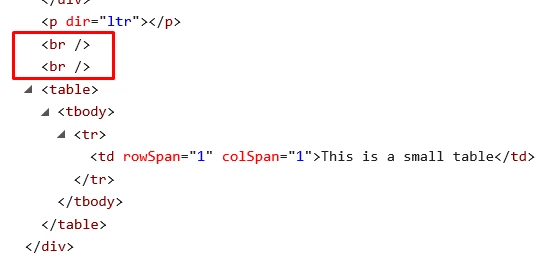
If the table has a bit more content, like a 5 row table, like this...
<table>
   <tr><td>This is row 1.</td></tr>
   <tr><td>This is row 2.</td></tr>
   <tr><td>This is row 3.</td></tr>
   <tr><td>This is row 4.</td></tr>
   <tr><td>This is row 5.</td></tr>
</table>
...then Zendesk adds 6 mystery <br />'s to the email, right before the table, like this...
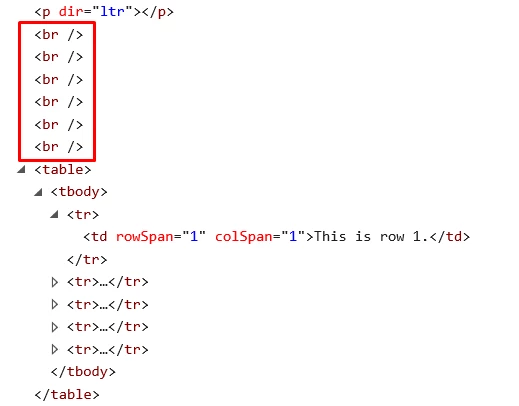
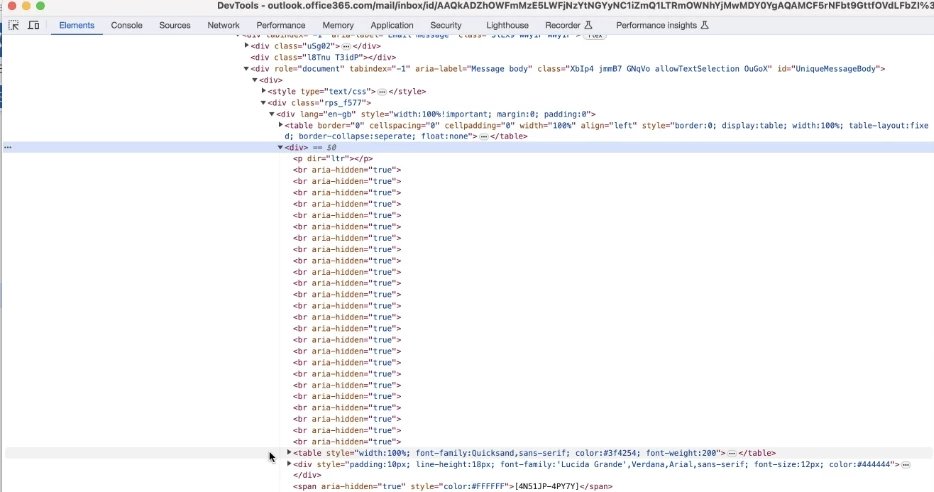
As you can imagine, this has a big negative effect on the formatting of the email. The table I'm hoping to add has ~14 cells in it, and when the email is delivered, is has a massive white space right above the table because Zendesk is adding a whopping 15 mystery line breaks to the email.
Has anyone ran into this before? Might there be a workaround to still being able to use HTML tables, but not have these line breaks added?





You'll receive an email shortly stating your ticket has been created.
Cheers!