
Recently, I've noticed some odd behavior when attempting to copy and paste images into the editor when writing up responses to customers. It happens within the Public Reply and Internal Note tabs.
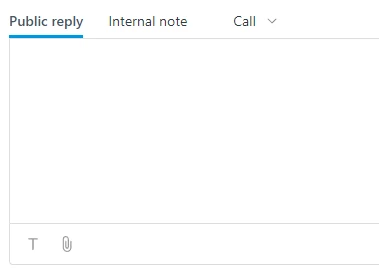
More specifically, it seems like you can't copy images directly from an Outlook email into Zendesk. I can reproduce this behavior using the following steps:
- In Outlook, compose a new email.
- Use any type of Screen Capture software to capture an image. In this case, I've used both the Snipping Tool and the Snip & Sketch utilities included in Windows.
- Take the image and paste it into the body of the email in Outlook.
- Click on the pasted image in Outlook at copy it (ctrl + C). This will copy the image in the email to the clipboard.
- Go to the Zendesk Public Reply or Internal Note sections in a ticket and attempt to paste the image (ctrl + V).
From my experience, nothing happens. The image is not pasted into the field, however, there are no indications or error messages explaining why.
- Now, go to the program used to capture the image (such as the Snipping Tool or Snip & Sketch) and copy the image directly from the program (Ctrl + C).
- Go to the Zendesk Public Reply or Internal Note sections of a ticket and attempt to paste the image (ctrl + V)
Pasting it directly from the program should allow you to paste the image as intended. I was wondering if anyone else was also experiencing this behavior. If so, is this intended behavior or a possible bug when pasting images from Outlook?
I'm currently using Outlook version 2110 (Build 14527.20276 Click-to-Run)


I checked the ticket, and it looks like the date mentioned was January 10th, not December 10th. These dates can change of course, so all we can say is that's the planned date - sometimes rollouts are delayed, and often they are done slowly over the course of some days. Thanks for your patience!