Issue uploading CSV whilst creating drop-down field | Community
Skip to main content

Issue uploading CSV whilst creating drop-down field

  • September 11, 2023
  • 3 replies
  • 0 views

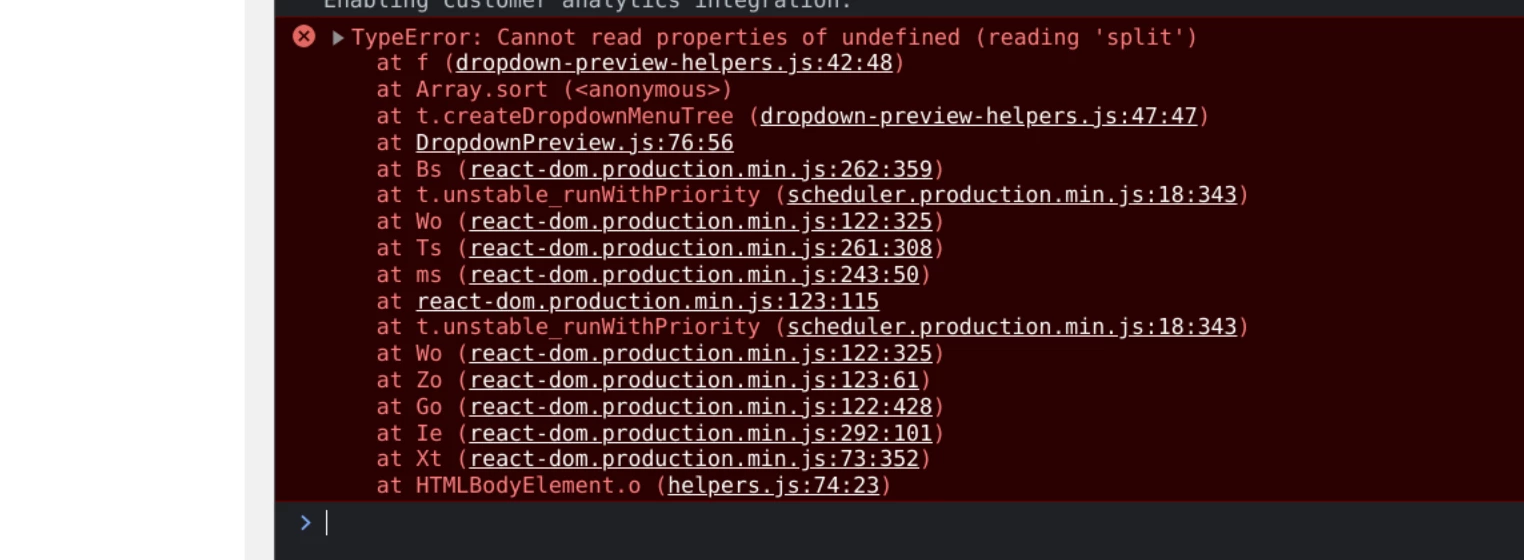
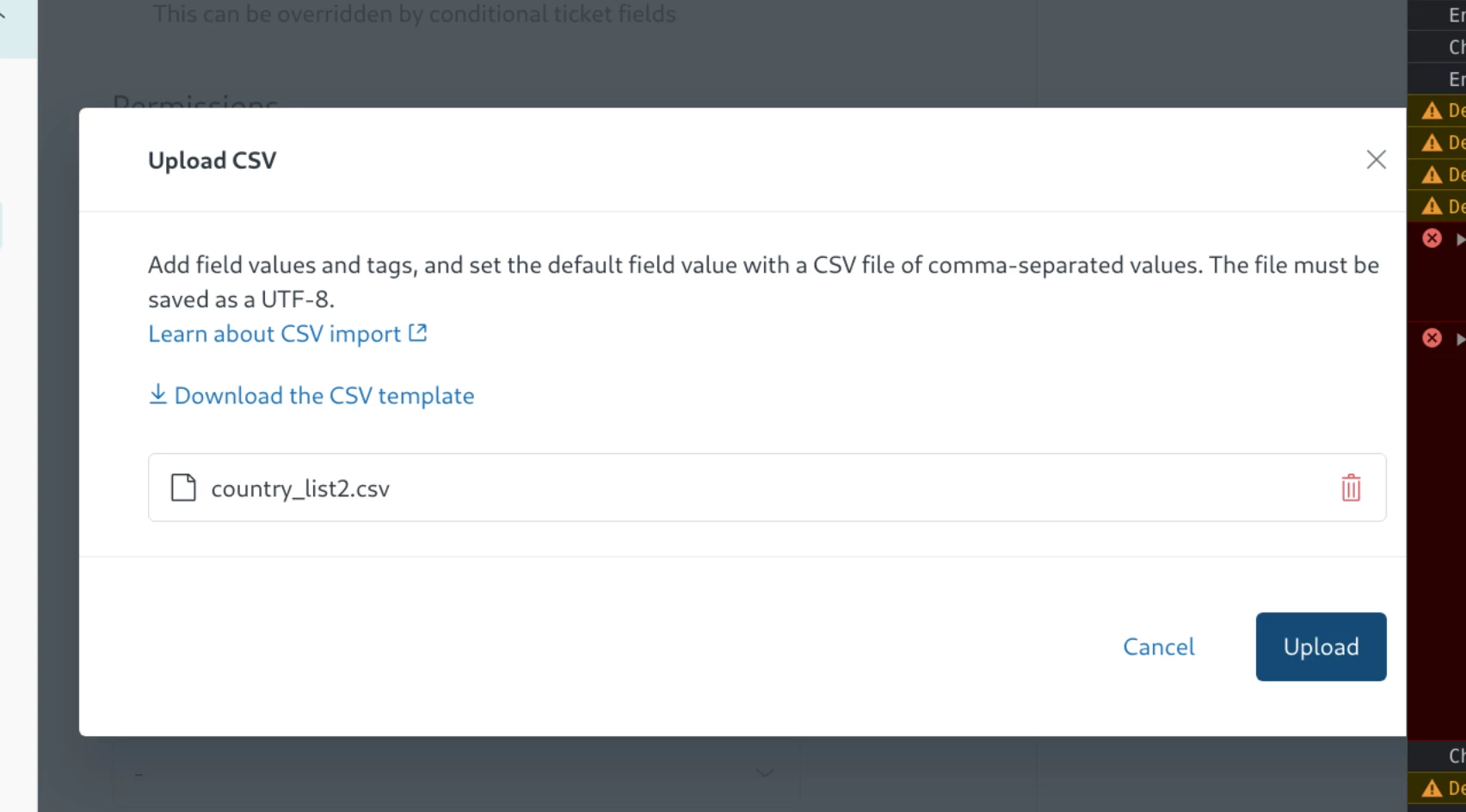
I am uploading a CSV using the suggested format to populate  a drop-down ticket field but am having isues. After selecting the CSV file, I click the upload button and get a 'something went wrong' error message. I notice there is a javascript error in the console. Screenshots below.

Here is a Gist of the CSV I am attempting to upload. https://gist.github.com/ryan-dutton/857ed99e5b4644733bd8789dfcaeec89#file-zendesk_ticket_field_cf_country_list-csv

Any help appreciated, is it the format?  Ideally, I'd like to not type in 250+ values :)
3 replies

  • Author
  • September 11, 2023

Ok, figured it out. Initially I had the value / tag columns mixed up. But also the header row 'value,tag,default' can not be capitalised.


Brett13
  • Community Manager
  • September 11, 2023
Thanks for sharing the fix OTG System :)  Glad you were able to get this iussue resolved!

  • Author
  • September 20, 2023

@Eddie Nash, I feel like your comment doesn't add any value in the context of my original question. Your first point (1) actually suggests a misleading format and is not even close to what is required when setting up a drop-down field in Zendesk using a CSV-upload.