How to post picture in ticket | Community
Skip to main content

How to post picture in ticket

  • May 14, 2021
  • 3 replies
  • 0 views

Hi,

How to enable the feature to let agent can post photo/picture in ticket reply?

3 replies

ZZ55
  • May 14, 2021

See this article for options.

Ensure you go to Admin>Settings>Tickets>Attachments and have the option for 'Enable Secure Downloads' unchecked. Details are here.


  • Author
  • May 21, 2021

Hi,

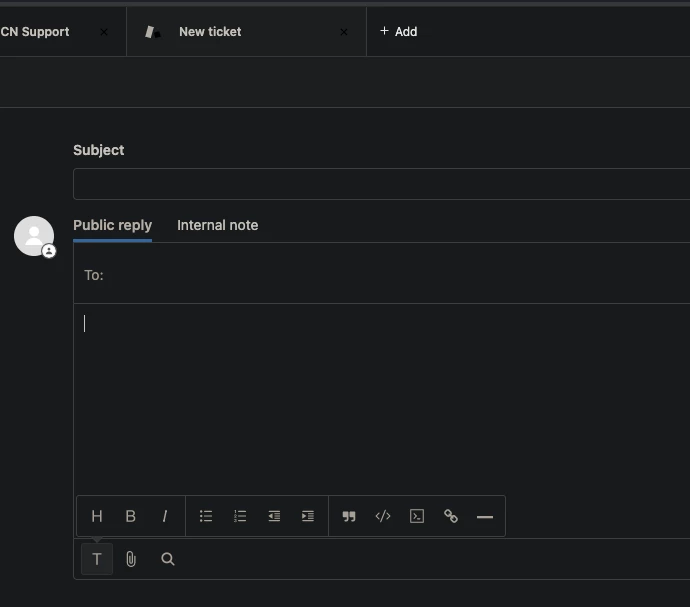
I have tried using 'Rich Text Editor' and unchecked the 'Enable Secure Downloads' and it still does not show any button that could let me insert images.


  • May 25, 2021

Hello 365262300388,

Please note that Zendesk indeed does not have an "upload image" button.

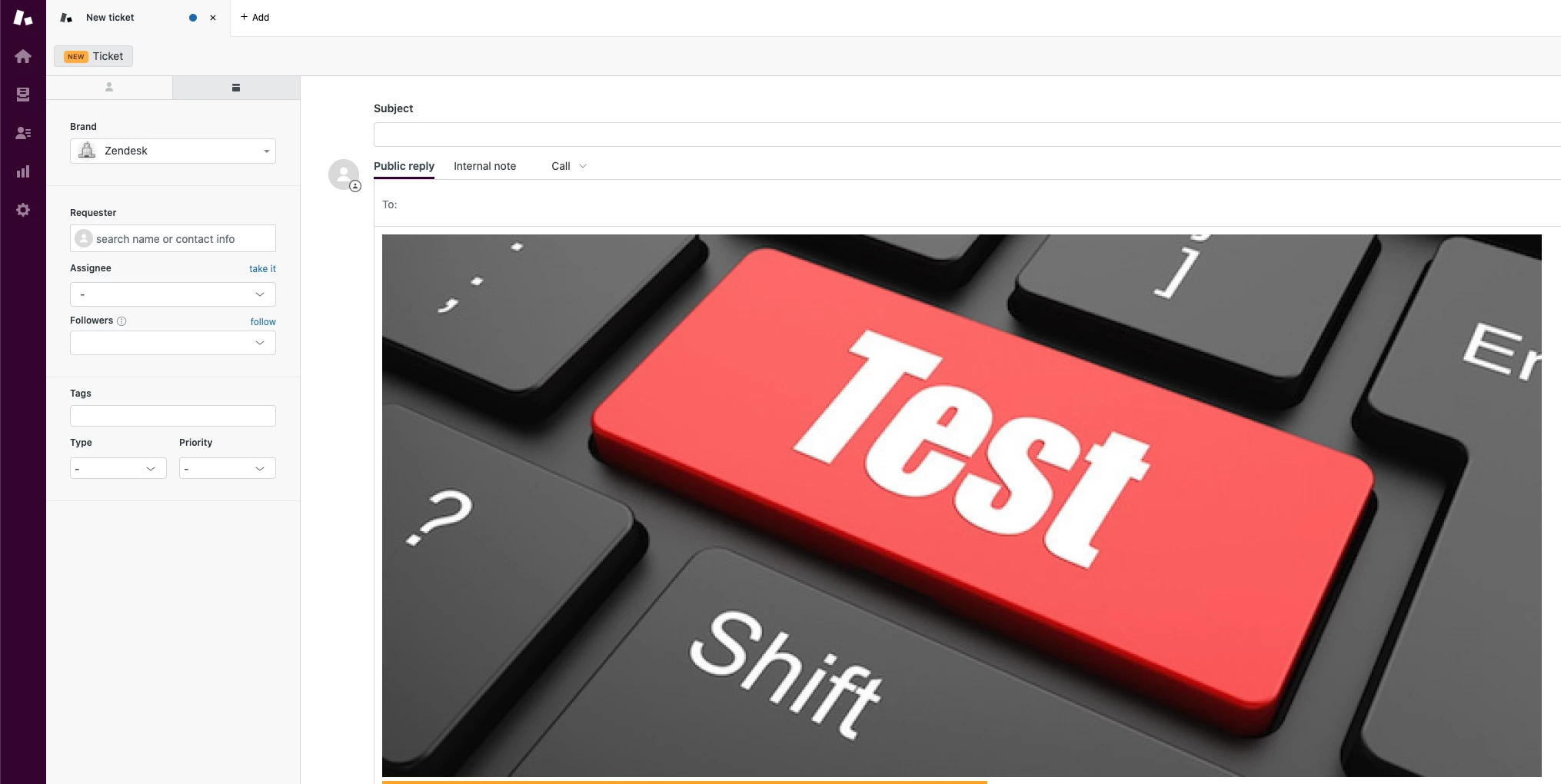
We would just copy-paste the image either from a website (not recommended) or from your own drive (recommended).

Like this:

The reason why it is not recommended to copy-paste the image from other site is that they are kept as link references and not actual attachments, so they will get lost after a couple of days.

For more info on that:

Why are the images in my tickets broken

Hope this answers the question.