How do I add fields to show on each ticket? | Community
Skip to main content

How do I add fields to show on each ticket?

  • August 18, 2022
  • 2 replies
  • 0 views

I would like to include: ORDER NO. on a ticket so that the agent inputs the order the customer query pertains each time. I've added it in Fields but it doesn't show still on the ticket options.

2 replies

  • Author
  • August 18, 2022


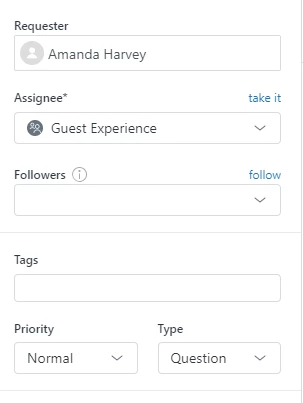
I'd like to add a field here that says ORDER NUMBER and a tick box for SPECIAL REQUEST


Lou11
  • August 18, 2022

@amanda21

You need to add the field to the ticket form.

In Admin Center, go to Objects and Rules and select ticket forms. Open the form you want the field on and add it from the available fields. You can then reorder the fields how you want them to appear.