How can I remove the company name in email replies? | Community
Skip to main content

How can I remove the company name in email replies?

  • July 26, 2022
  • 2 replies
  • 0 views

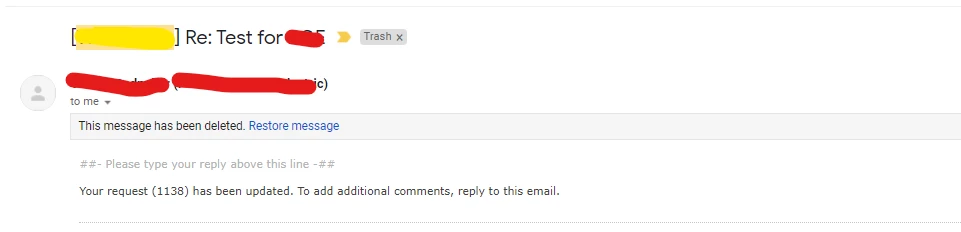
The yellow highlighted part is the company name. How can i remove that and just stick to the title of the ticket as the subject of the email? 
2 replies

Heather13
  • July 26, 2022

Hi @vedant11,

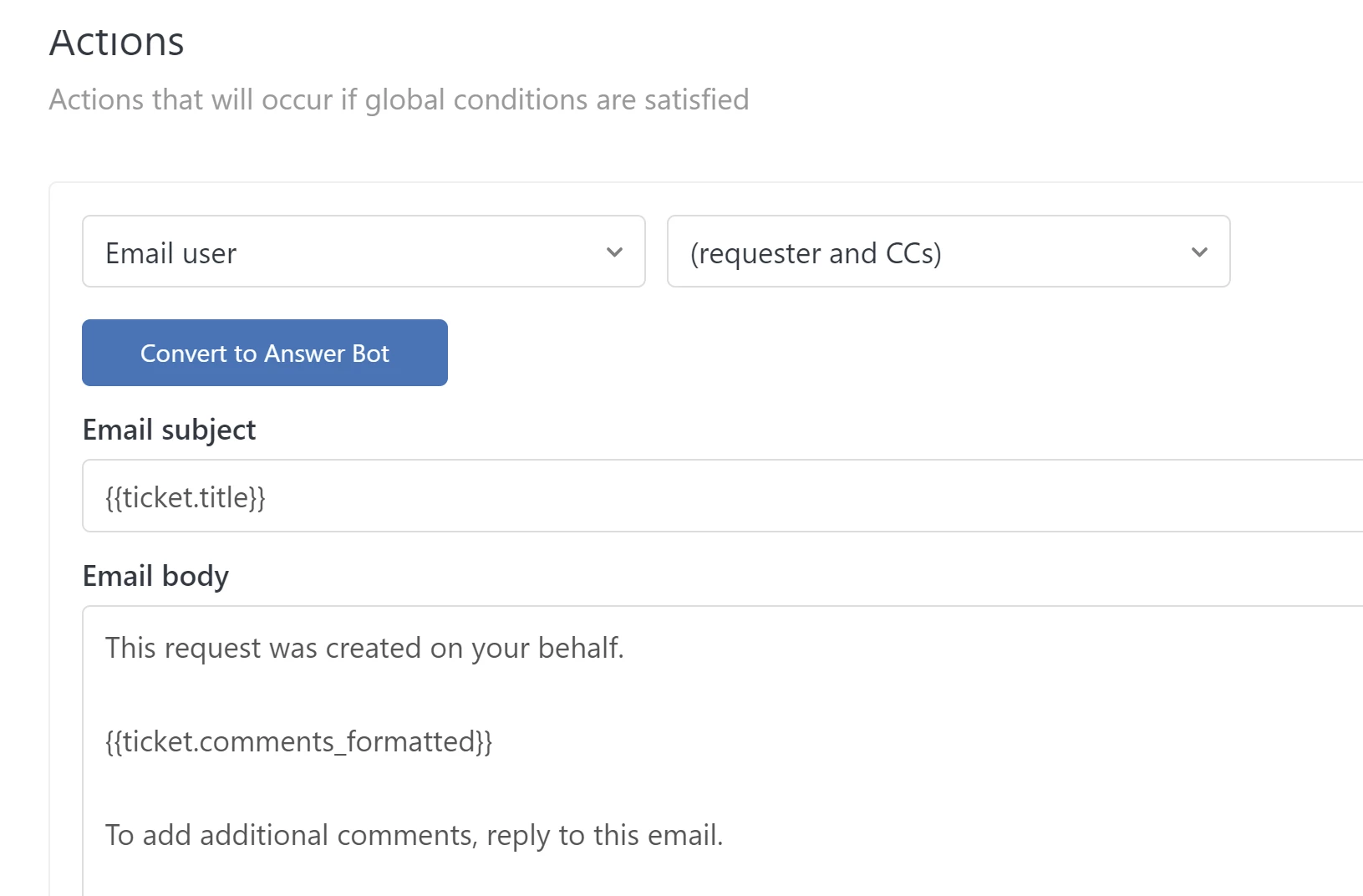
This is in your triggers - the email action will show you the format Zendesk is told to use. This will show in multiple triggers probably - Request received, request updated and request solved. 

You can change the title to just use the subject similar to the below:


Lou11
  • July 26, 2022

Also, check your email channel for what you've "named" the email address: