

Hi everyone!
I haven't been able to find an answer to this question and I'd love to see if anyone could assist.
We are trying to figure out how to hide certain Forms in the dropdown on the agent view from Light Agents. We only want to present certain Forms to Light Agents when they are creating a ticket.
I've found resources on hiding Forms from the end-user view, but I haven't found anything similar about the agent view - is anyone familiar with this?

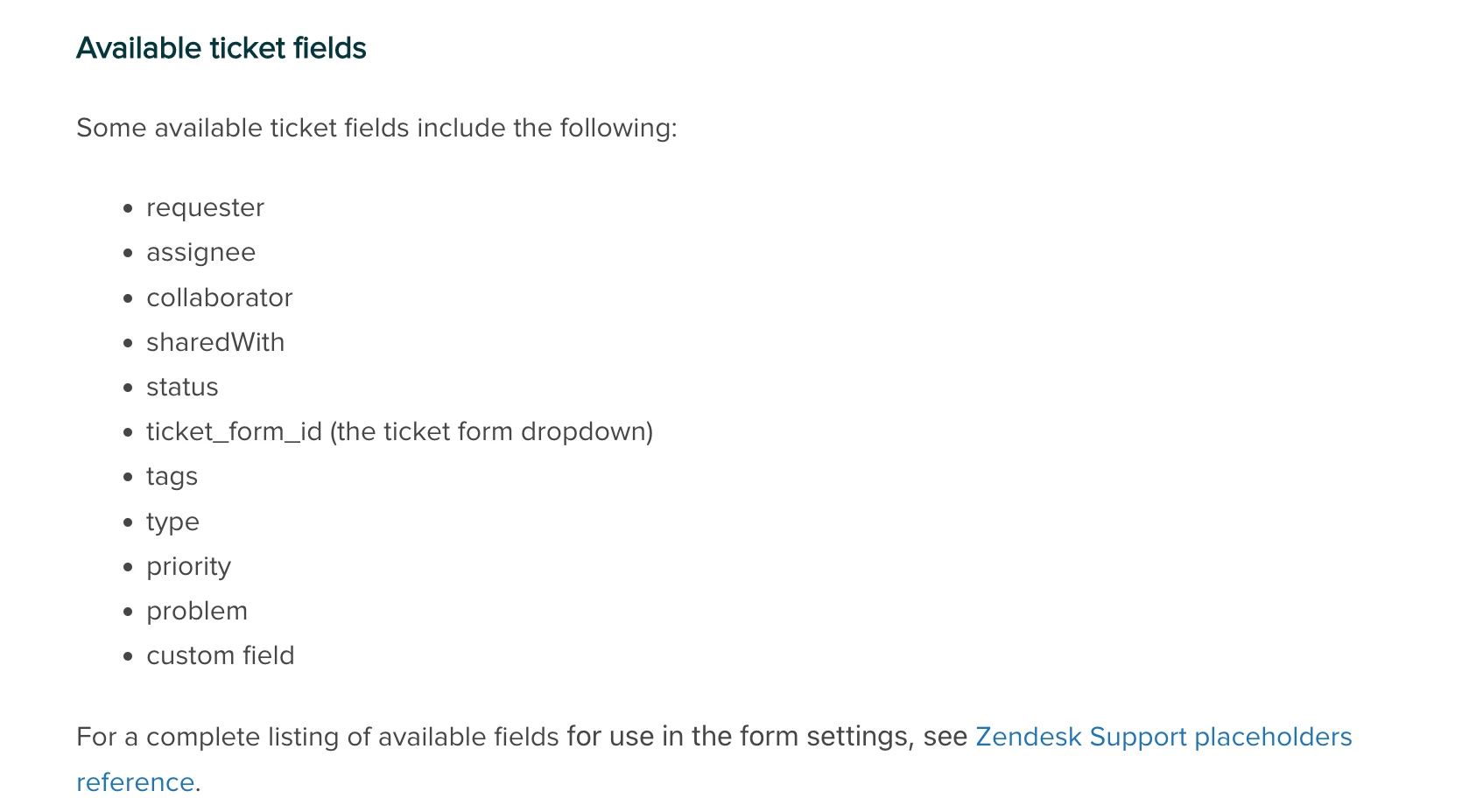
Is the dropdown option you are trying to hide a part of a custom field, or a standard field? That will determine the "name" you'll need to set on the object i.e
"name": "status"vs"name": "custom_field_1234". The "value" you need to set on the object corresponds to the tag that is assigned to the field value when creating the dropdown field. You'll be able to find the tag by clicking in to the specific field you're wanting to update, in admin center.Let me know if you have any questions.
Tipene