Editing 'Description shown to end users' for Description field per ticket form | Community
Skip to main content

Editing 'Description shown to end users' for Description field per ticket form

  • December 30, 2020
  • 46 replies
  • 0 views

Show first post

46 replies

Ifra
  • October 25, 2022

Hi Noelle Cheng,

I signed up your HC, where is your dropdown bar to select a form ,how can I select Scenarios form.


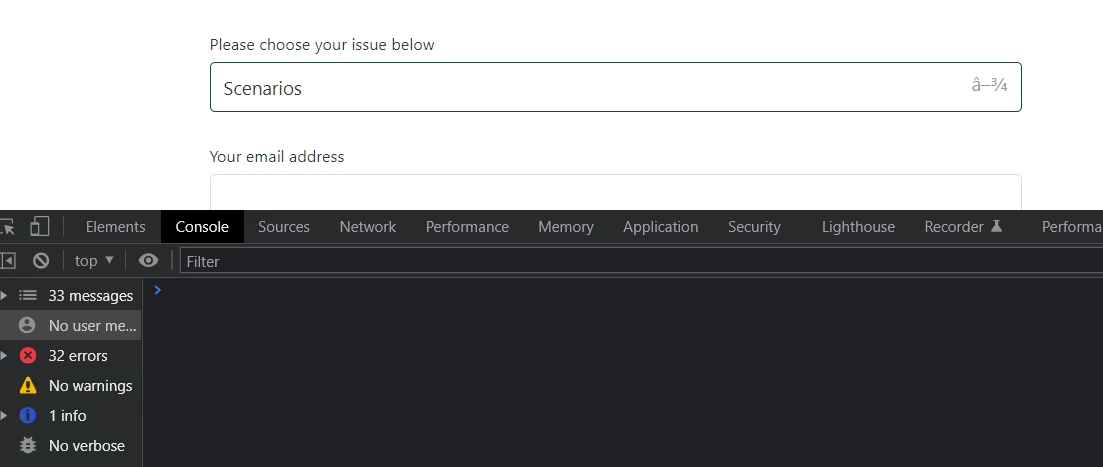
console is showing only dash for both forms:


You are adding code to check form name in the dropdown bar but there isn't dropdown bar. 


  • October 25, 2022

Hi @ifra, we have two new brands now on top of this. One is external facing and the other is internal. I just emailed you the links for these portals. One is internal and only for internal facing people so I'm not sure how you'll be able to view the form list. I'm wondering how you are able to view the form names in console?

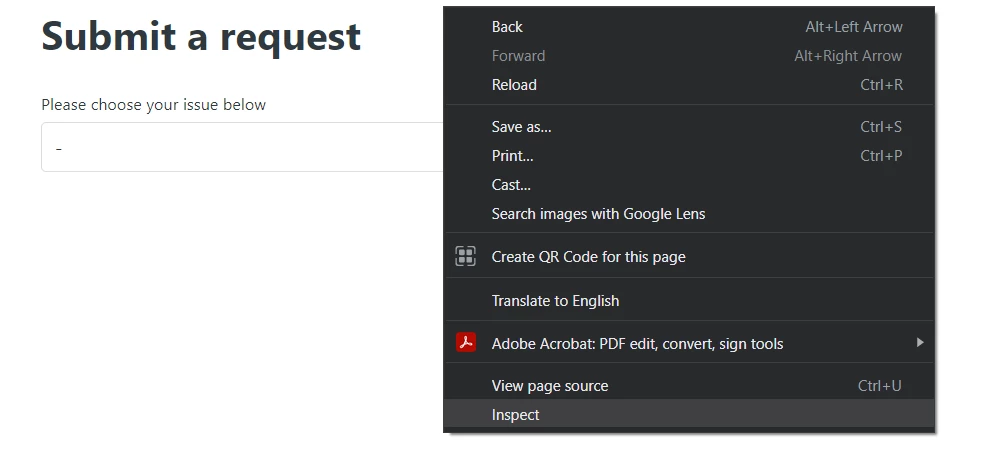
I'm using google chrome. right click on the page and select "inspect".


I click on Console and choose the form but don't see anything else.


Ifra
  • October 26, 2022

Noelle, there is an error for jQuery CDN. 


When I opened these errors:


It means, You didn't add jQuery CDN in the document_head.hbs file or footer.hbs file at the top.

<script src="https://ajax.googleapis.com/ajax/libs/jquery/3.6.0/jquery.min.js"></script>


Ads this and let me if it works or not.


  • November 14, 2022

@ifra Sorry for the extremely long delay. 


For starters, you are a godsend. Thank you!!! This totally worked. I thought I had it but I guess not. 


  • February 21, 2023

Is it possible to do this for the required system email field? We have a form that we're getting ready to launch that the end user is delegated to several company emails. We would like to add a description/hint to the email field on one form only. I tried the following code: 

 $('div#upload-dropzone').parent().append('<p id=request_anonymous_requester_email_field_hint>Specify which email to use here</p>');

Not sure if it's possible to add a hint to the email field. 


Ifra
  • February 23, 2023

Hi Nicole, can you share the URL of that page where you want to do this?


  • February 23, 2023

Hi @ifra! I was able to get it sorted with help from another ZenDesk community member. But I appreciate your offer of help so much!


Ifra
  • February 23, 2023

Great that you got the solution! 


  • February 25, 2023

@ifra so the I did get the email field taken care of but I now can't figure out the description field as well as a custom field. Due to both being used on multiple forms, I'd like to just change the field name end users see on one particular form. I tried to use  code that was used for the email field, but it's not working. What I tried: 

if ($("#request_issue_type_select").val() == "formID") {
  $('.form-field.request_description label').text('Additional Notes/Description'); //Change the description field title
$('.form-field.request_custom_fields_1500012003202').text('Department'); //Change the custom field title
};

Any thoughts on these? Thanks!


Ifra
  • February 25, 2023

@Nicole, use the below code:

if(HelpCenter.user.role == 'anonymous' || HelpCenter.user.role == 'end_user') {
  if ($("#request_issue_type_select").val() == "5361962484244") {
    $('.form-field.request_description label').text('Additional Notes/Description'); //Change the description field title
    $('.form-field.request_custom_fields_1500012003202').text('Department'); //Change the custom field title
  };
}


5361962484244 remove this ID and add yours. 


  • February 26, 2023

Hi @ifra

That didn't work either. :(  If you'd like to see the form, I'll have it active until sometime tomorrow (haven't launched it yet). 

[removed]

Thanks!


Ifra
  • February 26, 2023

Hi Nicole,

Copy and paste the below code:

if ($("#request_issue_type_select").val() == "12646497724951") {
  $('.form-field.request_description label').text('Additional Notes/Description'); //Change the description field title
  $('.form-field.request_custom_fields_1500012003202 > label').text('Department'); //Change the custom field title
};


Thanks


  • February 26, 2023

Hi Ifra, 

That didn't work either. Thanks for trying though!


Ifra
  • February 26, 2023

Nicole, code is working fine, currently the label is 'Main Working Location' and 'Description' but after adding the code snippet it would be 'Department' and 'Additional Notes/Description'.


  • February 26, 2023

Even with the code in there, I'm not seeing updated fields on the form. ZenDesk won't let me attach a picture to this comment, but alas, it's still the same. I'm incognito and refreshed, still the same. I will look to see if there is other code in the js page that may be conflicting. 


Ifra
  • February 26, 2023

I just saw your script.js file of live theme, there isn't the code which I shared above.

I hope you are adding that code in your live theme and then test.


  • February 26, 2023

Oh my gosh, Ifra! Please forgive my ignorance. You are absolutely correct, I was placing it in the js file under the wrong brand. I always forget about that! I am so sorry!!

If you can, can you just remove the company name out of the URLs in your post, I would greatly appreciate it! :) 

You're a rockstar!!


Ifra
  • February 26, 2023

Don't Say sorry, It happens!

I have removed the URL from all posts.


  • February 26, 2023

Ifra, promise last question! lol. Do you have any idea why the fields now show "รข-3/4" at the side? It shows on all forms. Not all fields on the forms, but quite a few. I haven't seen this before. 


Ifra
  • February 26, 2023

Do refresh the page once or twice..


Nicole, I just saw your HC and I'm getting icon instead of Unicode,  clear your browser cache or check on another browser.

I found similar to this:

Ensure the browser and editor are using UTF-8 encoding instead of ISO-8859-1/Windows-1252.

Or use &rsquo;


Reference

https://stackoverflow.com/questions/2477452/%C3%A2%E2%82%AC-showing-on-page-instead-of


Joanne22
  • April 20, 2023

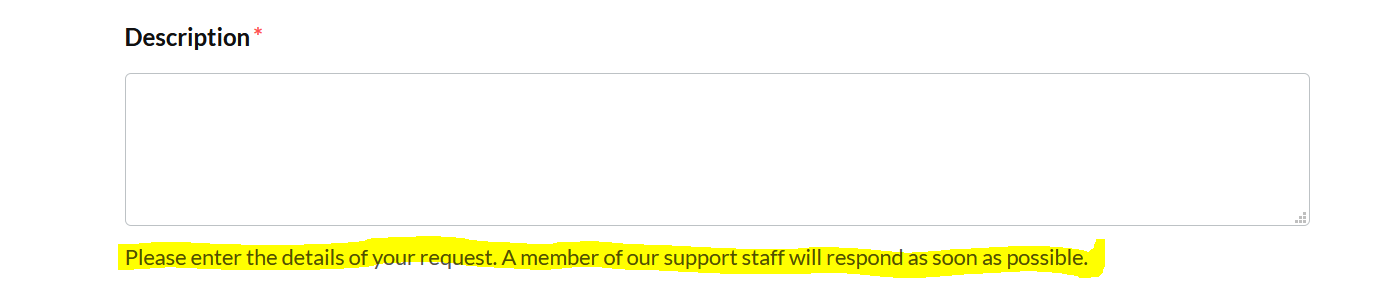
@ifra I was able to change the Zendesk standard title 'description' to 'share feedback'. Now the 'description' field is no longer a requirement and someone can submit the form but it won't create a ticket in Zendesk. We are using this form for our internal customer portal, so a Zendesk login is not required.

I tried the code below as I found it in another Zendesk article, but it doesn't seem to work. Are you able to help me with making the required field a requirement for submission? Below are two different scenarios I'm running into. 

</script>
<input type="request description" required/>
</script>

I am running into two issues:

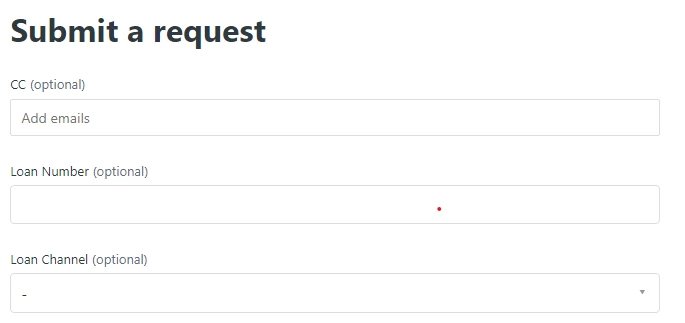
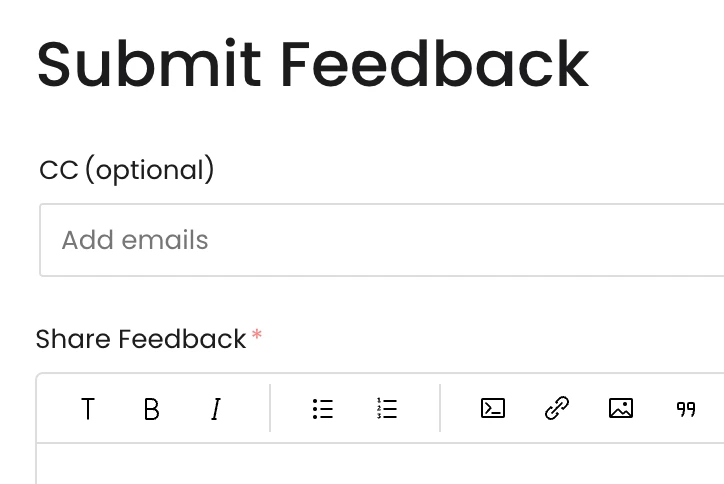
1) When I am logged in as Zendesk admin, I get the form view I want where email is optional and the description is required, see below. I can submit the ticket with only the description field completed and it'll create a ticket in Zendesk.

  • Without logging into Zendesk, this is the ideal customer experience I want since this form is on our customer portal. 

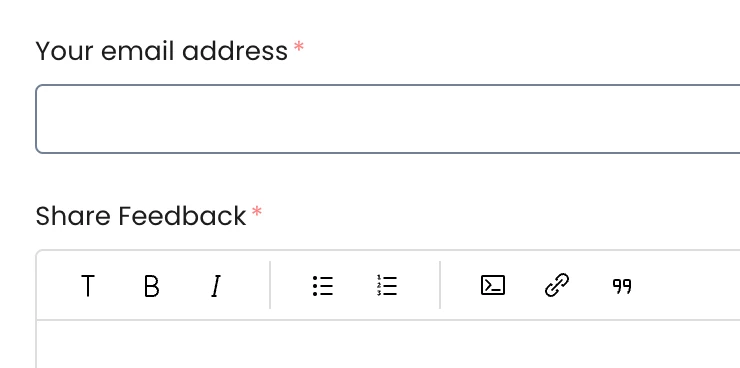
2) When I am not logged into Zendesk, the email and description fields can be bypassed, and it won't go anywhere. If our customer only fills out the description field, it won't go into Zendesk. Both email and description are required, but it doesn't give the Zendesk standard 'error message'.


Thanks so much in advance for your help!