Editing 'Description shown to end users' for Description field per ticket form | Community
Skip to main content

Editing 'Description shown to end users' for Description field per ticket form

  • December 30, 2020
  • 46 replies
  • 0 views

Hello, 
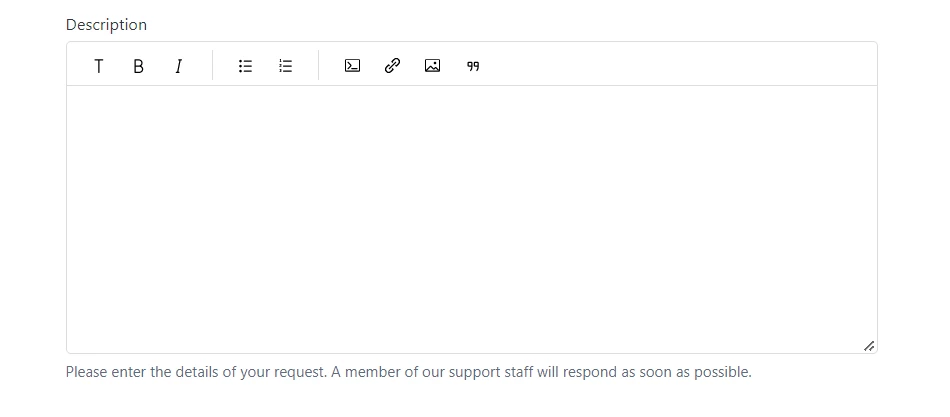
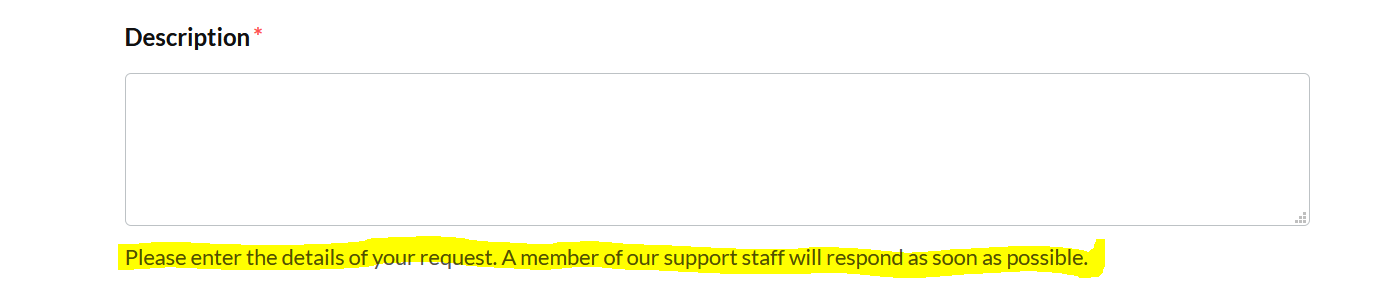
I would like to be able to change the 'Description shown to end users' for the mandated Description field per ticket form. 

For instance, I would like Ticket Form 'X' to have the Description field read: "Please submit the details regarding 'X' here"

and for Ticket Form 'Y' to read: "Please enter all data pertaining to 'Y' in the above box"

I would like to accomplish this without creating a specific 'description' field for each form. 
I have used the Guide Admin to auto populate and hide these fields (Subject & Description)on some forms before so I assume that this is possible. 
Thank you in advance for any recommendations! 

46 replies

  • Author
  • December 30, 2020

I have found this on how to change the title of the field. 
But not the description like I am seeking. 

$('label[for=request_subject]').html("Custom Subject");
$('label[for=request_description]').html("Custom Description");

Ifra
  • December 31, 2020

Hi Jonathan,

So you can check Ticket ID and change the description like:

 $(document).ready(function (){
// Ticket X
if(window.location.href.indexOf('2999') > -1){ // 2999 is the ticket id which you would get from your window location (Searchbar)
$("#request_description_hint").html('Custom description for read');
}

// Ticket Y

if(window.location.href.indexOf('3999') > -1){ // 3999 is the ticket id which you would get from your window location (Searchbar)
$("#request_description_hint").html('Custom description for read');
}
})

Reference from:  https://stackoverflow.com/questions/43784700/javascript-using-if-statement-for-multiple-conditions-vs-switch-case

Team


  • Author
  • December 31, 2020

Thank you so much !!!


  • Author
  • February 25, 2021

Hello Ifra, 

I would now like to edit my subjects hint field, I tried following the same convention as above and replacing 'description' with 'subject' but that did not work. 
Do you know how to do this? 


Hi Jonathan,

Looks like this question is answered by one of our community moderators in this post: https://support.zendesk.com/hc/en-us/community/posts/360037440134-How-to-change-the-name-of-the-subject-field-in-the-ticket-forms-.

Best,

Michael Froeming | Senior Customer Advocacy Specialist

NEW - Zendesk offers free, on-demand training for all of our products. Set up your account and start learning today at training.zendesk.com


raphael12
  • February 25, 2022

It took me a lot of time to figure out the right way to input a different description for the description field than the original one so I put it here. (can be useful for those that have several brands and want to put a different description for each brand. Has to be put in new_request_page

<script>
    $("#request_description_hint").html (' <div class="hero-headline"> {{dc 'footer__cc-tel'}} </div>');

</script>


  • August 16, 2022

@ifra Your code works but I realized that when I try to submit a ticket but forgot to enter one of the required fields in the form, the hint disappears. Is there a way to retain the custom hint for the specific form when the fail message comes up? Thanks!


Ifra
  • August 17, 2022

Hi Noelle Cheng,

Use the given code:

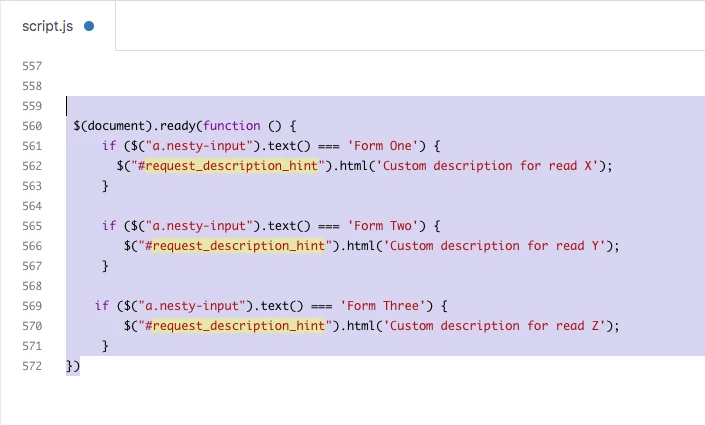
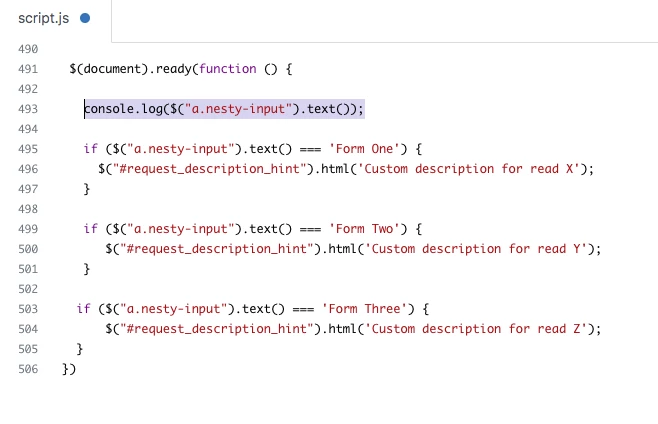
 $(document).ready(function () {
     if ($("a.nesty-input").text() === 'Form One') {
       $("#request_description_hint").html('Custom description for read X');
     }
   
     if ($("a.nesty-input").text() === 'Form Two') {
        $("#request_description_hint").html('Custom description for read Y');
     }
   
    if ($("a.nesty-input").text() === 'Form Three') {
        $("#request_description_hint").html('Custom description for read Z');
     }
})


Screenshot for the same:


Check the Form Name in the nesty input field and then copy the form name, paste inside the script code in if() condition.


Form One - if ($("a.nesty-input").text() === 'Form One') {


Form Two - if ($("a.nesty-input").text() === 'Form Two') {


Thanks


  • August 17, 2022

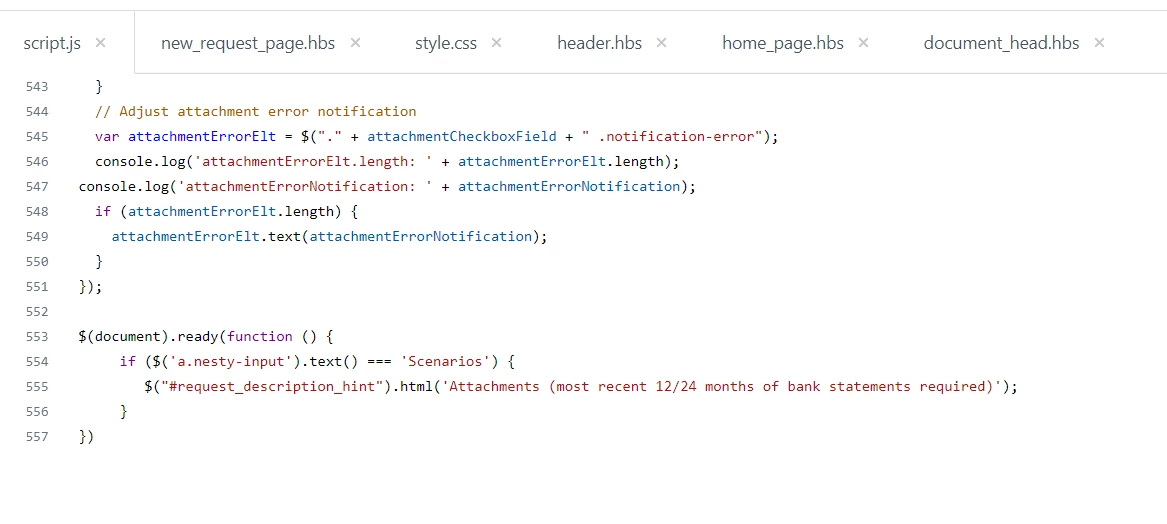
Hi @ifra I put this in and for some reason it's not working now? I actually had this in new_request_page.hbs and moved it to the script.js.

But I'm running on Copenhagen Theme version 2.15.0 Templating API v2. I also have the the following in document_head.hbs

<script src="https://code.jquery.com/jquery-3.6.0.min.js" integrity="sha256-/xUj+3OJU5yExlq6GSYGSHk7tPXikynS7ogEvDej/m4=" crossorigin="anonymous"></script>


Ifra
  • August 18, 2022

Hi Noelle Cheng, it's working for me in Copenhagen V2.15.0.


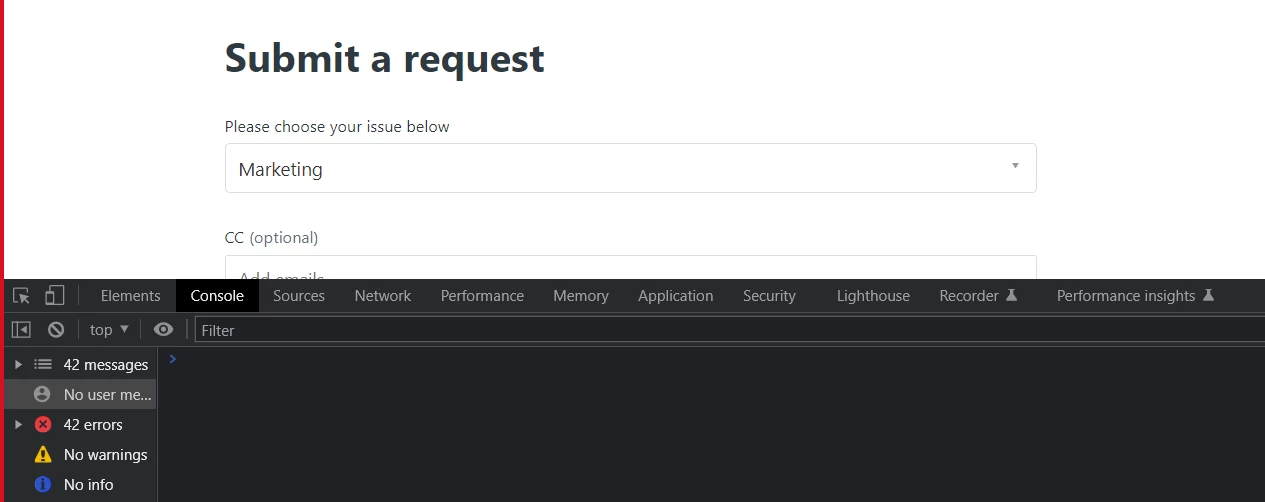
Can you check your console in dev tool?,

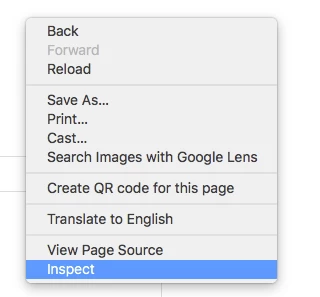
i). Go to your new_request page. Right click of your mouse.

ii). Open Inspect in the opened list.


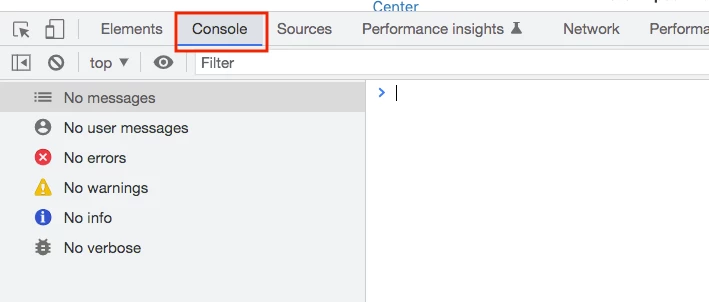
iii). And the, click Console in the dev tool.


iv). Is there any error ?


OR


You can share your HC URL of new-request template here?, so I can see the bug.


  • August 19, 2022

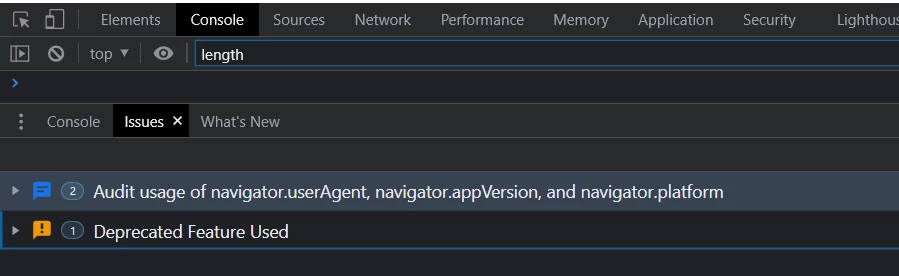
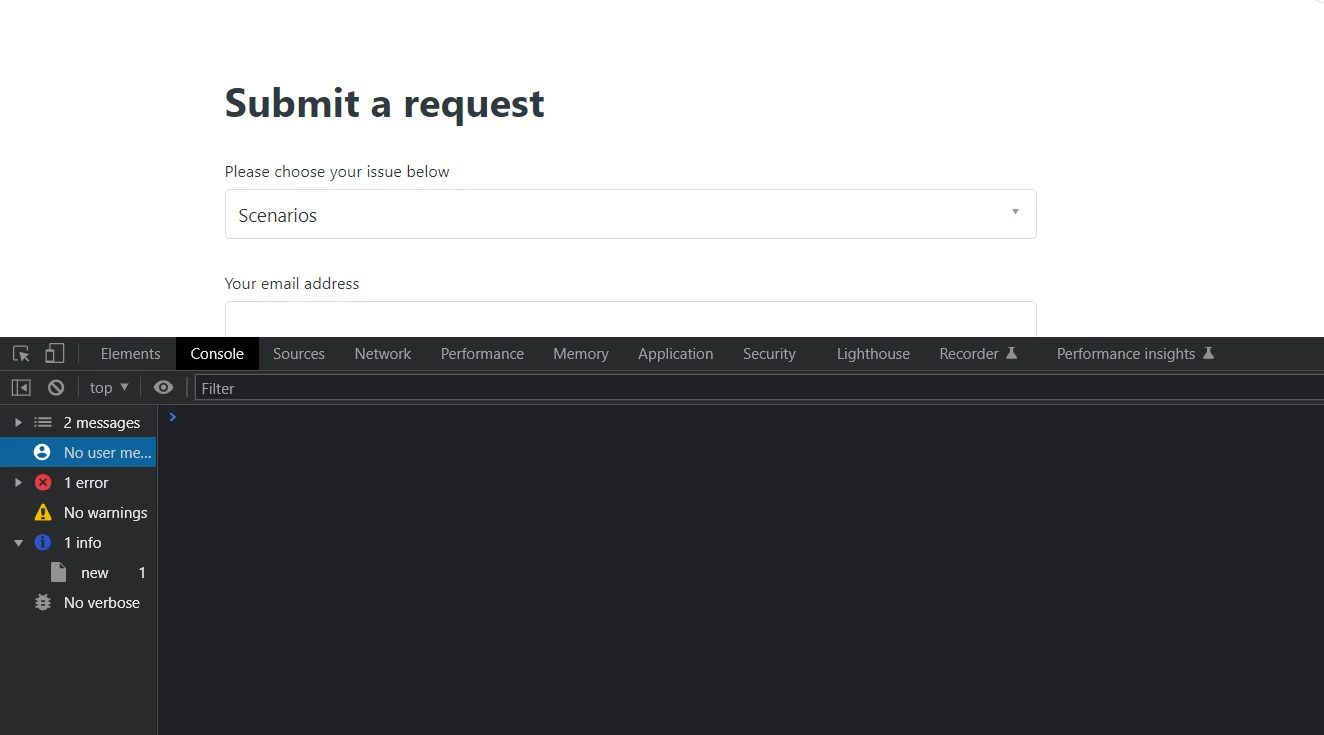
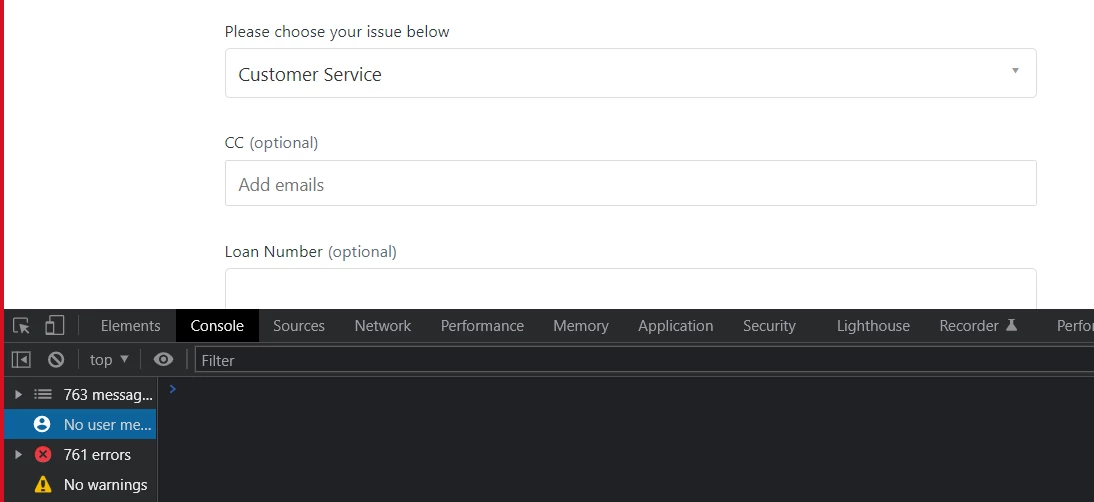
hi @ifra, so the code is in script.js. I went to the new request page and selected the form that should have the hint. This is the what I see for errors.


Ifra
  • August 19, 2022

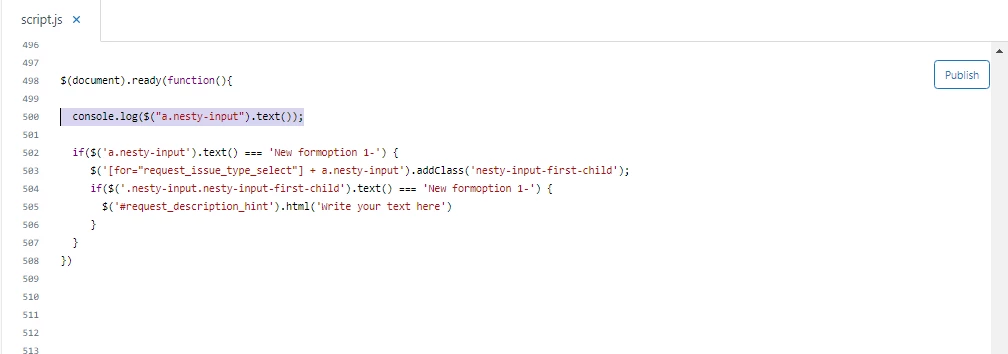
Hey Noelle Cheng, do one thing, go to your script code which I have provided above and add one more single line of code.

 console.log($("a.nesty-input").text());


Screenshot for the same:-


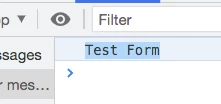
Now, form's full name would be shown in the console in dev tool.

Ex.


Copy the form's name from the console; Test Form


and, then paste in the script code. Remove Form One, paste Test Form


I did this because I noticed one thing; my form name is IIT Forms but console shows this:-


And, the code snippet should be add at the end of your script.js file not at the middle. 


Try this and let me know if any issue :)


  • August 23, 2022

Hi @ifra!


I completely missed your message on the 18th, sorry! I just added the line and it's not showing the form name. :(


Ifra
  • August 23, 2022

Hey Noelle Cheng, are you able to share your HC URL here?


  • August 23, 2022

Hi @ifra , would I be able to send it in a private message instead?


Ifra
  • August 23, 2022

You can share on my email id(check my Zendesk profile) or here. It's up to you.


  • August 23, 2022

Hi @ifra I just sent you the email with my helpcenter address. Thank you so much!


Ifra
  • August 23, 2022

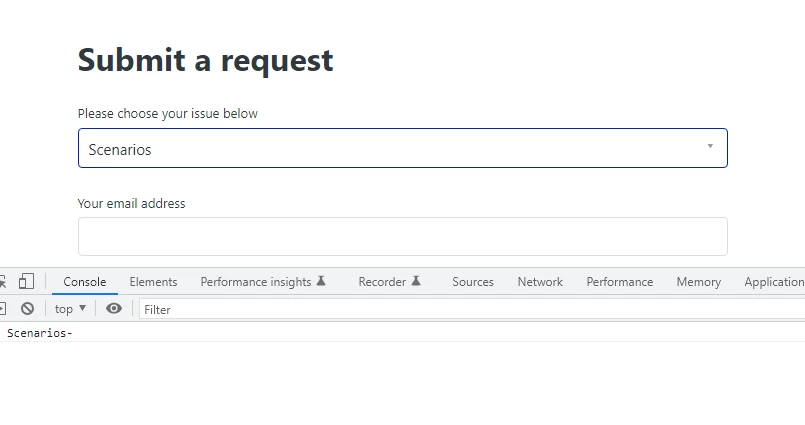
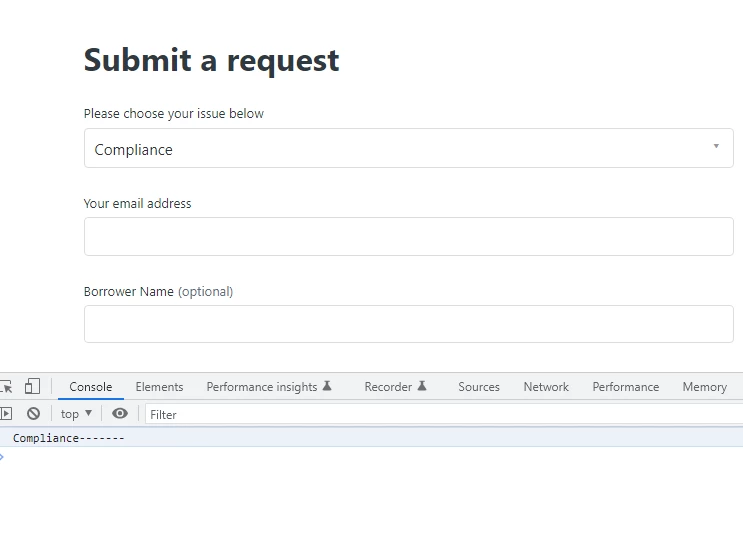
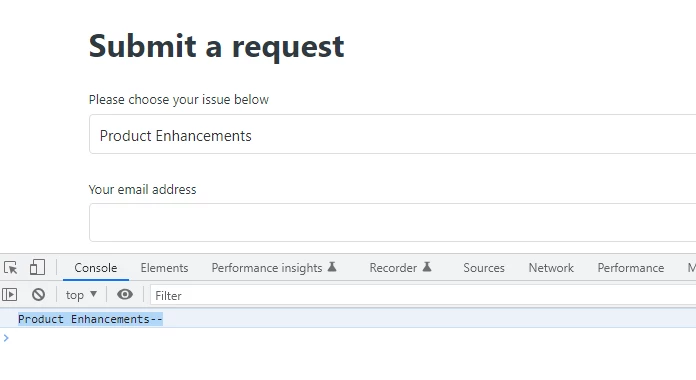
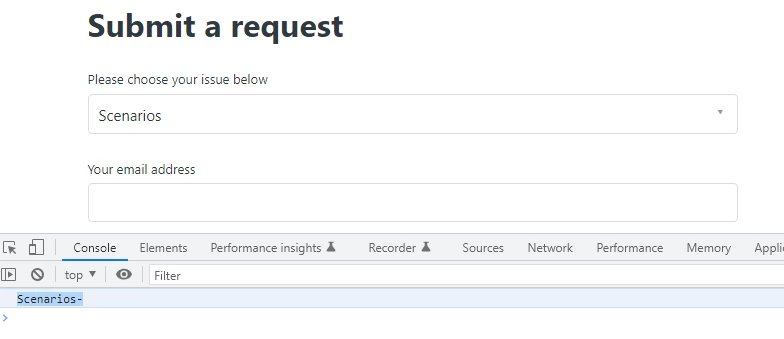
Noelle Cheng, I saw your  new-request page and the code I provided to you is working as expected. Console shows the full name of forms :-


1st form is:- See the name, in the console and dropdown bar, is different.


2nd form is:- See the name, in the console and dropdown bar, is different.


3rd form is: See the name, in the console and dropdown bar, is different.


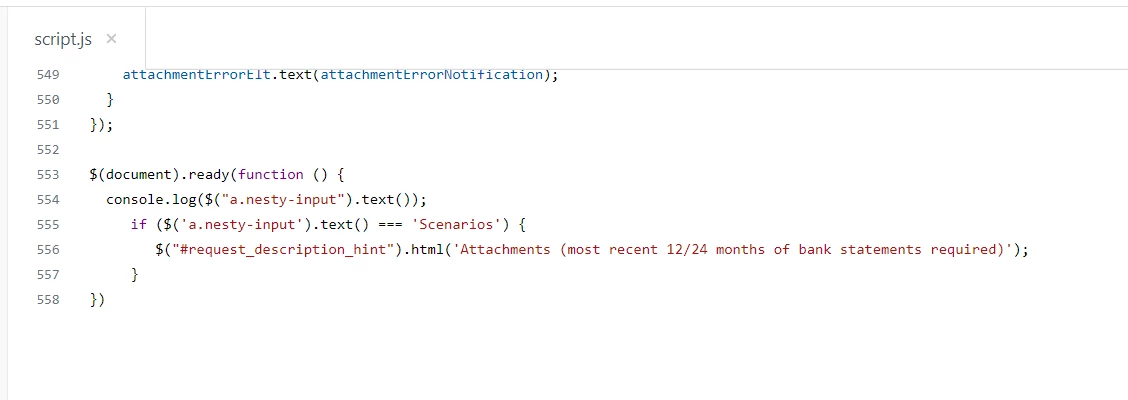
Currently, code has the name of form is Scenarios

if ($('a.nesty-input').text() === 'Scenarios') {


It should be Scenarios-

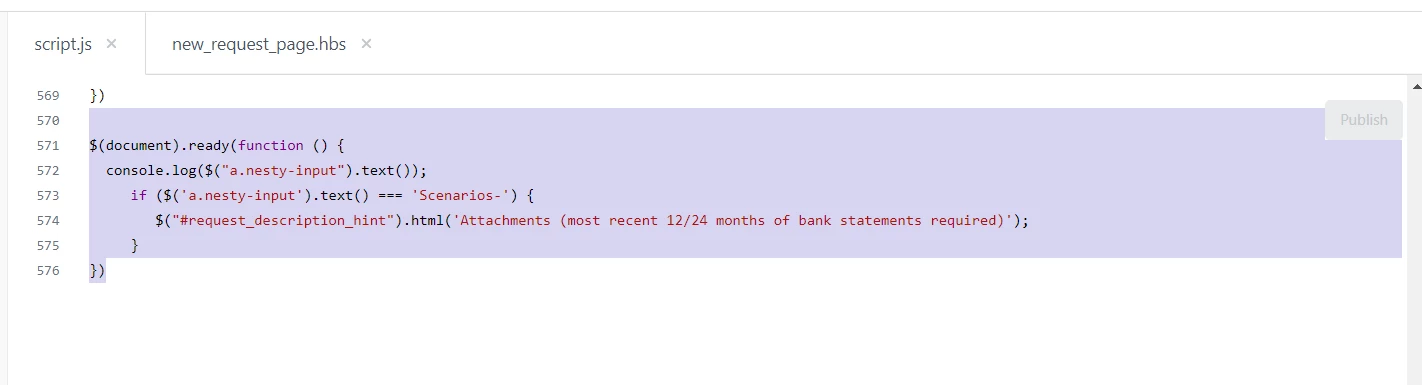
if ($('a.nesty-input').text() === 'Scenarios-') {


 because console shows Scenarios-


  • August 25, 2022

Hi @ifra

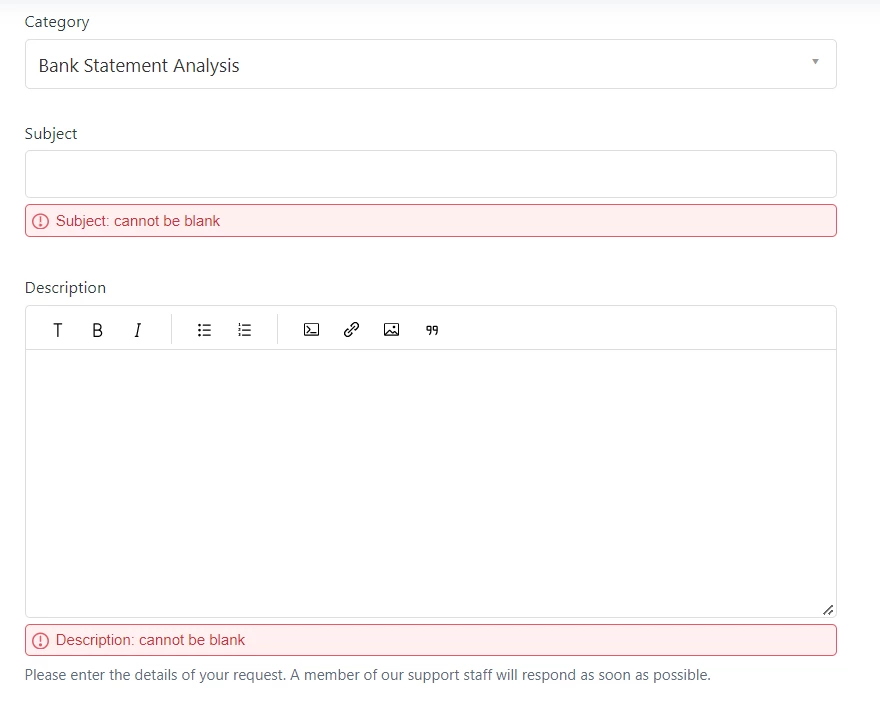
I updated the code to reflect the "-" and something weird is happening. So if i submit the form with nothing filled out then I am seeing what I'd expect to see.

BUT when I select one of my options for the Category dropdown field that I have requiring an attachment, for some reason the Description note does not stick.

This is the code in the script.js. I don't have it in the new_request_page.hbs anymore.


Ifra
  • August 26, 2022

So, update the query selector in the script code:

Current:

if ($('a.nesty-input').text() === 'Scenarios-') {


Updated:

if ($('[for="request_issue_type_select"] + a.nesty-input').text() === 'Scenarios-') {


If any bug in that type then use this code snippet and remove previous:

$(document).ready(function(){
  if($('a.nesty-input').text() === 'Scenarios-') {
     $('[for="request_issue_type_select"] + a.nesty-input').addClass('nesty-input-first-child');
    
     if($('.nesty-input.nesty-input-first-child').text() === 'Scenarios-') {
       $('#request_description_hint').html('Write your text here')
     }
  }
})

  • October 20, 2022

hi @ifra can you tell me how you viewed the form name in Console dev tools. I'm not able to see it pop up when i select the form, the form name does not show up in console. I created new brands and moved some forms but the scripts aren't working now so I think I need to check on the form name. Thanks!


Ifra
  • October 20, 2022

Hi Noelle Cheng

Add the console.log() before if condition.

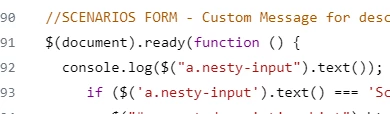
$(document).ready(function(){

  console.log($("a.nesty-input").text());

  if($('a.nesty-input').text() === 'Scenarios-') {
     $('[for="request_issue_type_select"] + a.nesty-input').addClass('nesty-input-first-child');
    
     if($('.nesty-input.nesty-input-first-child').text() === 'Scenarios-') {
       $('#request_description_hint').html('Write your text here')
     }
  }
})


Now check the console in dev.


  • October 20, 2022

Hi @ifra,

Looks like I had that in there but I still can't see it. :(


Ifra
  • October 21, 2022

Hi Noelle Cheng,


Use this code:

$(document).ready(function() {
  console.log($("a.nesty-input").text());

if($('a.nesty-input').text() === 'Scenarios-') {
       $('p#request_description_hint').text('Write your text here')
  }
})

  • October 24, 2022

Hi Ifra,

That didn't work either. :(