Customer are not getting our replies | Community
Skip to main content

Customer are not getting our replies

  • July 27, 2021
  • 4 replies
  • 0 views

Hi Team,


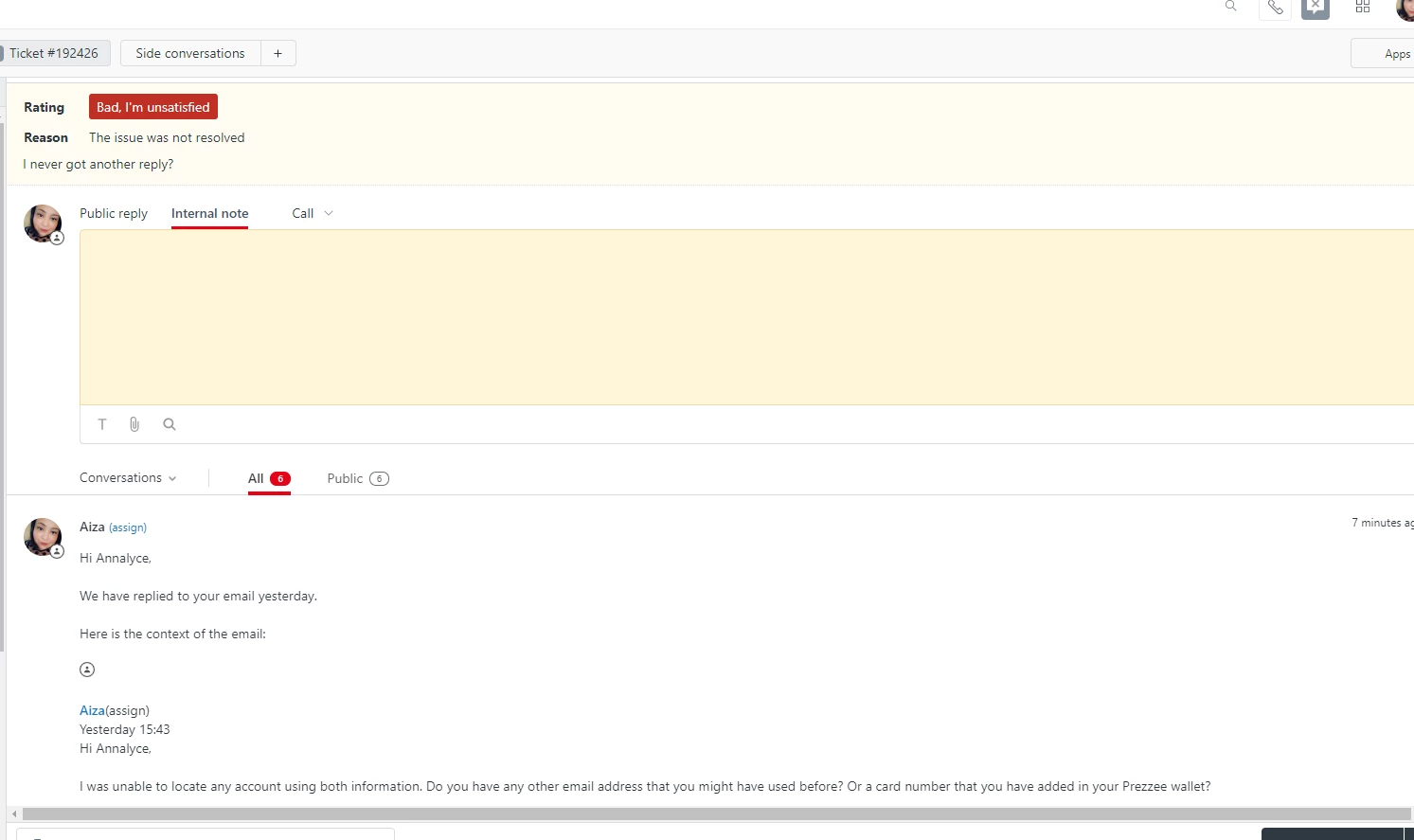
We have noticed recently that some of our customers are not getting our replies but would get the Survey which resulted to a negative feedback.

I have this for an example. Any thoughts on this?
This topic has been closed for replies.

4 replies

Cheeny
  • July 27, 2021

Hi Aiza,

You may check Customers are not receiving emails for a step-by-step process on how to troubleshoot this issue. I also suggest that you check the ticket events of your example so you can review the automation that sent the survey.


Heather13
  • July 30, 2021

Hi Aiza,

I agree with Cheeny's post. Also if you have Enterprise, you can monitor all emails your Zendesk account is sending out: https://support.zendesk.com/hc/en-us/articles/203663156-Archiving-email-notifications-Enterprise-%C2%A0


  • September 15, 2021

I've seen this a few times as well, was wondering if Aiza found a cause?  Customers get the notification emails and the survey, but not the actual answers to their questions.  I've read through the triggers but I'm not seeing anything obvious, and since it's not all the time I don't know what to look for.


Dave12
  • September 16, 2021

Hi Kimberly,

If your end-users are receiving the email notifications after your agents respond with an answer, but those email notifications don't include the agent's answer, then the culprit is the contents of the "email body" text box in your "Notify requester and CCs of comment update" trigger. The default version of this trigger includes some static text as well as the tickets.comments_formatted placeholder –– that placeholder is how your agent's responses get included in the email notification. You can see the default setup of this trigger here: Notify requester and CCs of comment update, and you can learn more about placeholders here: Zendesk Support placeholders reference (see especially the section on comment data).

If that doesn't do the trick, then I'd suggest you reach out directly to our support team so they can help you troubleshoot, using Option 1 here: Contacting Zendesk Customer Support.
