
Custom fields not showing in email template | Community
Skip to main content

Custom fields not showing in email template

  • April 12, 2018
  • 6 replies
  • 0 views

I've been following tips from the support forums, but I cant get my custom fields to show up in my email template. Data is all blank.


Here is the code I use:

<!DOCTYPE html PUBLIC "-//W3C//DTD XHTML 1.0 Transitional//EN" "http://www.w3.org/TR/xhtml1/DTD/xhtml1-transitional.dtd">
<html>
<head>
<meta http-equiv="Content-Type" content="text/html; charset=utf-8" />
<style type="text/css">
table td {
border-collapse: collapse;
}
{{styles}}
</style>
</head>
<body {{attributes}} style="width: 100%!important; margin: 0; padding: 0;">
<div style="padding: 10px ; line-height: 18px; font-family: 'Lucida Grande',Verdana,Arial,sans-serif; font-size: 12px; color:#444444;">
<div style="color: #b5b5b5;">{{delimiter}}</div>
{{content}}
</div>
<p>Message type: {{ticket.ticket_field_360002533813}}</p>
<p>Autre message type: {{ticket.ticket_field_360002553854}}</p>
<p>Project: {{ticket.ticket_field_360002533833}}</p>
<p>Autre Project: {{ticket.ticket_field_360002533853}}</p>
<p>Zone d'intervention du projet: {{ticket.ticket_field_360002553874}}</p>
<p>Department: {{ticket.ticket_field_360002533873}}</p>
<p>Commune: {{ticket.ticket_field_360002553894}}</p>
<p>Section Communale: {{ticket.ticket_field_360002553914}}</p>
<p>Source d'information: {{ticket.ticket_field_360002533893}}</p>
<p>Autre source information: {{ticket.ticket_field_360002554094}}</p>

<p>First Name: {{ticket.ticket_field_360002650054}}</p>
<p>Last Name: {{ticket.ticket_field_360002650074}}</p>

<p>Sexe du participant: {{ticket.ticket_field_360002554074}}</p>
<p>Phone Number: {{ticket.ticket_field_360002533913}}</p>
<p>Feedback received: {{ticket.ticket_field_360002640393}}</p>
<div style="padding: 10px ; line-height: 18px; font-family: 'Lucida Grande',Verdana,Arial,sans-serif; font-size: 12px; color: #aaaaaa;
margin: 10px 0 14px 0; padding-top: 10px; border-top: 1px solid #eeeeee;">
{{footer}} {{footer_link}}
</div>
</body>
</html>

And the output is like this:
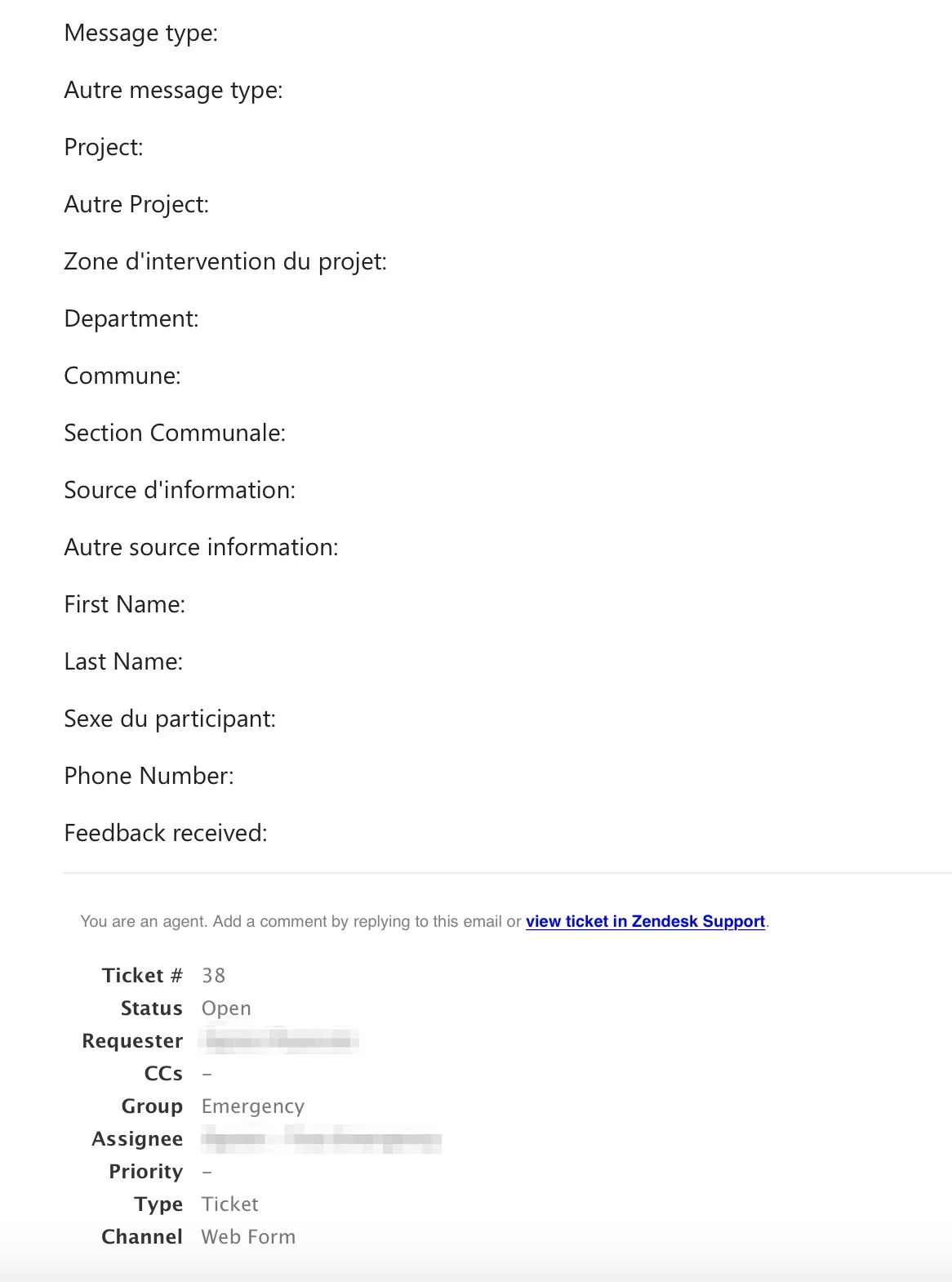


As you can see, none of the fields have any actual data, only the labels can be seen. The ticket actually has data for those fields, but it's not displayed.

What am I doing wrong?


This topic has been closed for replies.

6 replies

  • April 17, 2018

Hi Ognen! Welcome to the Community!

I'm not sure that you want to put this in your email template...I think that this would belong in the email body of your notification trigger. Have you tried that?


  • Author
  • April 18, 2018

I'm sorry, you lost me there, can you point me to a KB article for that?


  • April 18, 2018

Hey Ognen! 

Sure, you can find a list of all of our Trigger documentation here.


  • Author
  • April 30, 2018

Hi Jessie,


I just tried adding the same code to the Group assign trigger, and I'm getting the same issue.


Can you please help diagnose why this is happening?


Code:


<p>Message type: {{ticket.ticket_field_360002533813}}</p>
<p>Autre message type: {{ticket.ticket_field_360002553854}}</p>
<p>Project: {{ticket.ticket_field_360002533833}}</p>
<p>Autre Project: {{ticket.ticket_field_360002533853}}</p>
<p>Zone d'intervention du projet: {{ticket.ticket_field_360002553874}}</p>
<p>Department: {{ticket.ticket_field_360002533873}}</p>
<p>Commune: {{ticket.ticket_field_360002553894}}</p>
<p>Section Communale: {{ticket.ticket_field_360002553914}}</p>
<p>Source d'information: {{ticket.ticket_field_360002533893}}</p>
<p>Autre source information: {{ticket.ticket_field_360002554094}}</p>

<p>First Name: {{ticket.ticket_field_360002650054}}</p>
<p>Last Name: {{ticket.ticket_field_360002650074}}</p>

<p>Sexe du participant: {{ticket.ticket_field_360002554074}}</p>
<p>Phone Number: {{ticket.ticket_field_360002533913}}</p>
<p>Feedback received: {{ticket.ticket_field_360002640393}}</p>

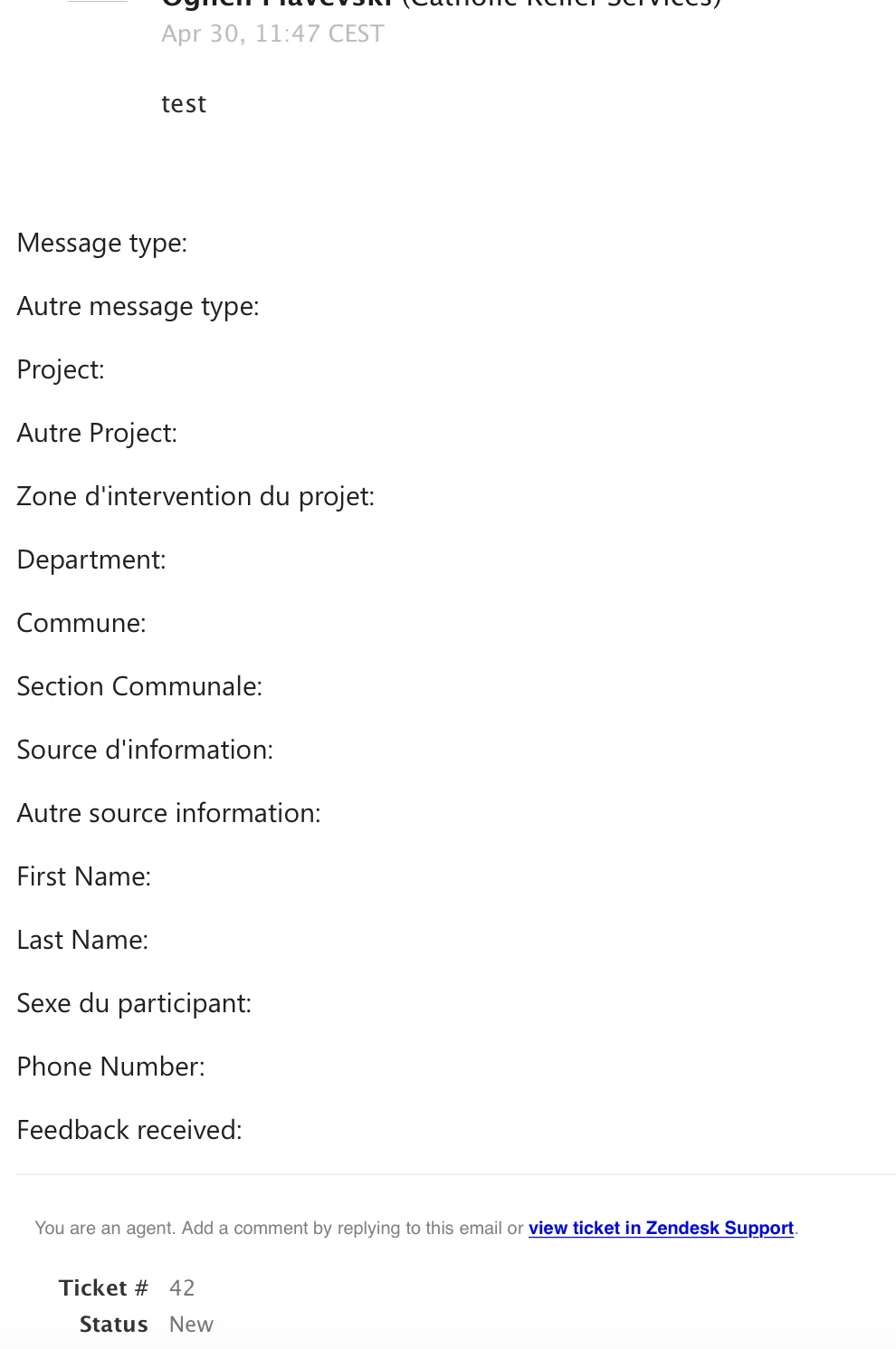
The trigger triggers, but the output has no values:


  • Author
  • April 30, 2018

Correction!


It seems that it's working, but the output is from the default email temlpate I did earlier.


Please ignore previous email.


Thanks!


  • May 2, 2018

Great! I'm so glad you got it working, because I couldn't see that there was anything wrong. :) Let us know if you need anything else!