Changing ticket "submit" button to "Submit as Solved" by default | Community
Skip to main content

Changing ticket "submit" button to "Submit as Solved" by default

  • April 29, 2019
  • 6 replies
  • 0 views

Hi there,


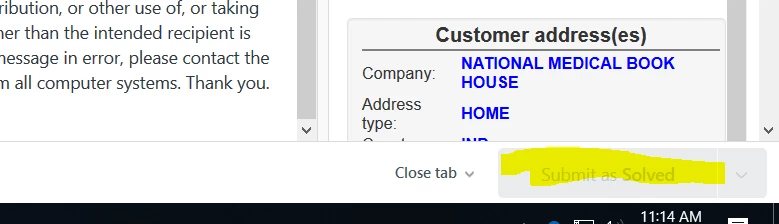
We almost never submit tickets as "open," so clearing out a ticket requires two clicks each time (since the default option is "Submit as Open")

We would rather "Submit as Solved" be the default. Is it possible to change the default option to save ourselves all those extra clicks?


Thanks for your help,
Lizzy


6 replies

Dan28
  • April 30, 2019

Hi Lizzy, 

If you are using macros to populate your responses, you can include setting the status to Solved as part of that process.  These will set the button, but won't submit. 

In addition, there are keyboard shortcuts you can use for all statuses. You can find them by clicking on your User Profile image in the top left and selecting Keyboard Shortcuts. 


  • June 13, 2019

What do I use if the Solved button does not work?


Dan28
  • June 13, 2019

Hi Kathy, 

Typically when the submit button is disabled, this means that there is some field that needs to be populated before you can solve it.  Take a look at your sidebar to see if anything need to be filled out.  It's also possible that a Zendesk app is doing this so check with your system admin to see if anything specific to your Zendesk setup could be causing this as well. 


Luke14
  • June 3, 2022

Hey, Zendesk! Is there any way that we could revisit this feature request? I definitely do understand that this can be done with Macros, but it makes sense that a user would want to change the default functionality of the submit button to be "Submit as Solved" initially. If anything, I don't quite understand the use-case for ever submitting a reply as open. I understand submitting a reply and not changing the status at all, but if there is going to be a default 'submit as [insert status]' button, it would make sense to default it to something other than Open.


Gilles15
  • November 4, 2022

Hi There,

Just upvoted this. In our team, 90% of the time, we "Submit as Solved" on first interaction. Having the possibility to set the button to "Submit as Solved" instead of "Submit as New" would make us save thousands of click per week.

Would be able to set a higher priority on this ?


Dave12
  • November 5, 2022
HI Giles,
 
For what it's worth, the keyboard shortcut Crtl-Alt-S (or Control-Option-S on MacOS) will set the ticket's status to Solved and update the ticket. For more info, see Viewing and deactivating keyboard shortcuts