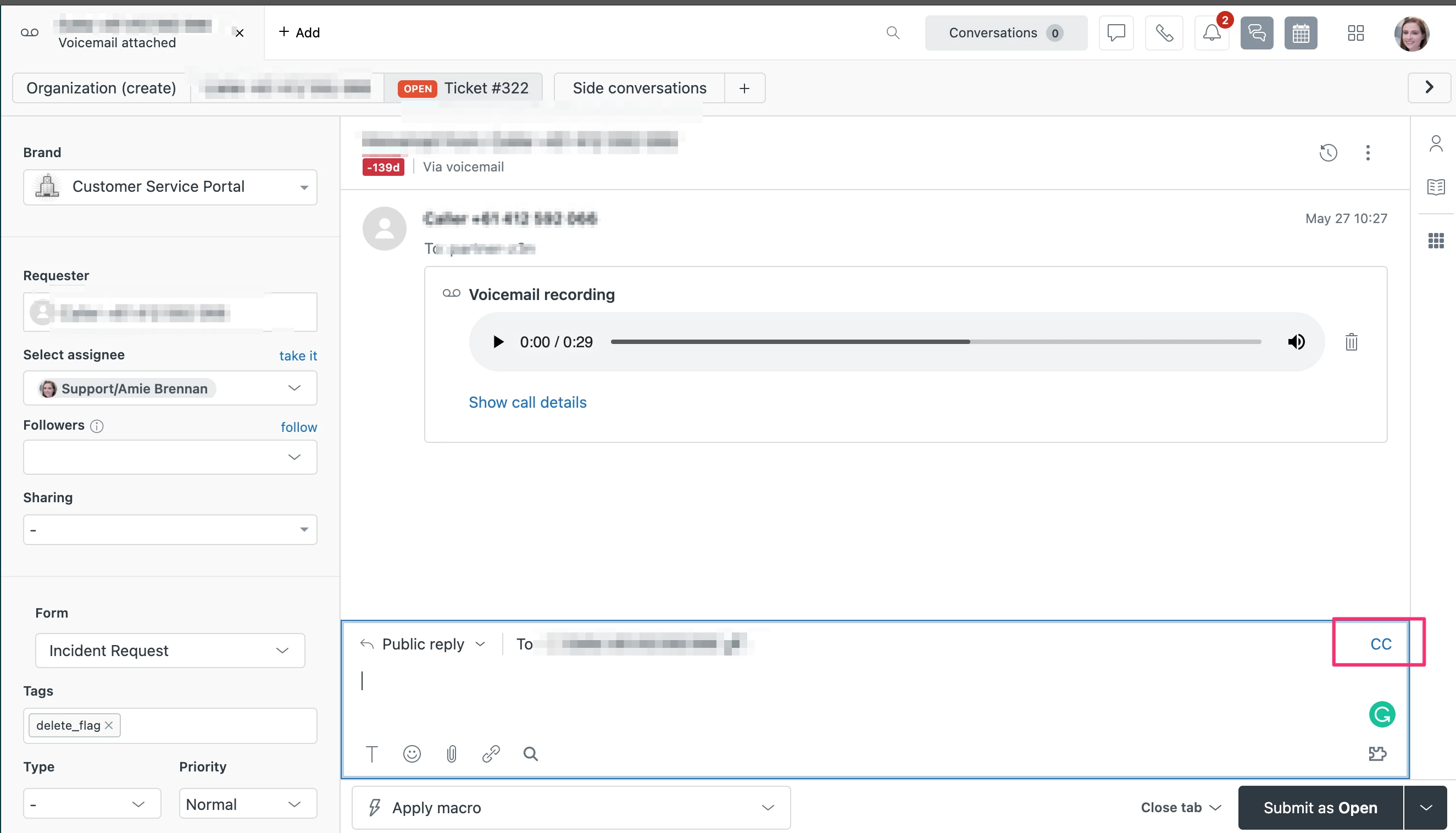
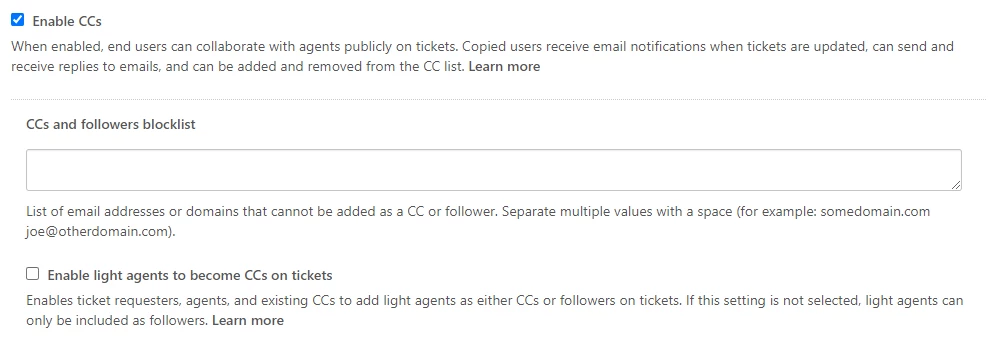
I have enabled the CC capability for tickets:
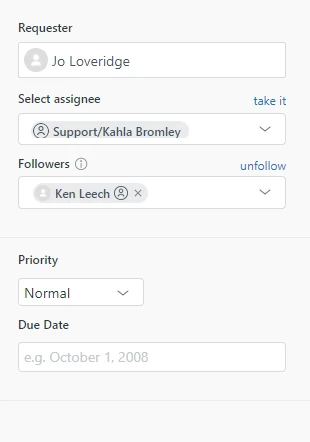
But when viewing a ticket, there is no "CC" box for me to add the end user I want to be copied in on responses. What do I need to do to see the "CC" box?

I have enabled the CC capability for tickets:
But when viewing a ticket, there is no "CC" box for me to add the end user I want to be copied in on responses. What do I need to do to see the "CC" box?
No account yet? Create an account
Enter your E-mail address. We'll send you an e-mail with instructions to reset your password.