Adding category and sub-category dropdowns to Zendesk forms | Community
Skip to main content

Adding category and sub-category dropdowns to Zendesk forms

  • January 25, 2024
  • 6 replies
  • 0 views

Navjyot

My question pertains to presenting ticket forms to end users, but I couldn't find the necessary information on this page: https://support.zendesk.com/hc/en-us/articles/4408842873498

Right now, our Zendesk system has certain fields, and within each of those fields (categories) are sub-categories, which we use to organize incoming support emails.
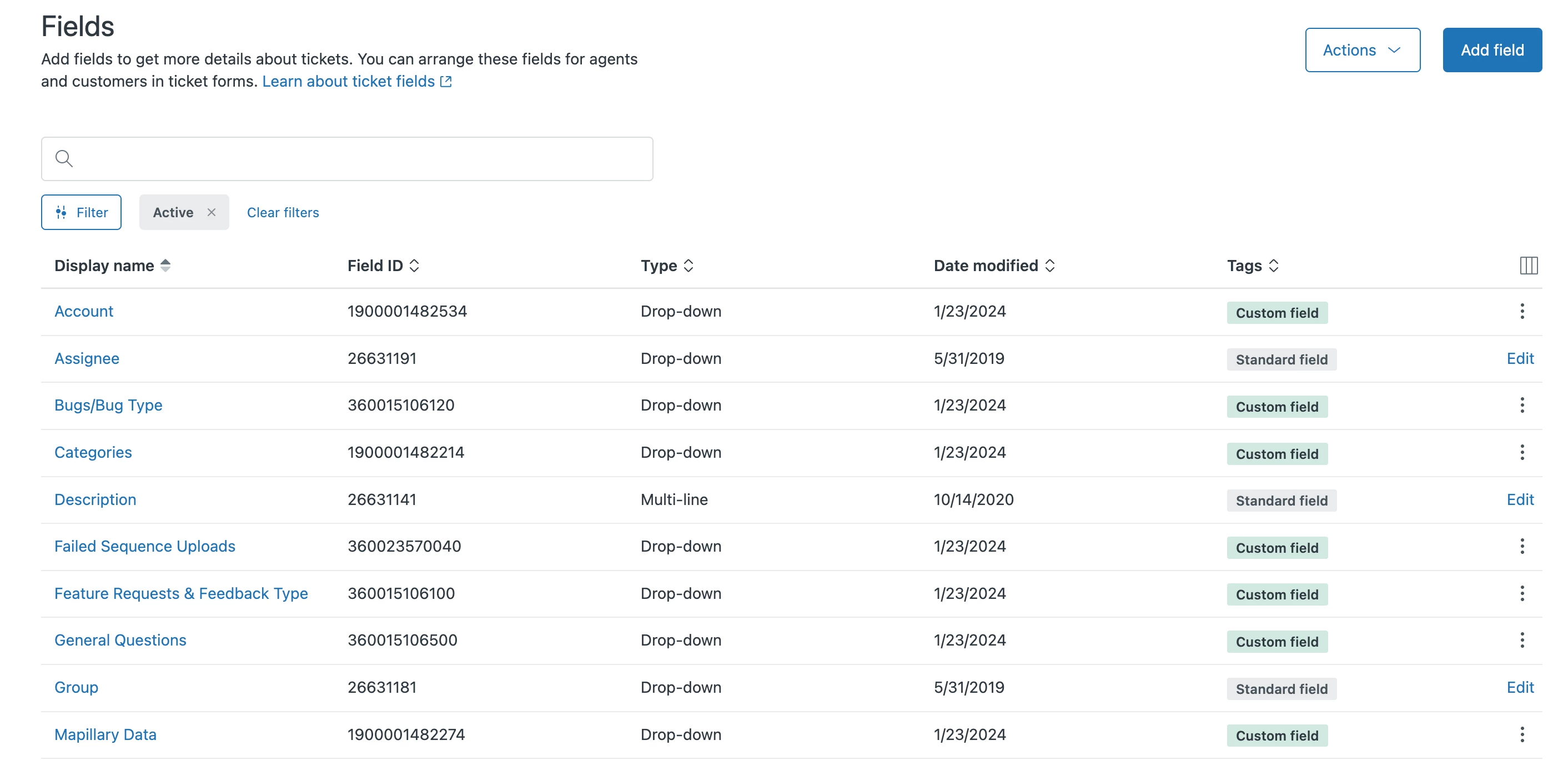
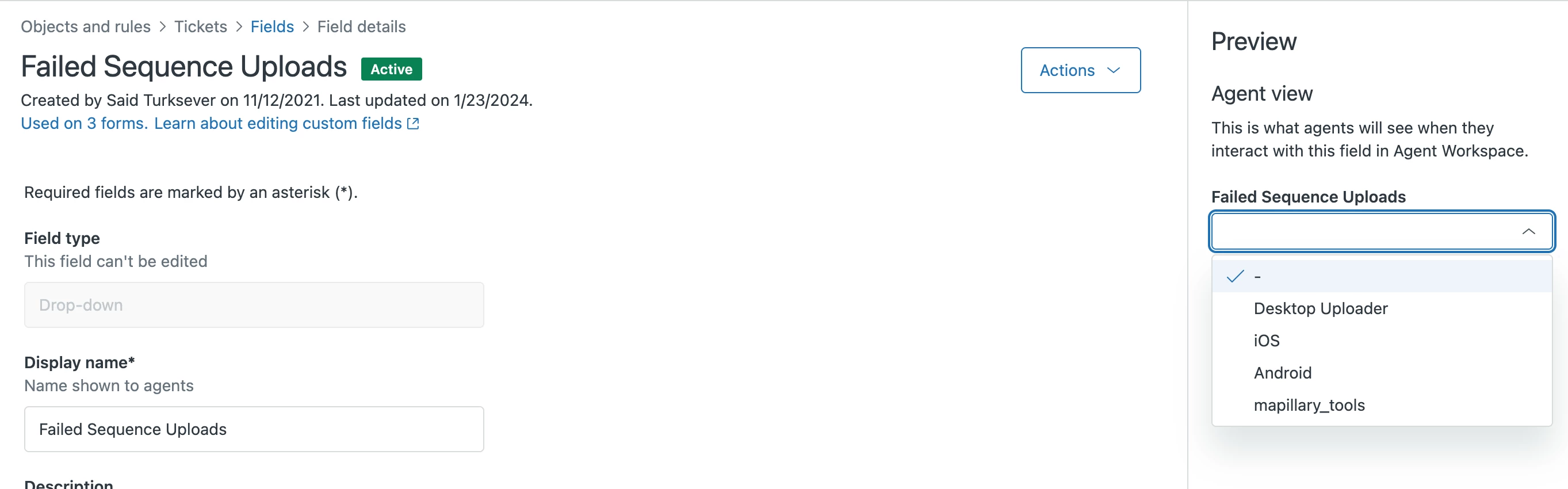
 

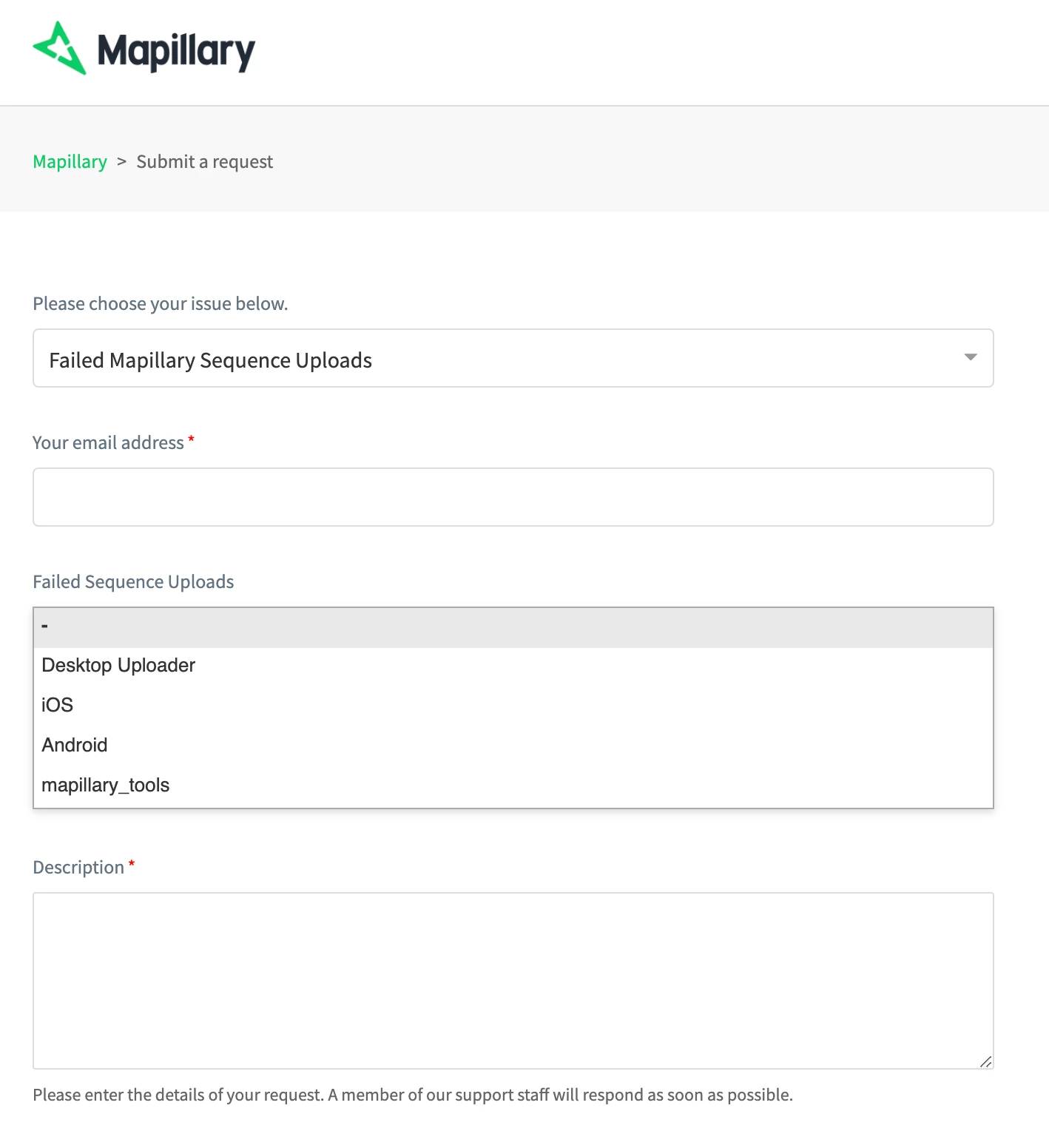
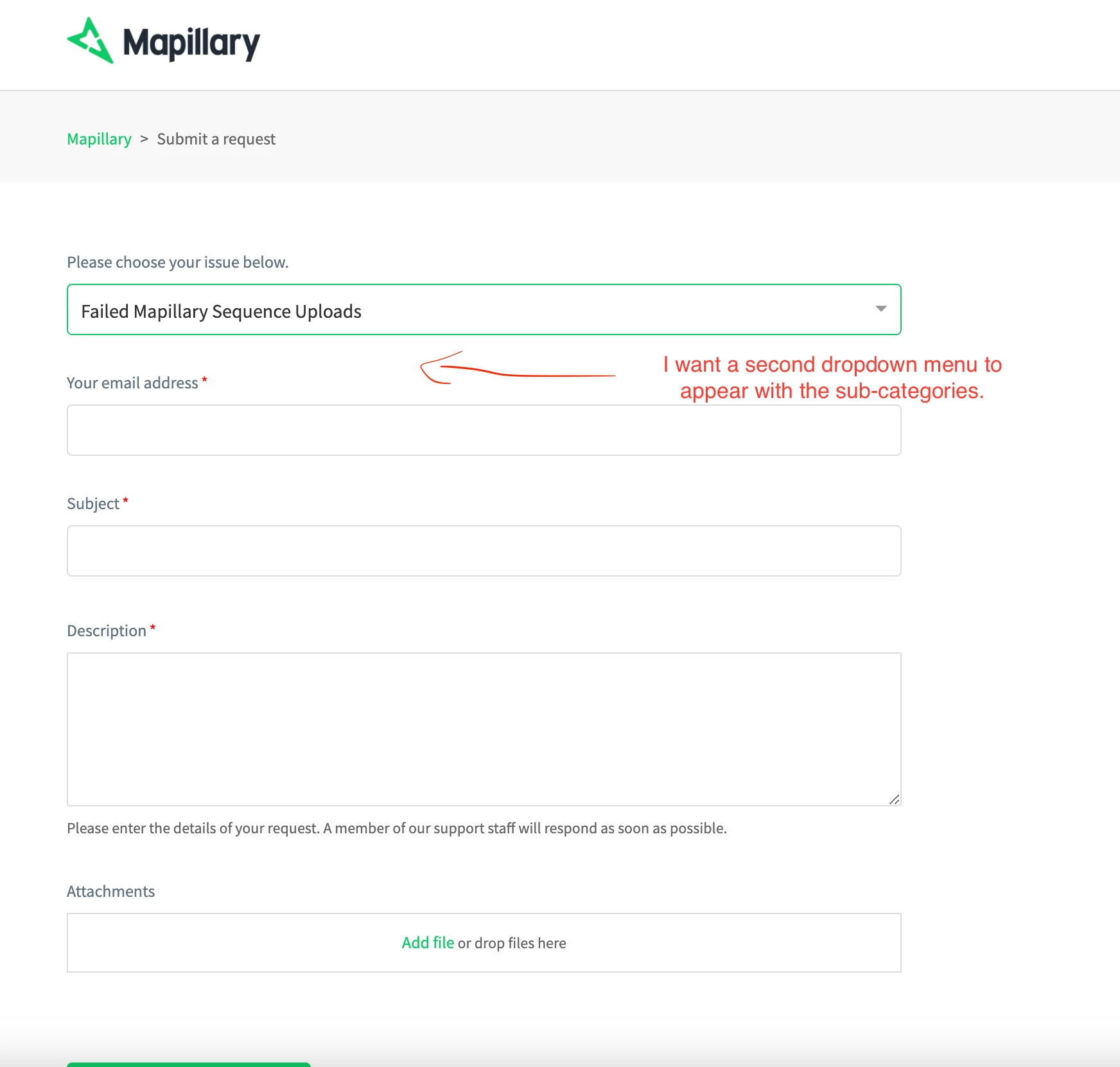
When I make a form and add this "Failed Sequence Uploads" field, the sub-categories don't appear. How can I remedy this?
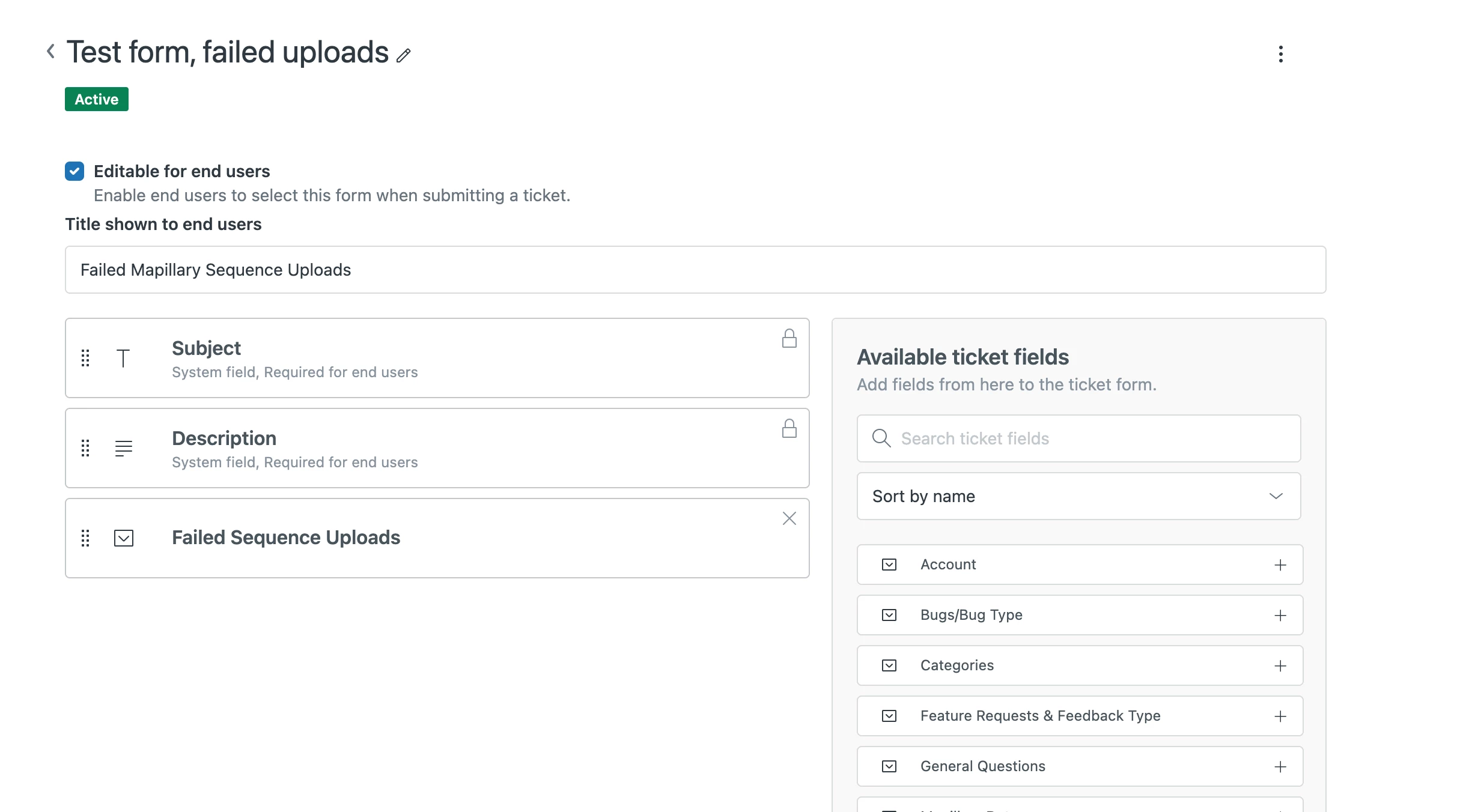
 

You can see what I mean here: https://help.mapillary.com/hc/en-us/requests/new?ticket_form_id=12340619811868

Appreciate any help on this.

6 replies

Brandon12
  • January 26, 2024

Hey @navjyot,

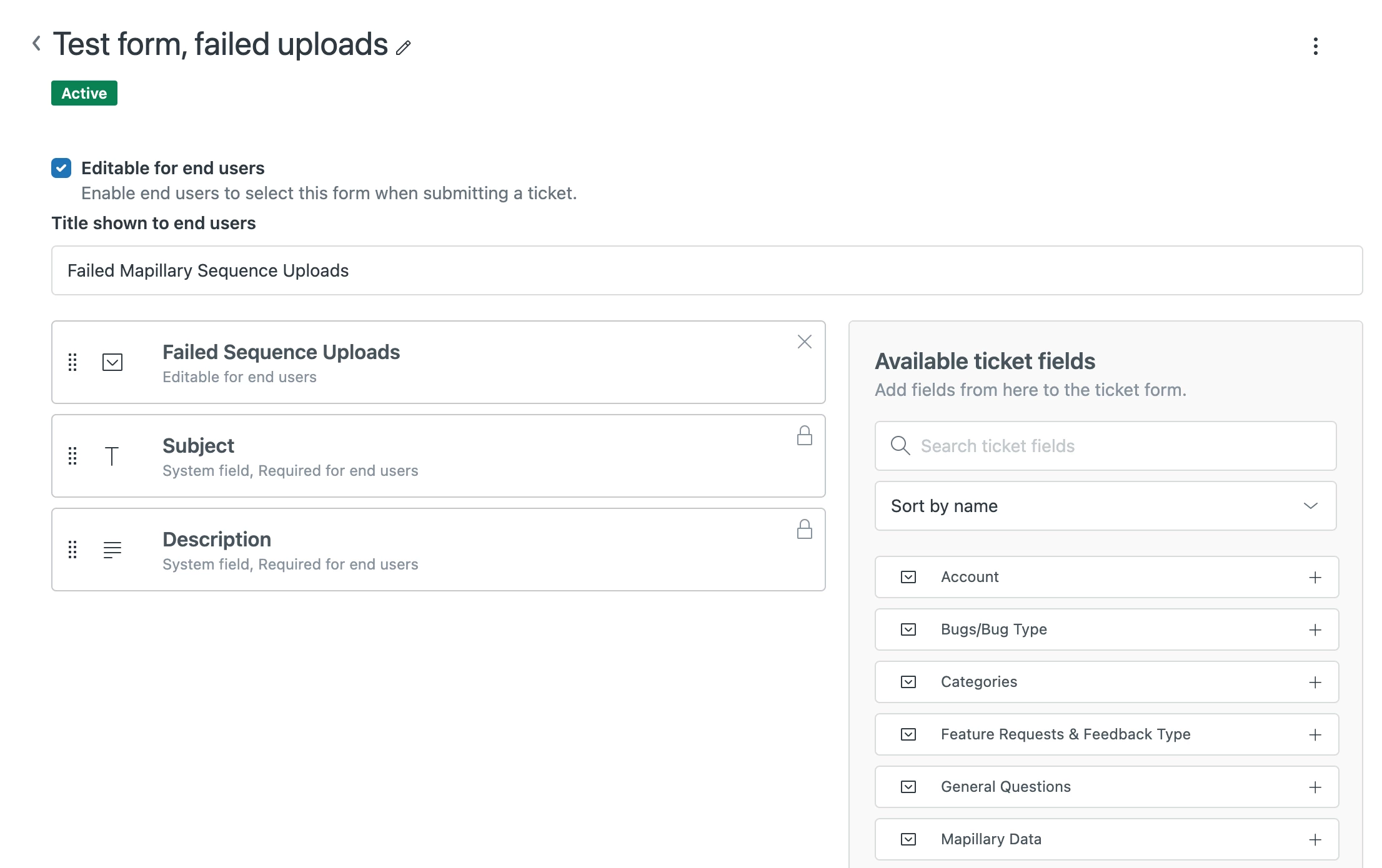
The screenshot is cutoff, but check your ticket field settings to make sure that the value 'editable by end-user' is selected.  Ticket fields by default are only exposed internally unless this setting is toggled.  If that's not it, let us know and we can troubleshoot further!

Brandon


Navjyot
  • Author
  • January 26, 2024

Hey Brandon,

Thanks! I think we're close to resolving this; if you go to this page, you can see the second dropdown now, which is good. However, I'm still unsure of how to get it to appear in the correct location. I'd like it to display directly underneath the first dropdown.

https://help.mapillary.com/hc/en-us/requests/new?ticket_form_id=12340619811868


Steve25
  • January 26, 2024

Hi Navjyot,

If I understand your question correctly you want to have an additional field show depending on the selection of a different field.  You can do this using conditional ticket fields. Check out article here

You can then use triggers to select it based on comment or subject text.


Brandon12
  • January 27, 2024

Hey @navjyot,

Unfortunately, the email field is a system field for unauthenticated users that is not (easily) moveable without messing around with the code.  It will not appear, however, for authenticated users.  

To align the fields, the recommended solution would be to consolidate everything down to one form, and then leverage the conditional fields referenced by @steve25 to show things conditionally.

Hope this helps!

Brandon


Stephan12
  • January 29, 2024

Hi everyone,

Just to wrap it up: a second dropdown selection based on the first dropdown will not be possible?

Regards, 

Stephan


Brandon12
  • January 31, 2024

Hey @stephan12 -

In this case, the ask is to align the custom dropdown field between the form selector and the email address input field for an unauthenticated user.  This is not easily doable.  If we were working with an authenticated user, the fields would be adjacent as the email address field would be suppressed. 

Alternatively, if we were working on one form with two custom fields, the form selector would be suppressed and the custom fields could be aligned and adjacent below the email field (which might also be suppressed if the user is authenticated).

Brandon