I want to implement an outbound call function. My method is to put the outbound dialer in the app. My dialer is an iframe, but I can't get the microphone. I know this link (https://developer.zendesk.com/documentation/voice/talk-partner-edition/integrating-telephony-systems-with-talk-partner-edition/) but I don't know how to use it.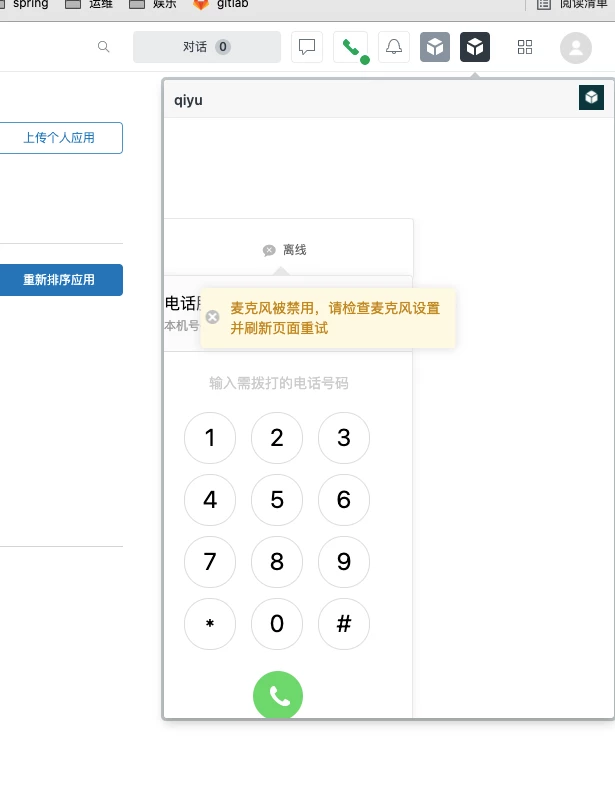

How to use third-party talk to make calls (using third-party soft phones)


Login to the community
No account yet? Create an account
Enter your E-mail address. We'll send you an e-mail with instructions to reset your password.
Hi Zhang,
Thanks for writing in! You can use a third-party talk provider by having a Talk Partner edition plan first then integrate your 3rd party provider. You can also discuss this with your sales rep about the cost. Please check more details about it in the article below:
Understanding Talk Partner Edition
Thank you!