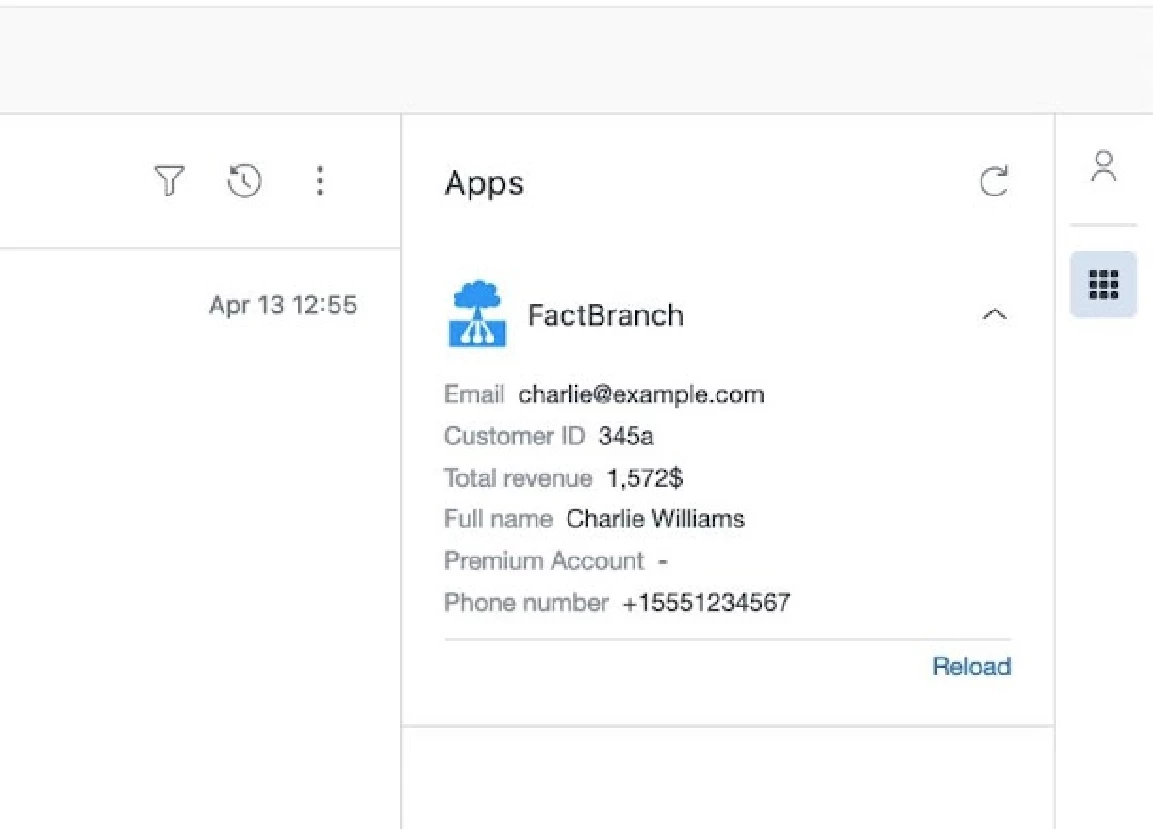
Every company stores data in spreadsheets. For those using Google Sheets I have good news! You can show relevant rows in your Zendesk tickets, contacts, deals and chats.
We just published a step-by-step video guide on how to display Google Sheets data in the Zendesk sidebar and I thought some of you will find this useful!
Here is the video:
It only takes a few minutes to set up and all you need is:
- A Google Sheets spreadsheet that contains your data (e.g. customer data)
- A Zendesk Support, Sell or Chat account
- A FactBranch account
FactBranch is a service that connects to different data sources, queries those sources and in the end displays your data in Zendesk.
It only takes a few steps to set everything up:
- Connect FactBranch to your Google Sheets account
- Create a data flow in FactBranch
- Add a Google Sheets query to that flow
- Auto-generate the output that you want to see in the Zendesk app
- Install the FactBranch app in Zendesk Support, Sell or Chat
Once you're done, the app will look like this for example in the Zendesk ticket:
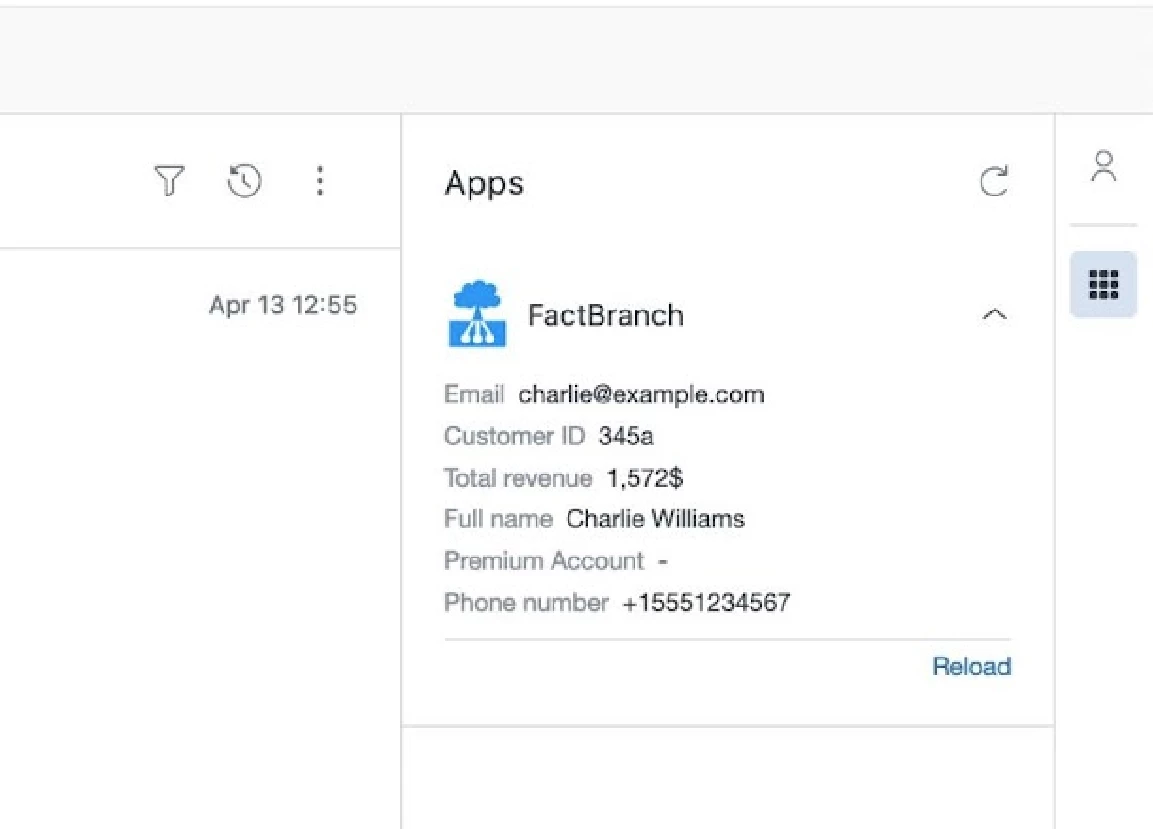
Those data are loaded live from a Google spreadsheet and setting this up only took a few minutes.
We'd love for you to try this out! Let me know what you think.