Hi,
I am in the process of creating a report where I can see a line by line breakdown of complaints.
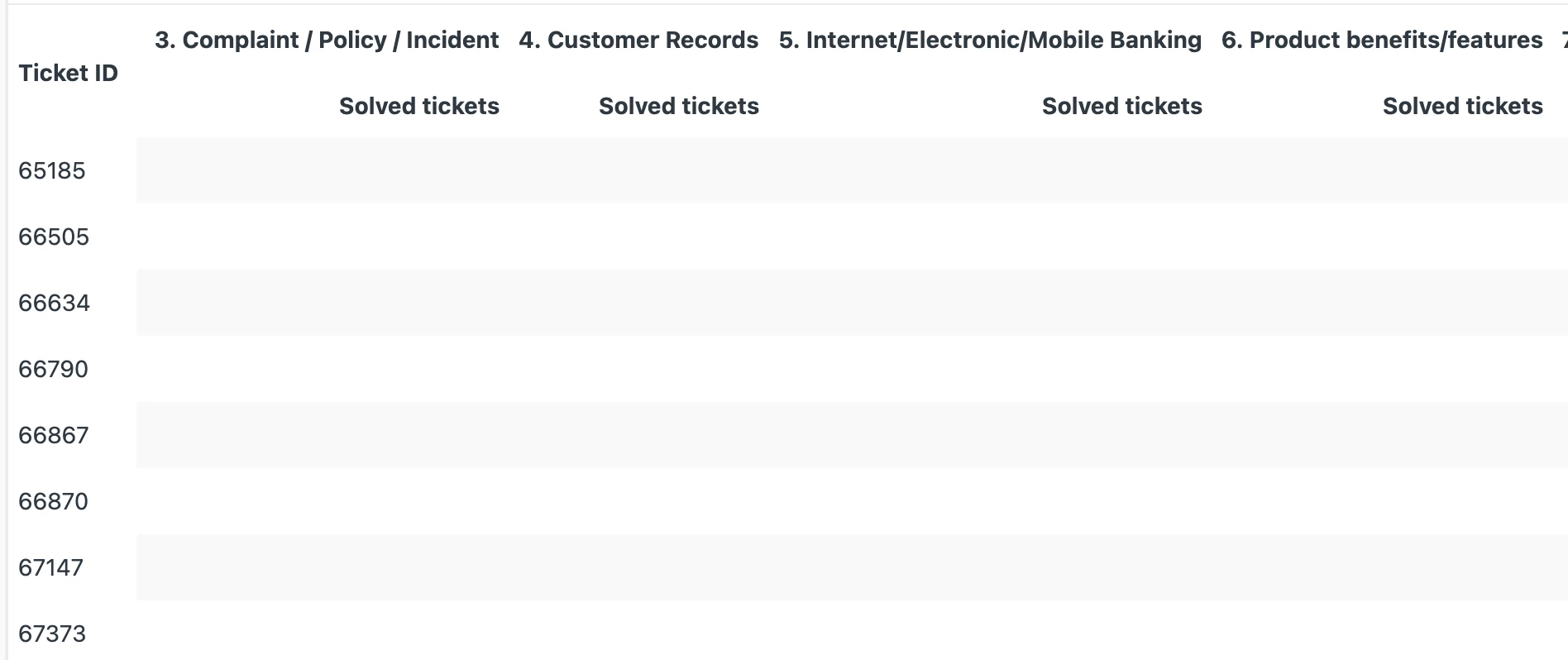
I have set the rows to pull in the ticket ID and I want to create a series of columns to pull in custom field data (complaint category). However, when I add this as a column it displays all complaint categories with a 1 populated against the one that was chosen per ticket ID. (See screenshot)
What I want is just one column that just displays the complaint category.
How do I do this?