Working out a date and time difference between 2 regex fields? | Community
Skip to main content

Working out a date and time difference between 2 regex fields?

  • February 4, 2022
  • 4 replies
  • 0 views

Hey team,


I need to create a calculated metric between 2 regex input fields to work out the difference between date and time on Zendesk explore. 


Please see attached image below, any help will be appreciated. 
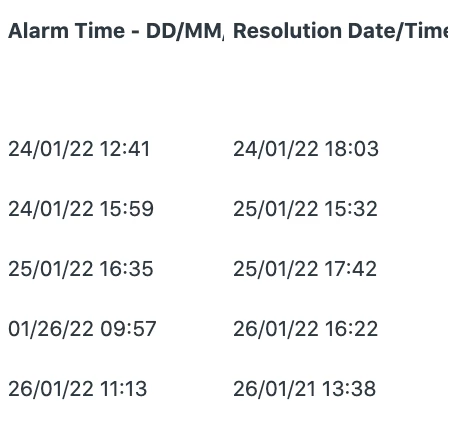
 

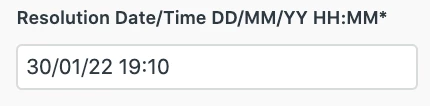
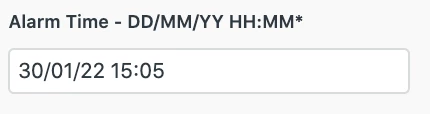
We capture the data like this on a particular form:
 

4 replies

Dane13
  • February 6, 2022
Hi Jack,
 
Regex fields cannot be used as part of a metric. It can only be used for attributes. For more information, please refer to Reporting with custom fields.


  • Author
  • February 6, 2022

Hello Dane,


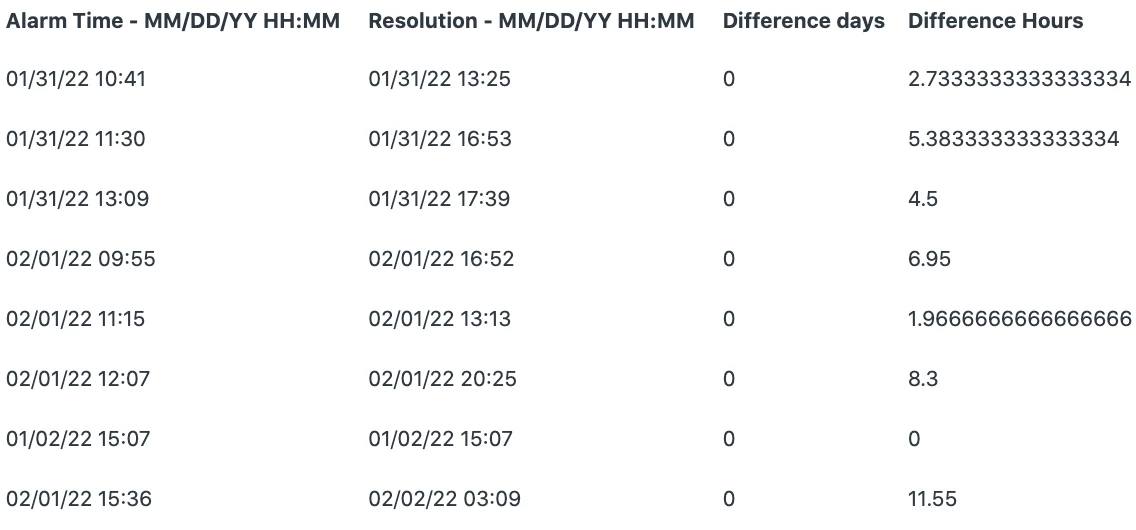
I managed to get it to work using custom metric attributes, however its shows a high amount of decimals - any idea how to reduce decimal points? 


Dane13
  • February 7, 2022
@Jack,
 
Wow that's great! Can you share to us what method did you use?
 
Regarding the results you have you can go to Display Format and select Finance to have two decimal places in place.

Lauren36
  • August 5, 2022

Hey Jack! Do you remember how you got this to work? I'm working on this exact situation right now. Thanks!