
What is the new Dashboard Builder and how do I use it? | Community
Skip to main content

What is the new Dashboard Builder and how do I use it?

  • October 26, 2021
  • 5 replies
  • 0 views

Walter11

We’ve made it easier and more intuitive to create dashboards and get the insights you need to optimize your service channels with a new dashboard builder experience. 
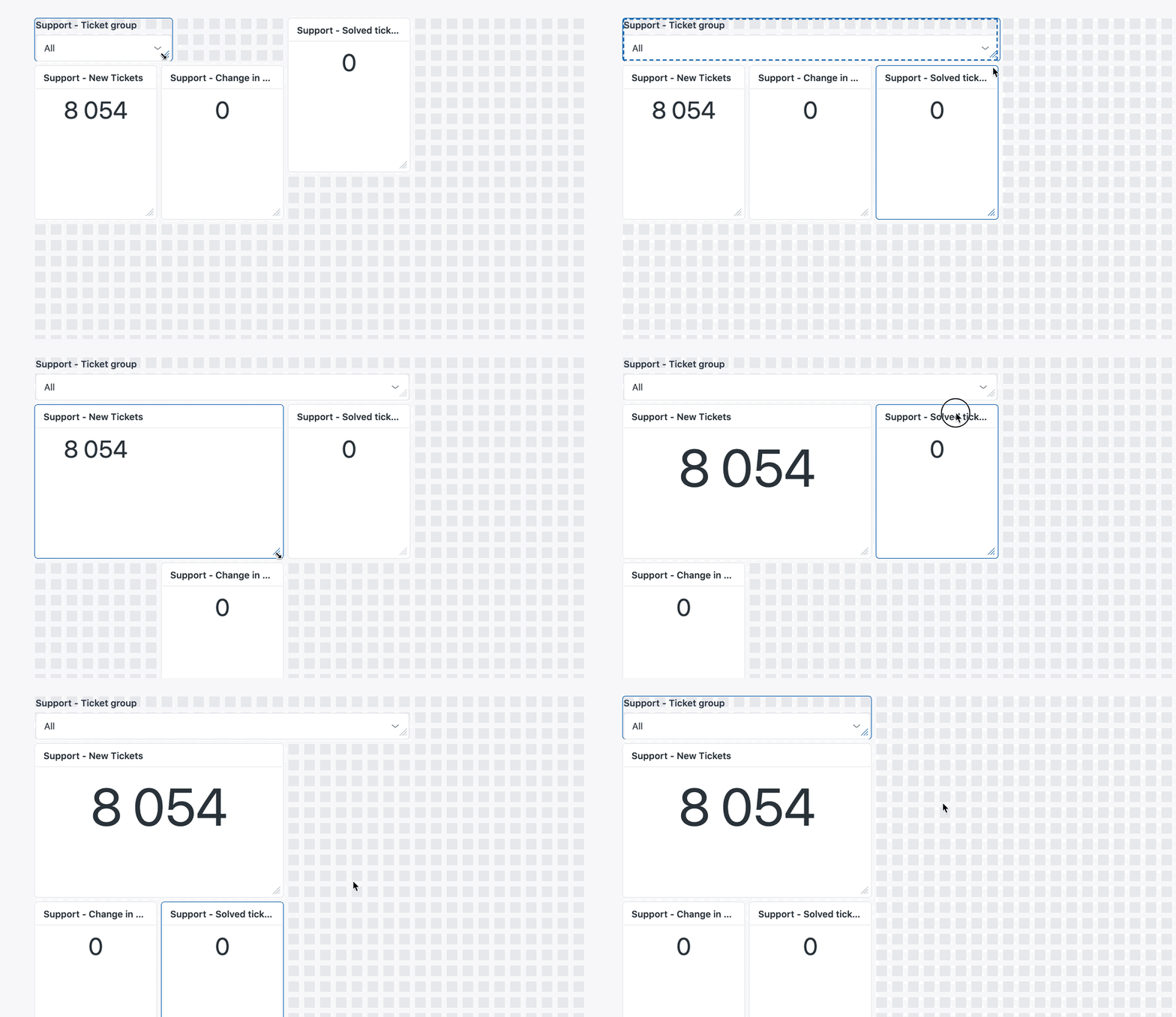
 

As part of the new experience, we’ve added the following improvements:

  • Automatic alignment: Easily add, arrange, and resize modules using a snap-to-grid design. 
  • Dynamic resizing: Dashboards automatically expand as new queries are added. 
  • Dashboard templates: Quickly create dashboards from preset templates that are already configured to display critical metrics for your business.

For this beta, we’ve limited this experience to live dashboards only. Any dashboards you’ve already created will not be affected. 

You can try out the new Dashboard Builder by clicking "Try it now" in the banner of the dashboards library.
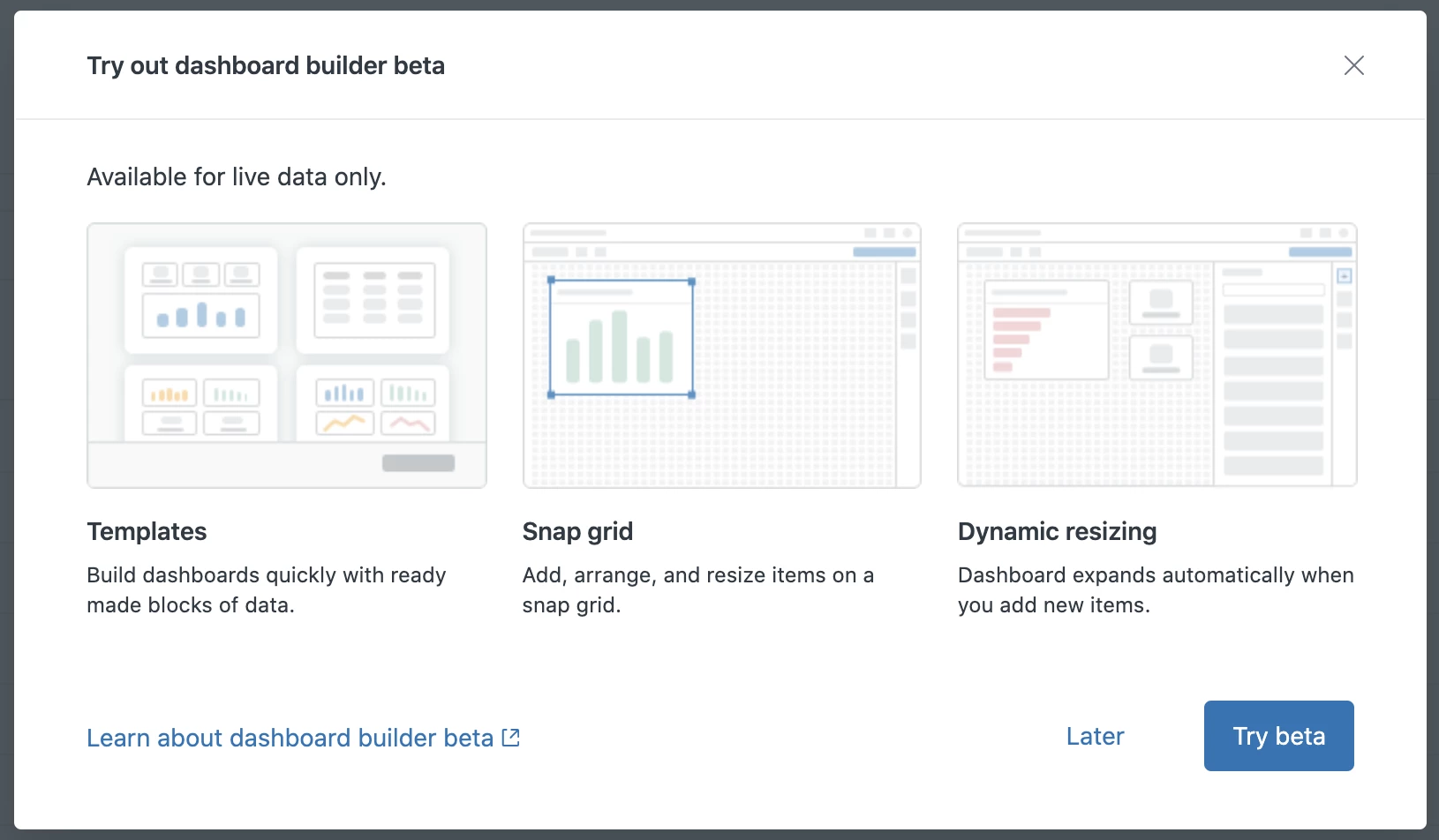
For more information on the new Dashboard Builder, see Working with the new Dashboard Builder (Beta).

5 replies

CJ99
  • July 14, 2022

Are there any timelines on when this would leave beta and/or replace the older system? 


  • February 22, 2023

hi, I do not see an Export possibility in the beta version, where and how do I add it?


Walter11
  • Author
  • February 22, 2023

Hi @jhajdu,
thanks for your interest about the new builder.

While Export is not currently available it will be introduced later on before the product moves to GA.
You can find the full list of features here

Regards,
Walter


Jahn11
  • September 26, 2024

Hello Walter Bellante - is the classic builder be deprecated in the future? 


Walter11
  • Author
  • September 27, 2024

Hi Jerenz Bronilla, 
Thanks for your interest in the beta builder.

we will gradually deprecate the classic builder over 12 months once the beta builder moves to GA in Q4. You can learn more about the transitioning plan here.