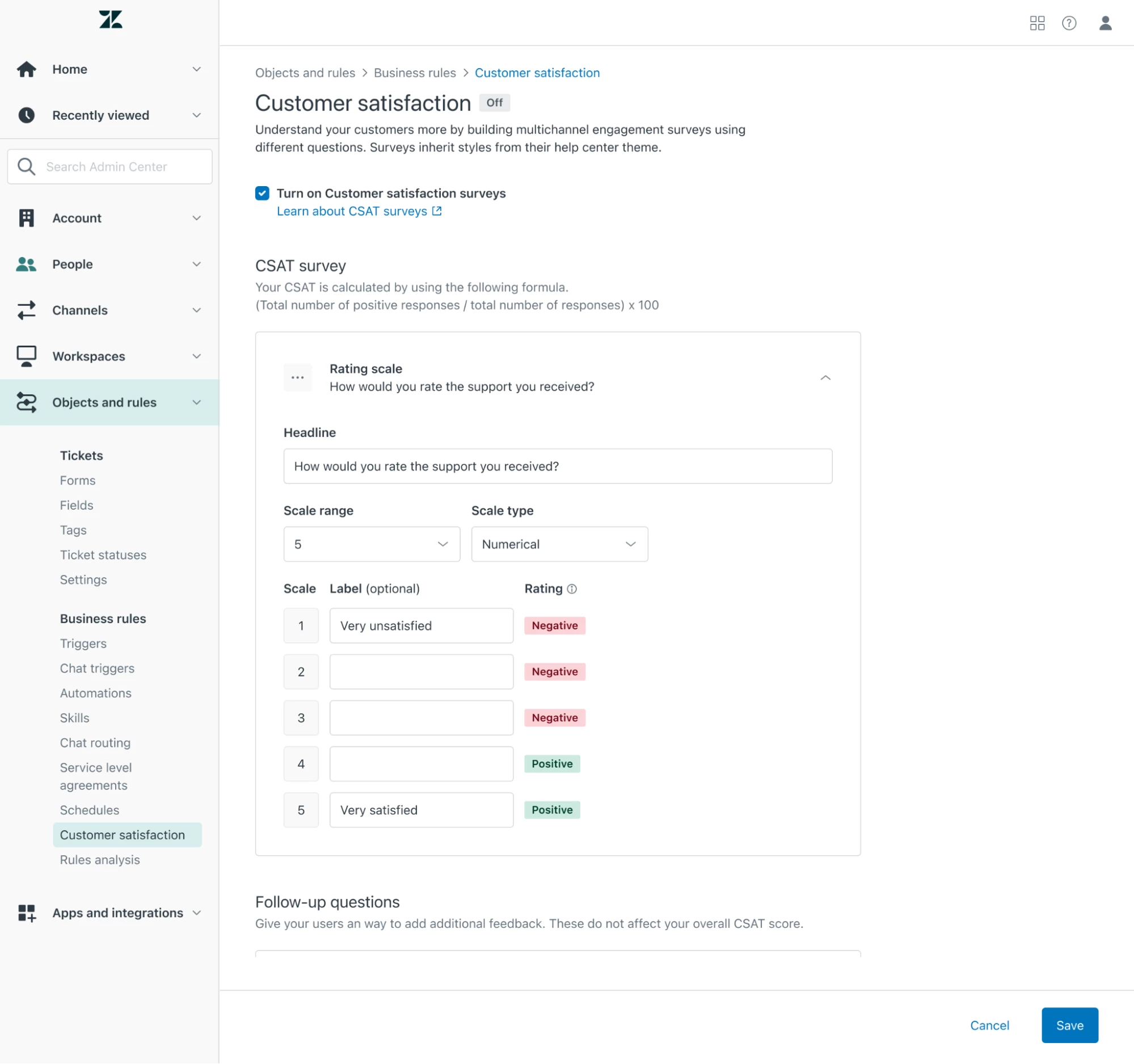
What is the Customizable CSAT EAP?  | Community
Skip to main content

What is the Customizable CSAT EAP? 

  • September 27, 2023
  • 83 replies
  • 0 views

Show first post

83 replies

Kailee
  • April 2, 2024

Any update on scale based reporting? We are really hoping to keep some consistency in our CSAT reports and the % based reporting that is out of the box isn't giving us enough visibility. I see “there will be actual selection reporting in Explore and public API later” mentioned earlier in this thread, so I'm hoping there's a date to share. Thank you!


Trace12
  • April 4, 2024

I want to mention the ticketnumber in the Headline. I use {{ticket.id}}, but this doesn`t work. In the email it works good when I use {{ticket.id}}.


Logan15
  • April 8, 2024

Hey team, based on the information available it looks like customers will no longer be able to leave written feedback responses when submitting a positive CSAT score.


Could you please confirm if this is a current limitation of the EAP and if so, are there any plans to add this feature to the EAP in future? 


Gabriela11

I work with two languages, does it adapt to the ticket language?


Amie11
  • April 10, 2024

hey @gabriela11 Yes - you need to use dynamic content in order for your CSAT survey ti display in the 2 difference languages your offer. 


Tetiana12
  • Author
  • April 15, 2024

@maeda It is not possible to remove a link to the CSAT request form. We will update the email experience soon, it will be possible. You can also use an url placeholder {{satisfaction.survey_url}}.

@kailee we are targeting Q3 right now for the granular reporting.

@logan15 your customers can leave text feedback for the positive rating. You should check your configuration that the open-ended text question is included in the CSAT survey. 


Batuhan
  • April 23, 2024

Hello, what is the way to report on “dropdown question"? Is there any metrics or any dashboards to see this? Etiher in explore or anywhere else?


Tetiana12
  • Author
  • April 24, 2024

For now we re-use the same metrics and attributes as Legacy CSAT uses. You can create a custom dashboard in Explore with `Ticket satisfaction reason` attribute to see the answers to the dropdown question. Read Creating dashboards


  • April 24, 2024

Hi


When will this be come out of EAP and be generally released?


Tetiana12
  • Author
  • April 25, 2024

@dana12 we are targeting Q3 right now. 


Bobby11
  • May 9, 2024

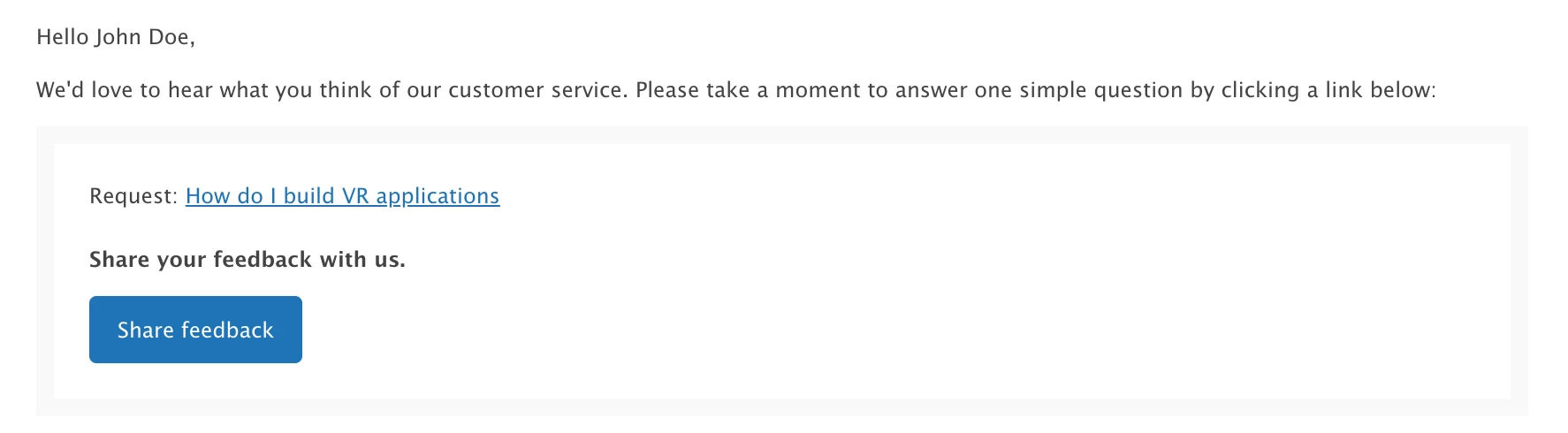
is there a way to change the color of the button in email? why blue?


Anupama
  • May 13, 2024

Are there any reports available or how do we pull reports for this EAP CSat


Hi @tetiana12 

In your other post in here  you've mentioned ‘We plan to update the CSAT reporting in Explore in H2 2024’ 

Is this still on track? Can you expand on this please, ie will the EAP provide capability to report on CSAT score by week/month/year accurately? (Not by ticket solved, created etc which changes CSAT score depending on ticket status) Eg here https://support.zendesk.com/hc/en-us/community/posts/4409515186586/comments/6686908605594 
Thanks 


Tetiana12
  • Author
  • May 15, 2024

@bobby11  you can't change the colour of the button but you can use `{{satisfaction.survey_url}}` instead of the default placeholder. 

@anupama we report results from the new CSAT to the same dashboard as the Legacy CSAT reports to. You can find it in Support→Satisfaction tab in Explore.

@vladimir11 we are still targeting H2. The key capability there will be to report on the user's actual selection without mapping results to Good/Bad. 


Hi @tetiana12 thanks for your response. 


Do you mean you'll expand the mapping to the custom CSAT values rather than just Good or Bad? If that's the case, then it doesn't solve one of the main problems that Zendesk users have with CSAT reporting literally for years now. 
THis is discussed in this thread: https://support.zendesk.com/hc/en-us/community/posts/4409515186586-Explore-Reporting-CSAT-by-Date-Survey-Taken?page=1 


There isn't a reliable way to report on when the actual survey was submitted. All Zendesk offers is to report by Tickets Solved, Created or Updated, but these dependent on ticket statuses. If ticket is rated in Oct and reopens in Nov the CSAT will now be counted towards Nov and will be withdrawn from October's. That will change CSAT retrospectively for that month. 


Any work planned to improve this reporting? 


Jordan12
  • May 16, 2024

I second @vladimir11 points above, reporting on the CSAT rating date would be much easier and better for reporting. 


Zendesk13
  • May 16, 2024

Hi @vladimir11 and @jordan12 , you can achieve this by using the Support: Updates History dataset in Explore. Example of a standard calculated attribute that will return the date rated:

IF [Updater role] = "End-user" AND [Changes - Field name] = "satisfaction_score"
AND [Changes - Previous value] != [Changes - New value]
AND ([Changes - New value] = "good" OR [Changes - New value] = "bad")
THEN DATE_FORMAT([Update - Date],"YYYY-MM-dd")
ELSE NULL
ENDIF

When you add this attribute to your report, make sure to exclude NULL values.


hi @zendesk13  thanks for the comment and suggestion. I'm not sure this is going to work the way we'd want it to. 
What we need to use as a metric? 
Can we report on CSAT by month using this attribute for example for the last 12 months? 

I just tried it and it just gives the date when CSAT was last updated (if I read it correctly) 
Would we be able to connect with you via email to look into this together, if possible? 

Thanks a lot 


Zendesk13
  • May 16, 2024

@vladimir18 an alternative would be using a variation on the “Satisfaction updates” metric. You'd basically copy the formula to create a standard calculated metric and change the THEN part:

(...)
THEN [Update ID]
ELSE NULL
ENDIF

If using DCOUNT, this should count every single CSAT rating. For example, if a ticket changed from offered to bad, then from bad to good, the metric returns 2 rating updates. And in this case you don't need to create the standard attribute: add this metric and then use [Update - Date/Month/…] attributes as needed.

To use the CSAT date attributes per month and year, you must create two additional standard attributes:

(...)
THEN [Update - Month]
ELSE NULL
ENDIF

for CSAT rating date month, and: 

(...)
THEN [Update - Year]
ELSE NULL
ENDIF

for year. To filter a report for a given period, you can add the [Update - Date] attribute to your filters and select the date range accordingly.

I'm happy to continue helping within this forum in order for these tips to reach more folks (under the Community Guidelines we can't “solicit community members for their personal or contact information for any reason”).

Let me know if the above metric does the trick!


Thanks a lot @zendesk13 , understand the forum rules and no problem with that. 

So the report where i use the custom metric made of ‘Satisfaction updates’ with the amended THEN section shows me the number of CSAT updates in a given period (month or year). However, we need a report that would show Satisfaction(CSAT) Score in percentage, and that we could slice that data by date/month/year when CSAT rating was submitted by end users. 

Hope that makes sense, but please let me know if I'm missing something. 


Tetiana12
  • Author
  • May 17, 2024

Thank you Vladimir, for feedback! There will be more changes than only granular reporting. 


Pete12
  • May 20, 2024

Is there a way to provide the results of the CSAT rating instead of just good/bad?  


Also, is there  a way to separate the results of the customizable CSAT from the regular CSAST ratings?


Tetiana12
  • Author
  • May 22, 2024

@pete12 right now the actual results of CSAT question are not yet available. It is on our roadmap. 


Zendesk13
  • May 23, 2024

@vladimir18 regarding the query “There isn't a reliable way to report on when the actual survey was submitted”, my first reply does the trick, you can use Updates as metric.

Regarding “we need a report that would show Satisfaction(CSAT) … percentage, and … slice that data by date … CSAT rating was submitted” , here's an example of how you'll manage to do it:

  • Add Update - Year and Update - Month to columns
  • Add the first standard atrribute I shared to the report filters and exclude NULL
  • Add a standard calculated metric to measure CSAT % (you'll have to create one, as this dataset doesn't have a native % Satisfaction score metric)

Should look something like this:

Good luck!


  • June 11, 2024

Hey there!  Within the EAP, is it possible to say only send the same individual a survey every 30 days so they are not inundated with emails from perhaps several interactions close together?

For example, John Doe writes in 3 times within 2 weeks but we want to say ‘only send him a CSAT Survey 1 time within a 30 day period'