
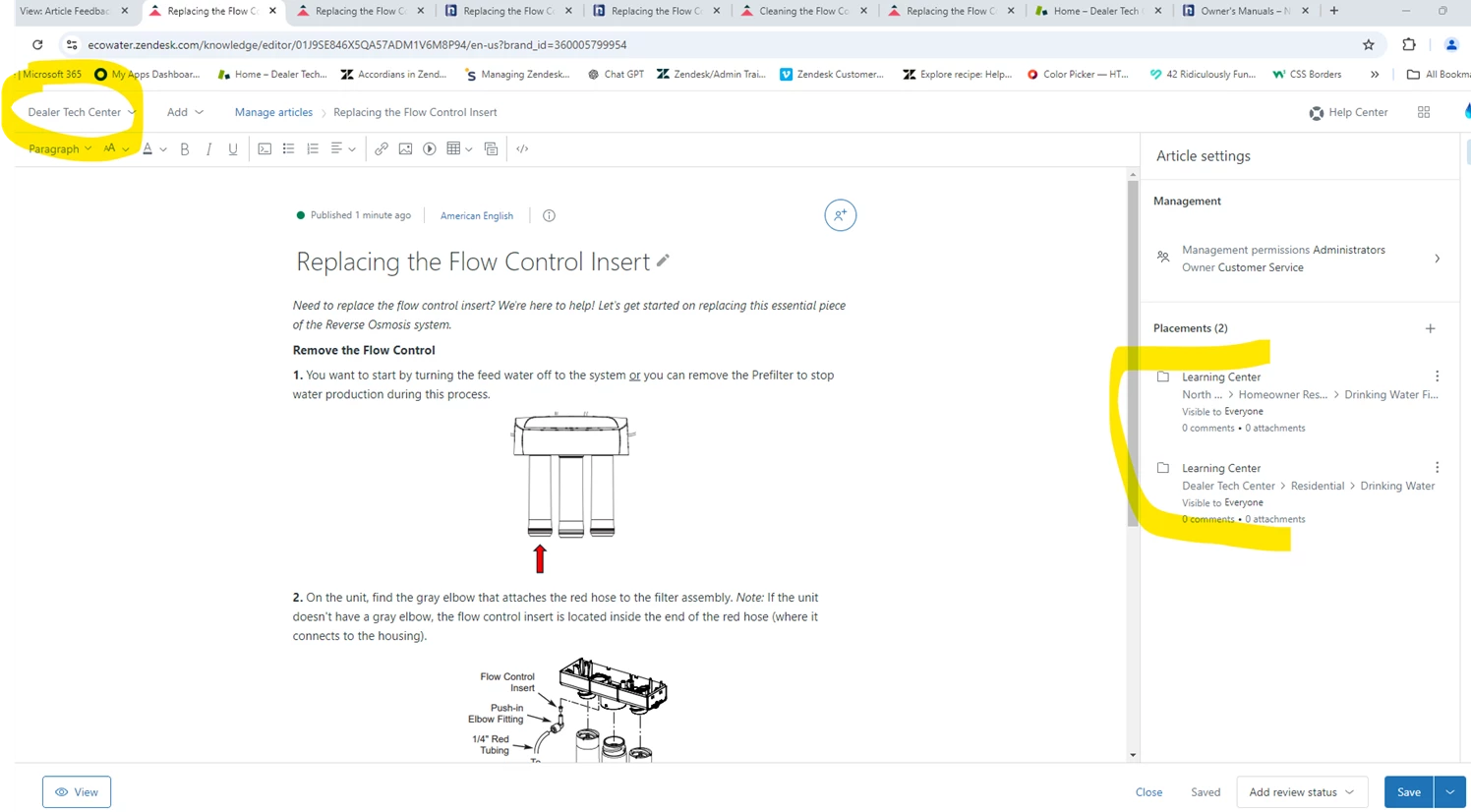
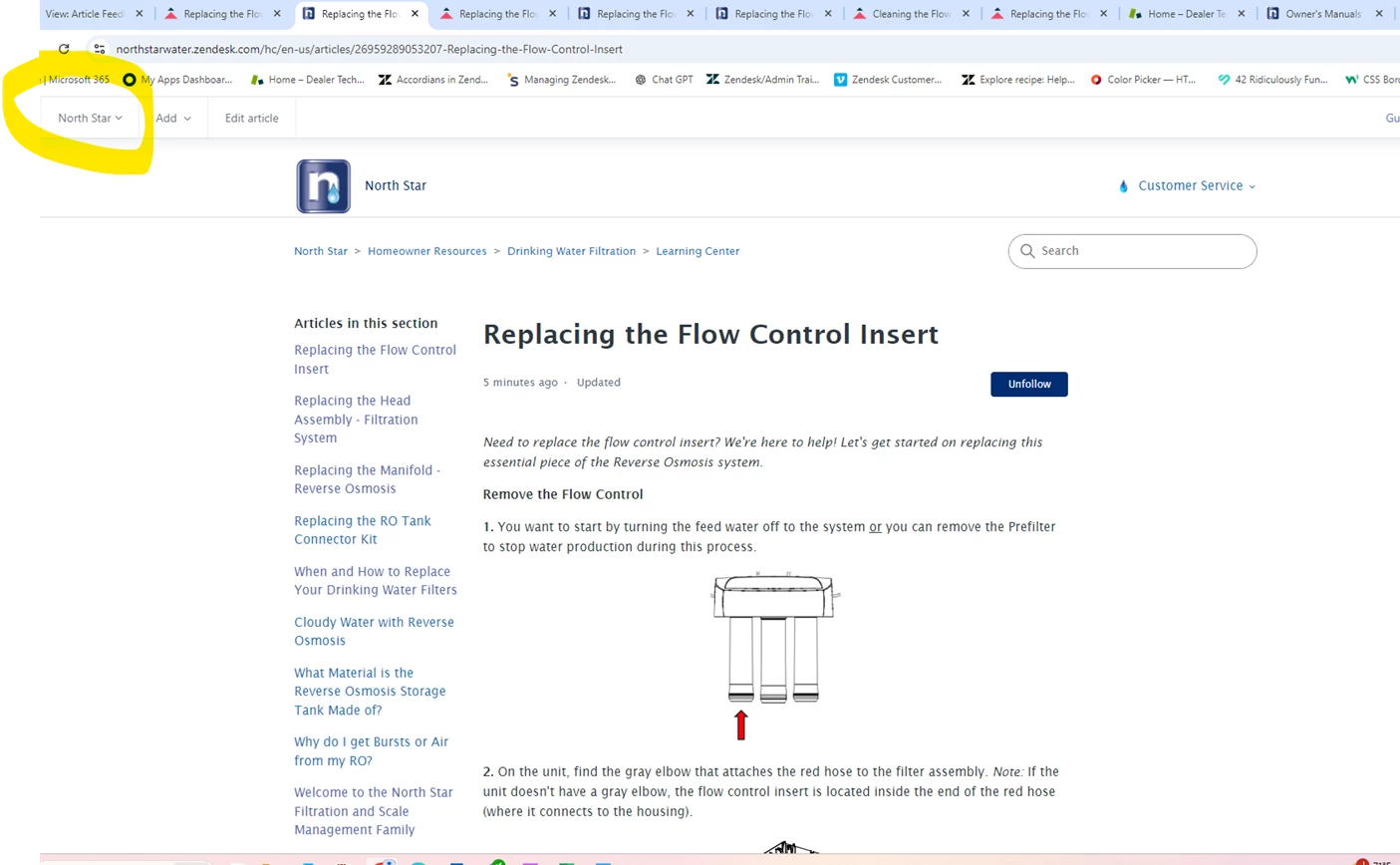
I created an article in one brand (North Star) and then added it also into a second (Dealer Tech Center) brand we have. It was published in both places - great! When I go to the “edit article” page in the second brand I added it in (Dealer Tech Center) it shows up like normal - great! But when I click the “View” button at the bottom to see it, it opens up in the original brand I created it in (North Star). Is there a way to make it go to the correct branded site? Thank you!
Example pics below.

Thank you for reaching out regarding your concern about the Brand display when viewing an edited article. We have recently deployed several updates that affect the Guide editor, so I’d like to confirm if you are still experiencing this issue.
If the issue persists, please feel free to contact us for further investigation by following this guide: Contacting Zendesk customer support. Alternatively, if you’d prefer, we can initiate a ticket on your behalf—just let us know.
Thank you!