

When you have a report where you want to show time on x-axis and show values with missing values, you can use the result calculation "time axis" as per https://support.zendesk.com/hc/en-us/articles/4408885694106-How-can-I-include-0-values-in-reports-
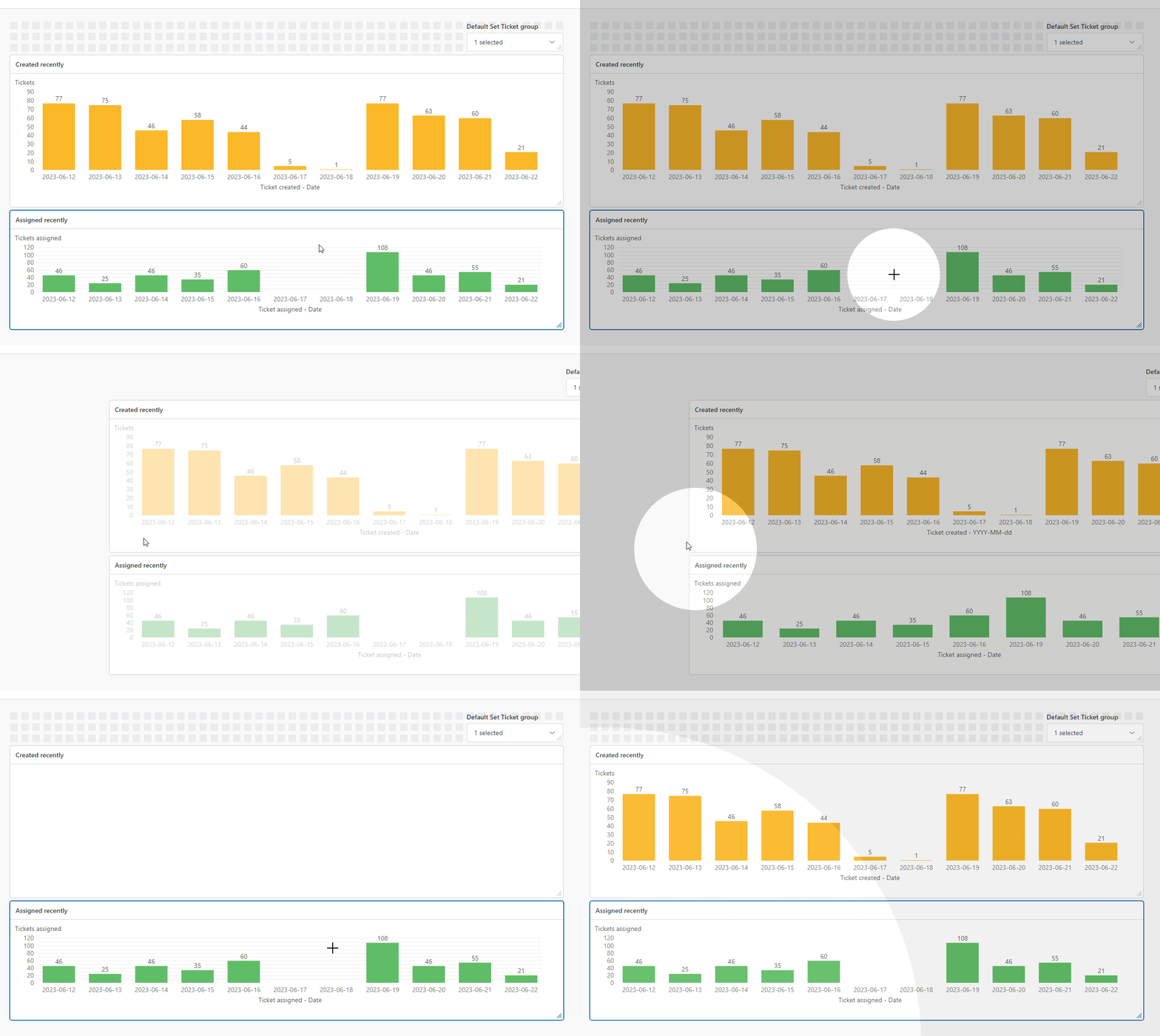
This works while previewing a report in edit mode - but it's broken in beta dashboard view mode.
Example
As you can see - when I switch to view mode (the default for report consumers), the values in x-axis doesn't suddently hide.
Use case
Putting two reports next to each other with the same date range is extremely useful to when the reports are related, and especially when the x-axis if for different attributes (e.g. ticket created vs assigned). However the comparisons breaks when a report viewer cannot compare columns between the reports, because some dates have 0 values and the "time axis" feature doesn't work.