Ticket list is not displayed on the drill-in | Community
Skip to main content

Ticket list is not displayed on the drill-in

  • January 18, 2024
  • 7 replies
  • 0 views

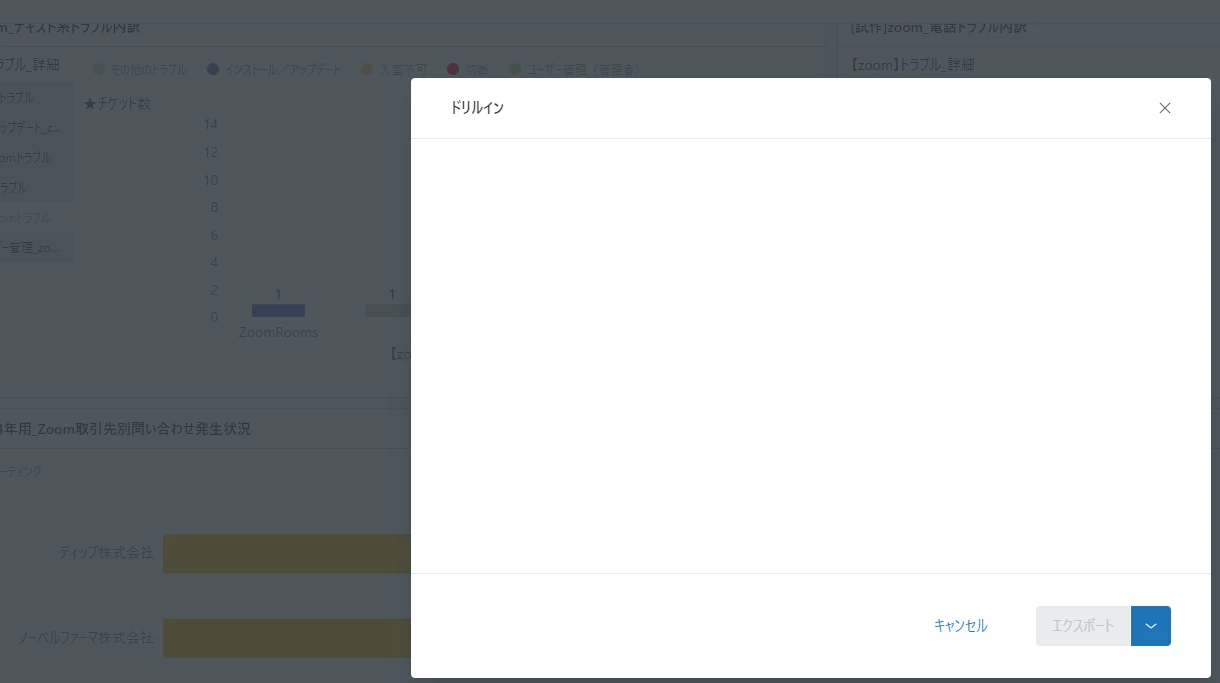
When I publish and view a dashboard created with Explore (EAP), the drill in become blank, and the list of tickets is not displayed.(for viewing are Chrome and Firefox.)

In the dashboard editing interface, the drill-ins were functioning correctly.

Has this issue already been reported, and is there a resolution available?
Thank you.

This topic has been closed for replies.

7 replies

Elaine14
  • January 18, 2024
Hi 佳美,
 
Good day! 
 
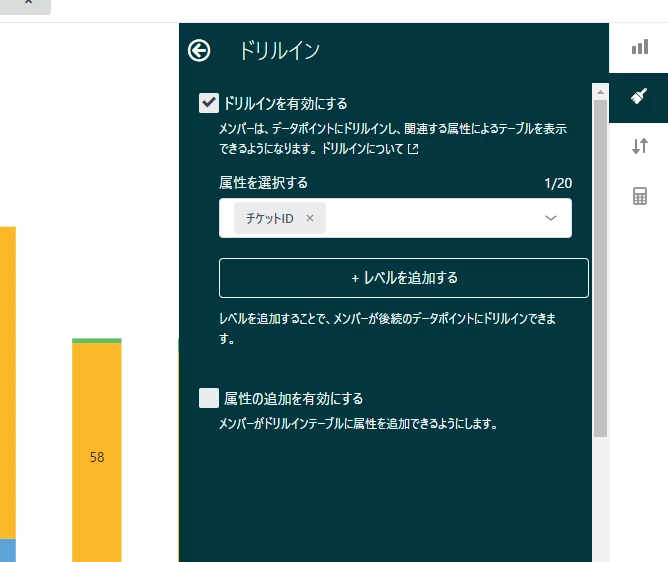
All attributes in the dataset are selected in drill in by default which might result in a table that has low usability. To produce a more manageable table, deselect all drillthrough attributes in Chart configuration > Drill in and select only the elements you want to include.
 
If this doesn't work, feel free contacting Zendesk Customer Support for further investigation. 🙂 

  • Author
  • January 19, 2024

Hi Elaine,

Thank you for your response!
I have already limited attributes in Chart Configuration > Drill In. However, when viewing the beta version of the dashboard in a web browser, the drill-in details (list of tickets) are not displayed. In the dashboard editing interface, the drill-in details are visible.
Is the way I set up Drill In incorrect?

By the way, I've already contacted the support center about this issue.
I received a response from the support center advising, "For issues related to EAP (beta version), please try posting in the community."
If I reach out to the support center again, would I receive a response?


Thank you.


  • March 10, 2024

Same issue here. 
This seems to be a new bug with the new Dashboard builder. 
Drill in does not work anymore as of a recent update.

Also contacted support about it, and they adviced to come here.
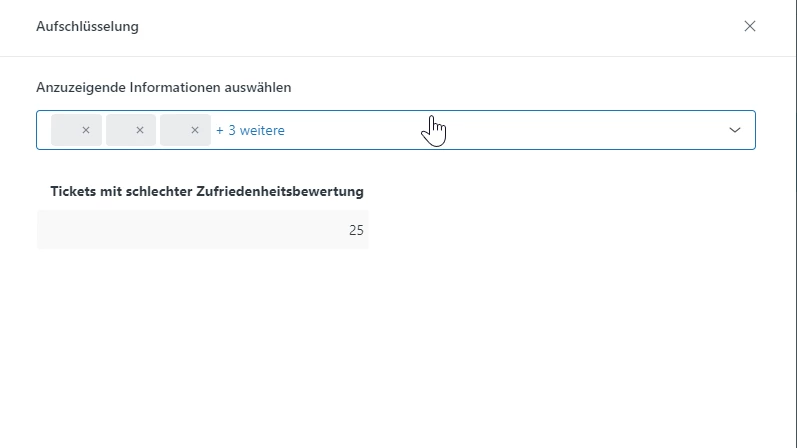
See screenshot below:


Shaleen
  • March 25, 2024

Same issue


Walter11
  • July 22, 2024

Hello 佳美 前澤, @shaleen  and @shayan11 .
I apologize for the delay in addressing your concern. 

In order to resolve this issue, you need to create a ticket with assumption enabled. 
I will promptly route these tickets to my team so they can investigate this.

Thank you for your patience, and we will work diligently to rectify this situation for you.

Regards,
Walter


  • Author
  • July 23, 2024

Hello Walter,


Thank you for reviewing this matter once again. 

If there is anything I need to do to help resolve this ticket, please let me know. 


Best regards,

Yoshimi


Walter11
  • October 2, 2024

Dear customers, thanks for your patience. 


The issue has been resolved, and Drill In is now working as expected. 

Regards, Walter