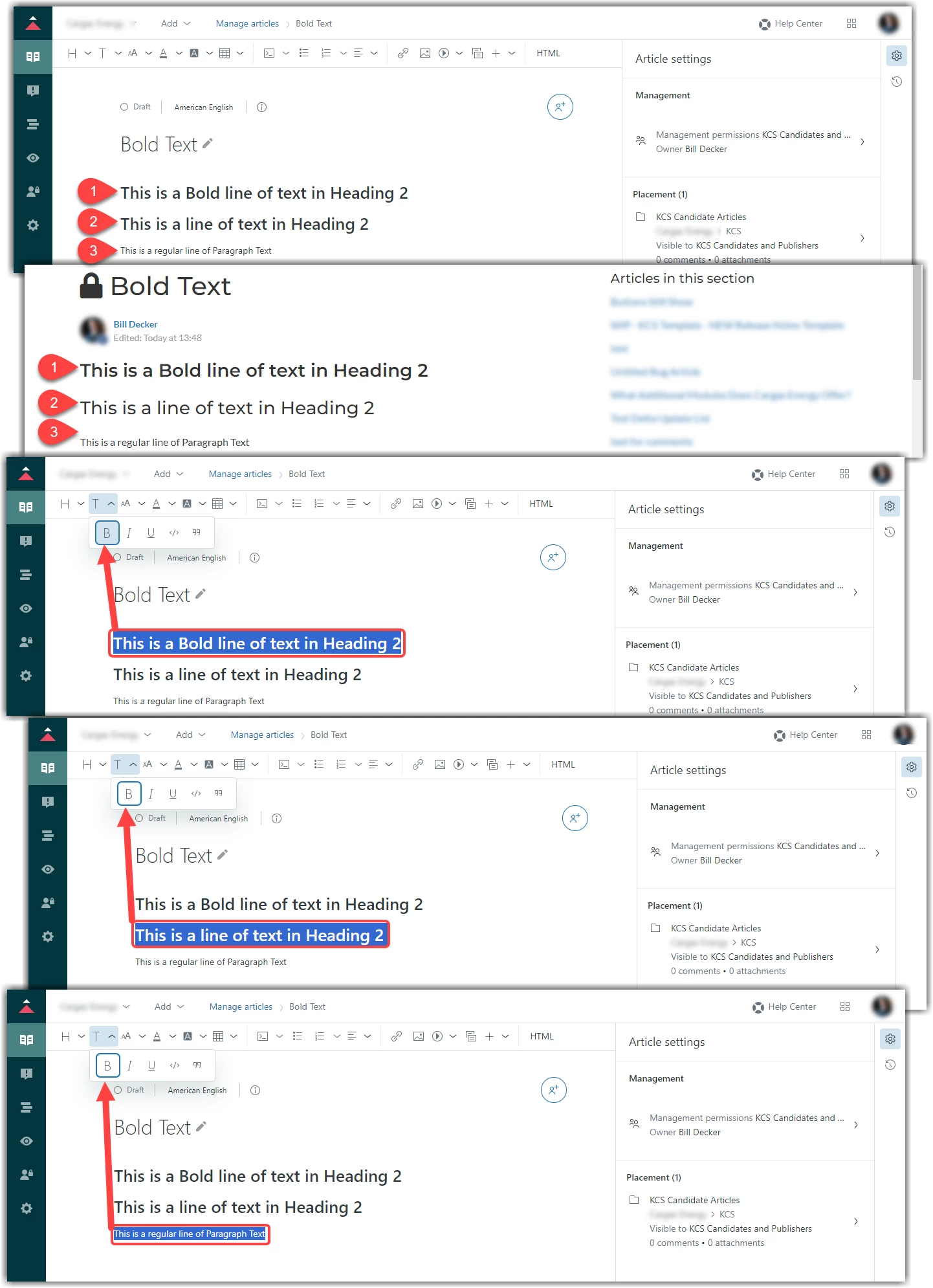
Formatting options for text, when choosing to Bold, Italicize, or Underline, are hidden from view and you are unable to tell which headers are bold in the Editor view. Even when you select the specific text, it is confusing when trying to check if it is Bold. It appears bolded text is designated by a highlighted B icon in the Text Formatting dropdown, yet when selecting unbolded text, the B icon shows as outlined. This is confusing when trying to spot check formatting from the editor. It would be great if the Text Formatting Options were returned to the toolbar and not in a dropdown.