
screen shots inline on tickets blurry | Community
Skip to main content

screen shots inline on tickets blurry

  • October 14, 2021
  • 4 replies
  • 0 views

is there anyway to make screen shots embeded in a ticket clearer?  we almost always have one attached to a ticket and if the help desk tech takes a shot of the end user's computer that's full screen or large etc, it comes over really blurry.  this happens only in zendesk, not if we cut and paste the images into anything else.  It's like ZD is resizing them or something.  how to we make that stop?  it's imperative that our shots are readable and we can't control the end size as we might need the entire desktop's screenshot for trouble shooting etc.


example attached.  the original image was perfectly clear.  after cutting and pasting it into zendesk, it looks like that.
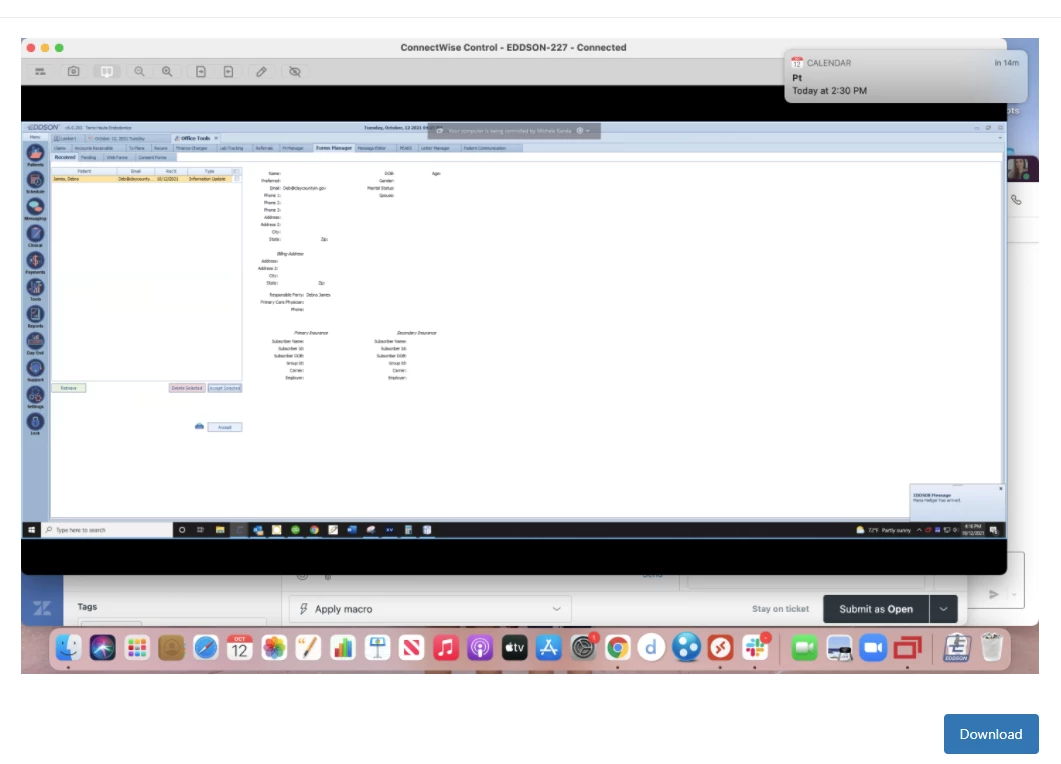
Thanks!

4 replies

Cheeny
  • October 17, 2021

Hi John,

Email attachment (meaning an inline and appended attachment) limit for a single file is 7 MB. If the size of the image is more than 7 MB, the system will resize the image to meet the 7 MB capacity.


  • Author
  • October 18, 2021

Hi thanks for the response, they're all very small though.  we use png and they average about 200-300K well short of a meg in all cases.


Cheeny
  • October 18, 2021

Hi John,

If that so, I suggest that you reach out to our Customer Support so they can take a closer look into your account


  • Author
  • October 18, 2021

Thanks, i'll get with them.  it appears the size of the browser window itself is changing how well the shots look.  I can take a perfectly clear shot of something, put it on a ticket and it looks really blurry.  when i click it though and say open in a new tab where it'll have the entire browser space to show full screen, it works fine in that windows.  I really need ZD to stop sizing the images on the fly in the ticket view.  Is there a way to do that?  I can also collapse the right side app bar and it'll make the shots a little wider in the ticket view and make them a little better but it's not very good depending on the size (resolution) of the shot.