Before moving to the new editor we were able to generate a PDF from the previous editor.
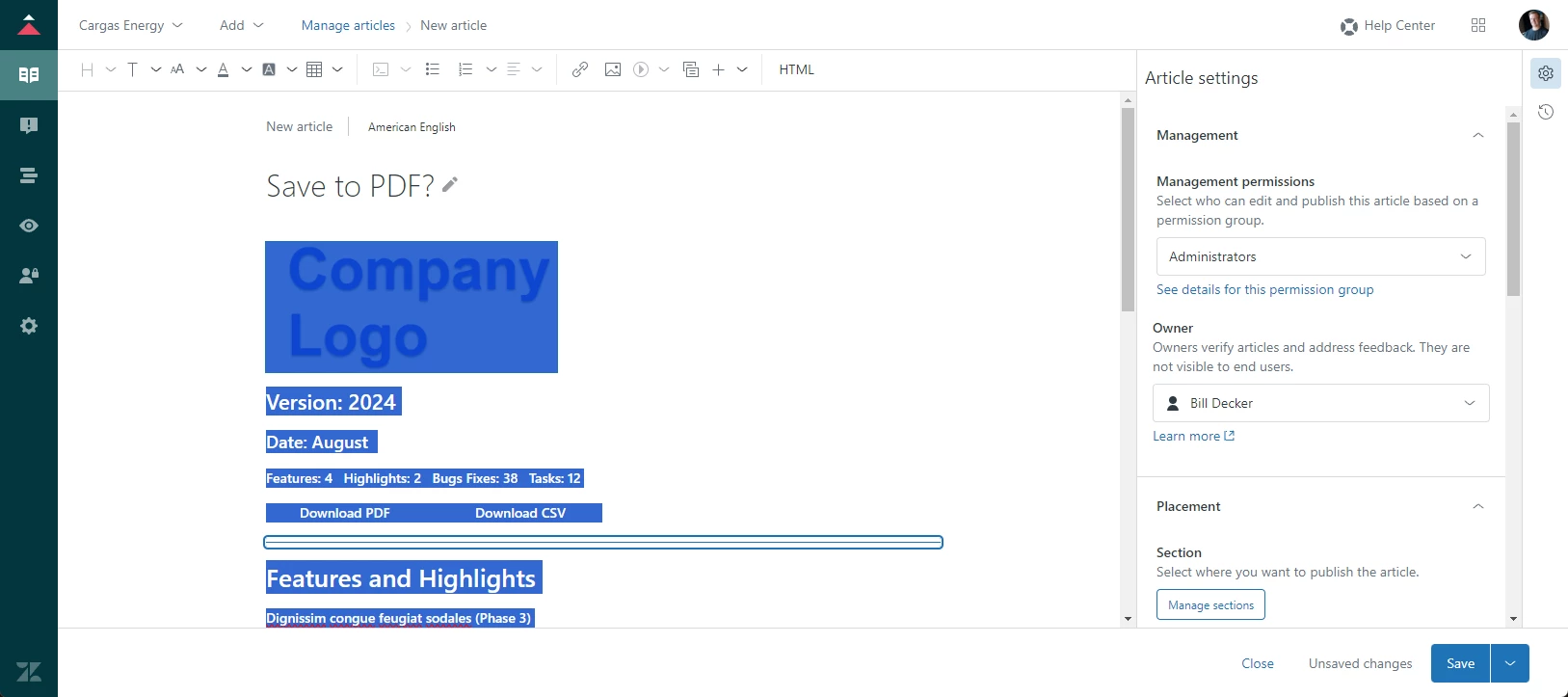
Previous method: We have collapsing tables that display all text in the editor, but not in the KB view. We would highlight all text of the article in the editor > Ctrl + P > Save to PDF to generate a PDF of just the text and graphics from the article.
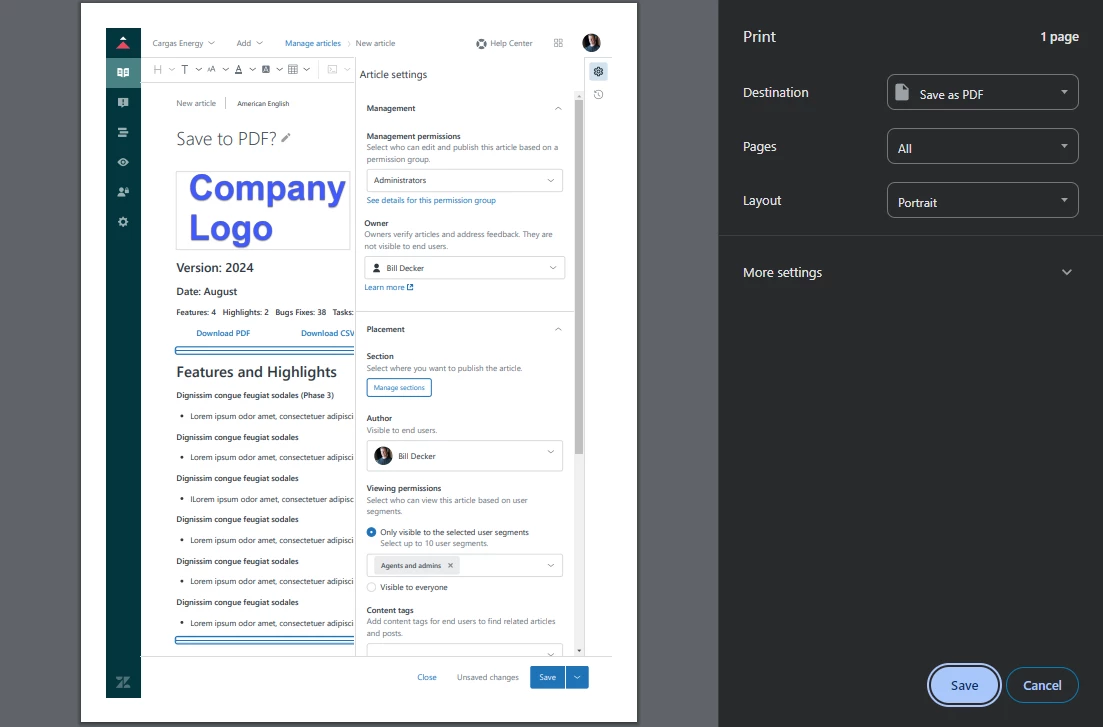
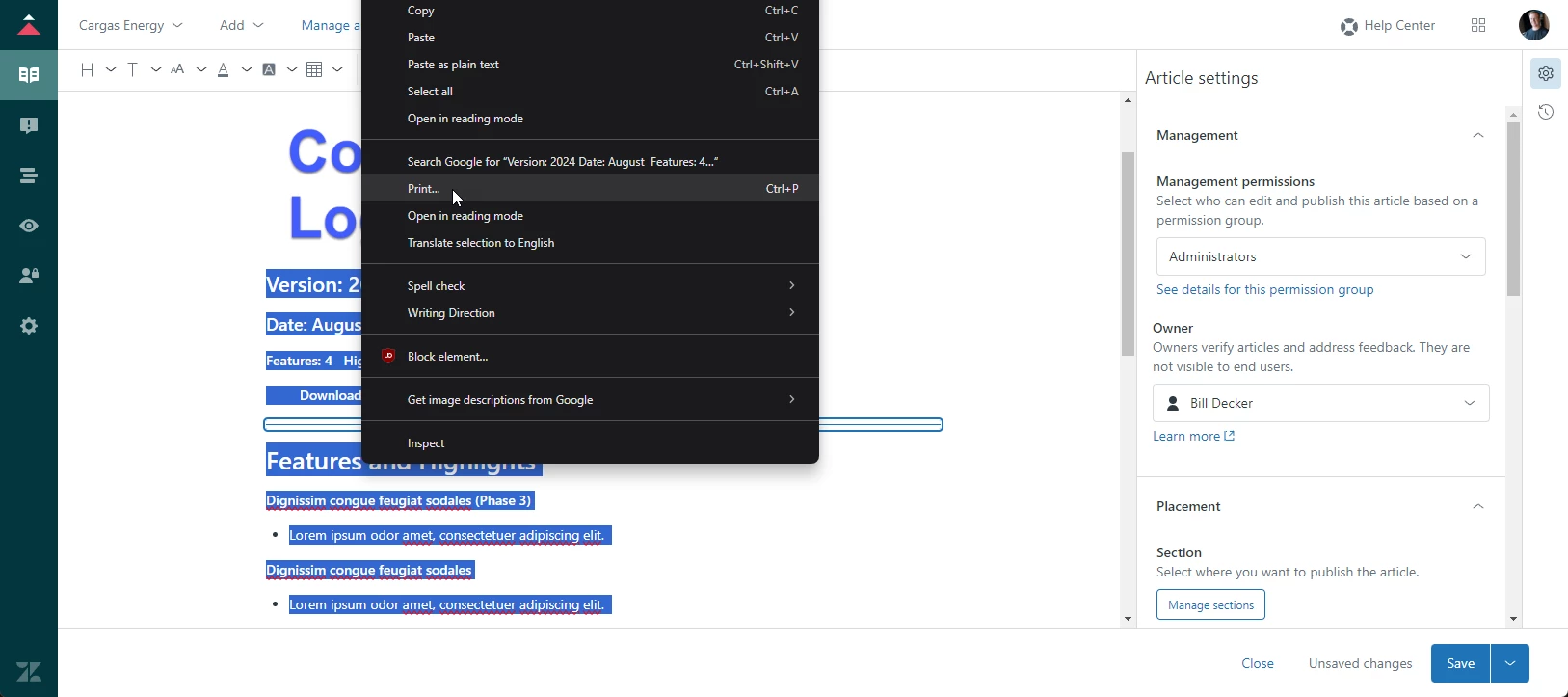
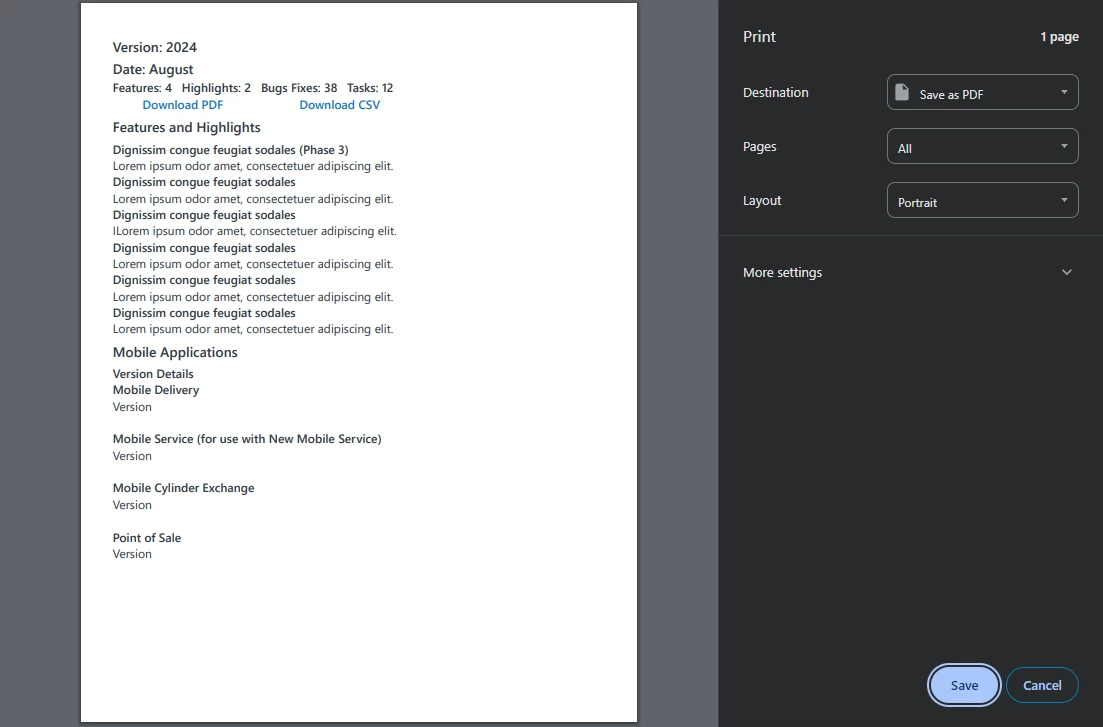
Current: Doing the same steps brings over the entire webpage instead of just the selected text and graphics. However, if you don't highlight a graphic, it will load just the text but only if you right click the highlighted portion and select “Print…” from the menu.