
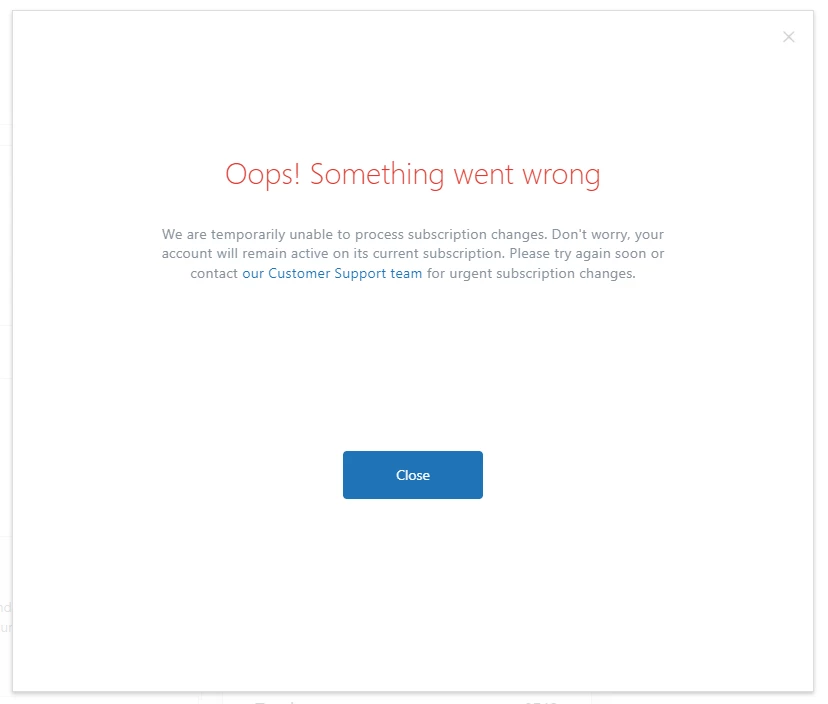
There seems to be an issue with the billing area, preventing me from changing the number of subscriptions on my account. This is the second time in the last couple of months I've attempted to update the number of seats we have, and both times, the page takes ~30 seconds to load, and then shows a message saying "Oops! Something went wrong". The first time, I did eventually manage to update my subscriptions, but it seems to be completely dependent on the below network request taking less than 30 seconds.
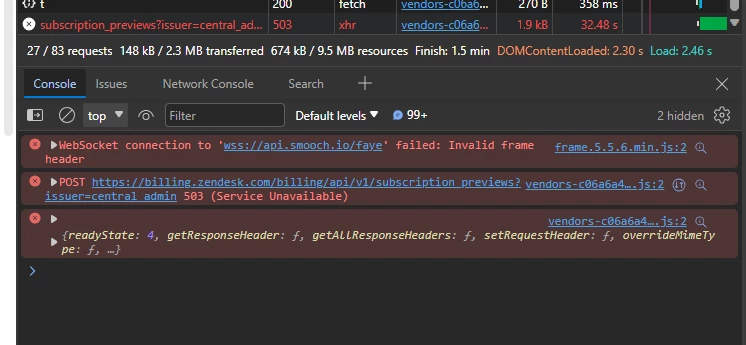
There is a network error shown in the browser console: POST https://billing.zendesk.com/billing/api/v1/subscription_previews?issuer=central_admin 503 (Service Unavailable).
How is it best to resolve this issue?
Full repo steps:
- Navigate to Admin
- Select Account -> Billing -> Subscriptions
- (wait for the page to load)
- Click Manage
- (wait for the page to load)
- Increase the number of Agents in Support
- (wait for the loading icons - ~30 seconds)
- Bug: Error message shown
The network request also shows the following response:
upstream connect error or disconnect/reset before headers. reset reason: connection termination
Please can this be looked into ASAP as this is preventing me assigning new employees licences.

Thanks for bringing this to our attention! I'm going to create a ticket on your behalf so our Customer Care team can follow up with you as soon as possible. You should receive an email shortly stating your ticket has been created.
Cheers!