Dear Zendesk Community
When I add an email address to a user's profile, the following message is sent to the user:
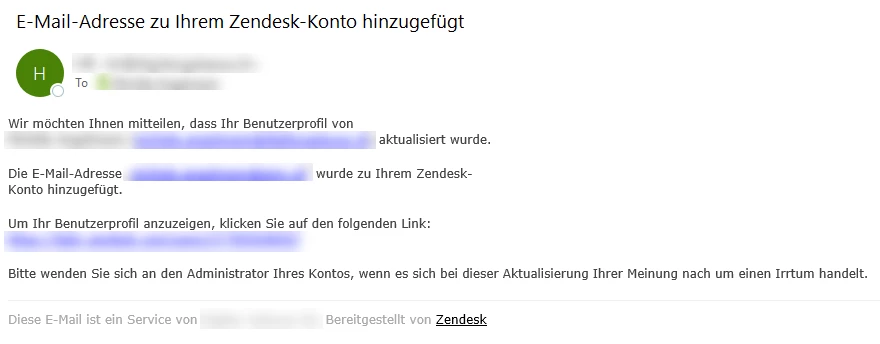
How can I avoid that this message is sent out?


Dear Zendesk Community
When I add an email address to a user's profile, the following message is sent to the user:
How can I avoid that this message is sent out?
No account yet? Create an account
Enter your E-mail address. We'll send you an e-mail with instructions to reset your password.
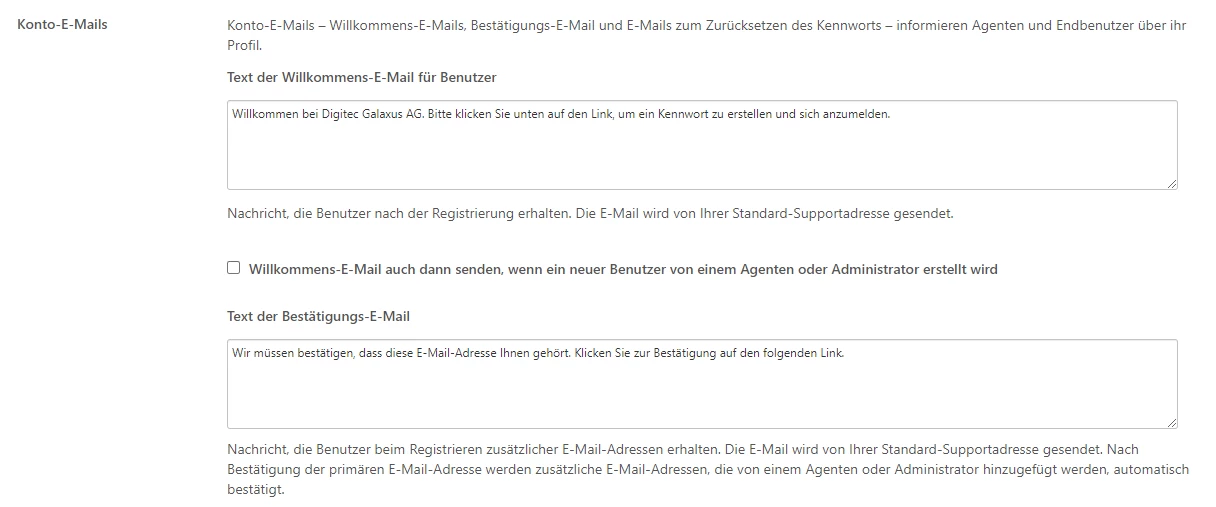

Hey Michèle,
Can you try removing all the text from the Welcome Email boxes and then save at the bottom of the page? Let me know if the email still gets sent out after these changes.
Thank you!