
Customers are unable to sign in and view their tickets - settings password is not working | Community
Skip to main content

Customers are unable to sign in and view their tickets - settings password is not working

  • May 17, 2018
  • 8 replies
  • 0 views

My customers are unable to sign in. We tried setting their passwords after they created an account (via sending an email to our support email) and directed them to this page to sign in: https://woo-lightspeed.zendesk.com/access/unauthenticated?theme=hc and when they try to sign in they get this message: "{"error":"Couldn't authenticate you"}".

What is the work-flow to allow customers to sign in and view their support tickets? Does my subscription not allow that or am I missing something else?
This topic has been closed for replies.

8 replies

  • May 17, 2018

Hi Rafi - 

Customers will generally see that login error when your Zendesk Help Center is not yet activated. To activate your Help Center, please do the following.

  1. In Guide, click the Settings icon in the sidebar, then select Guide settings.
  2. In the Activate Help Center box at the top, click Activate.
  3. Click Activate again to confirm that you want to activate your Help Center.

If this does not resolve your issue, please respond here and I will create a ticket so we can investigate this further. Thank you.


  • Author
  • May 17, 2018

Hi Bonnie,


I activated help center but my customer is still seeing "{"error":"Couldn't authenticate you"}" when they try to login and view their tickets.

Am I missing anything else?

Thanks


  • Author
  • May 17, 2018

Nevermind. I see it now - how do I allow my customers to view their past tickets now that I have it activated?


  • May 17, 2018

Hi Rafi -

Your customers can click the arrow to the right of their name and then My activities to see their past tickets.


  • Author
  • May 17, 2018

Hi Bonnie,

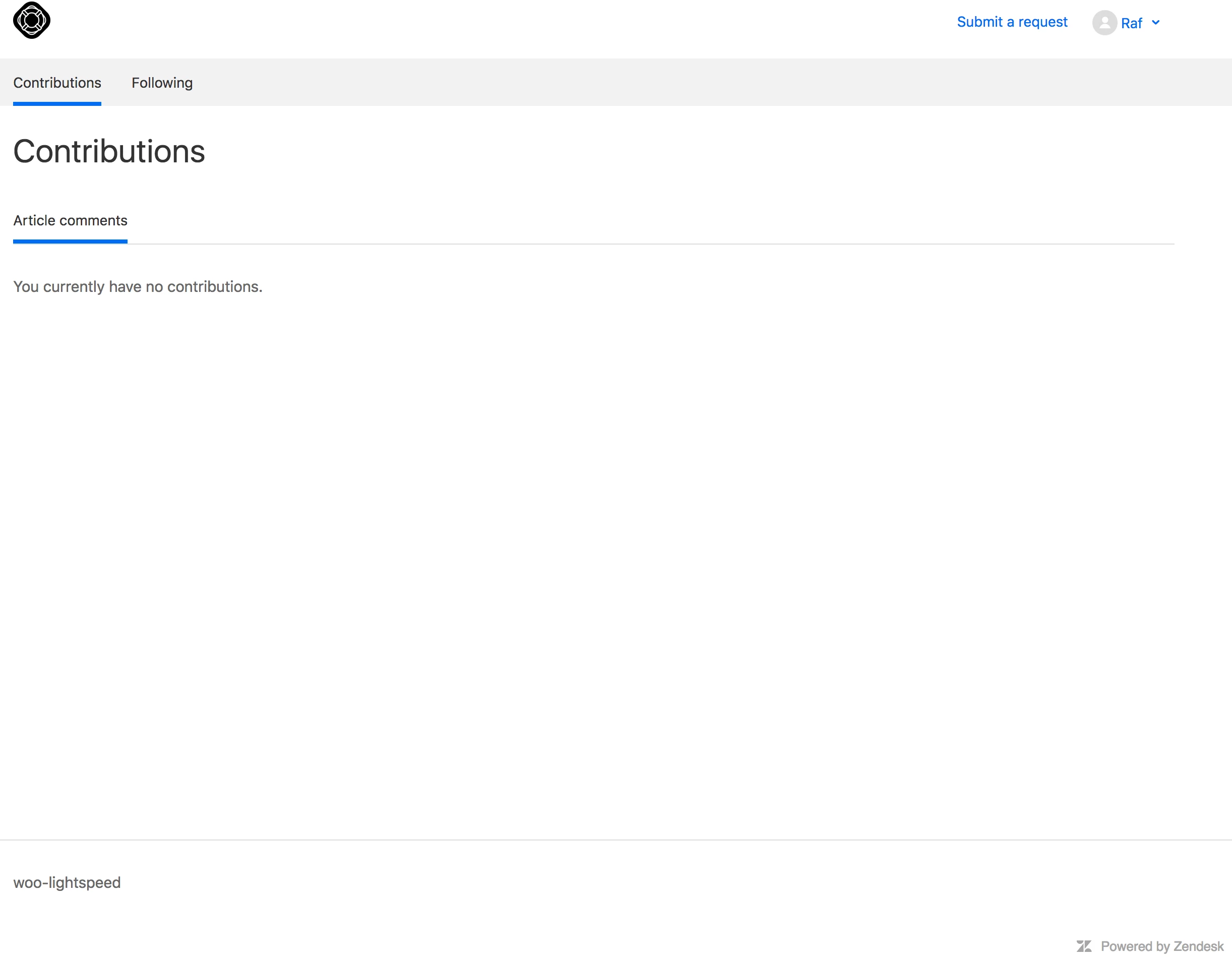
I tested this out with a test user - I submitted an email to generate a new ticket, signed into my profile and clicked on "My Activities" and the tickets don't show up, all I see is this:


  • May 17, 2018

Hi Rafi. I created a ticket from our conversation to investigate this further and I will see you there!


please. what happened with this question?

I have de same problem.


Nicole17
  • October 30, 2018

Hi Francisco -

In Rafi's case, the issue was that their plan did not include the Customer Requests Portal.

You have to be on Guide Professional in order for customers to see their Requests on the Help Center.