

Hi,
I am trying to create a new form to be displayed on my website.
1. I added to the ticket fields 2 new fields: Date and Time (for time I chose regex), with the permission of the end-user visible. I also see them on the Ticket Forms screen. However, I don't see them in the tickets nor in the form I created. I don't even see them in admin > channels > web widget customization section (however I do see custom text fields I added).
What can I do to show these fields (date and regex) in my form?
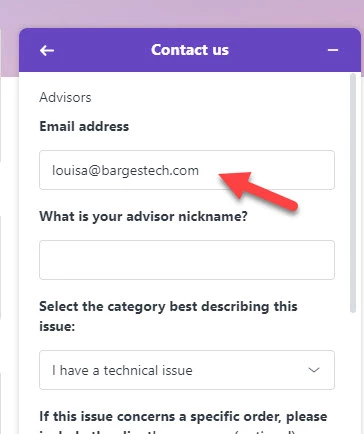
2. The default 'email' field appears pre-filled with my developer's email address in this form. How can I change that?

I hope you are doing well. Thank you for the information provided, as I will need to troubleshoot this further, I would like to let you know that I have opened this ticket for your case 10439725 and an email was sent to your address.
Thank you.
Kind Regards,