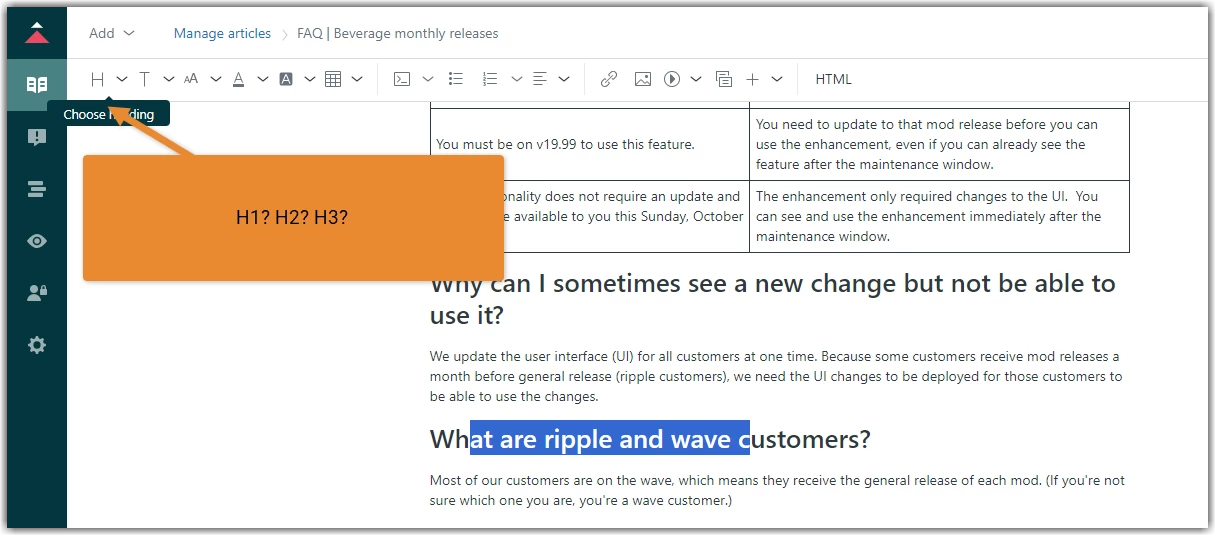
There's not a simple way to find out what heading level is applied to text. It would be helpful to have this information at a glance, so we can quickly check whether we have the correct formatting.
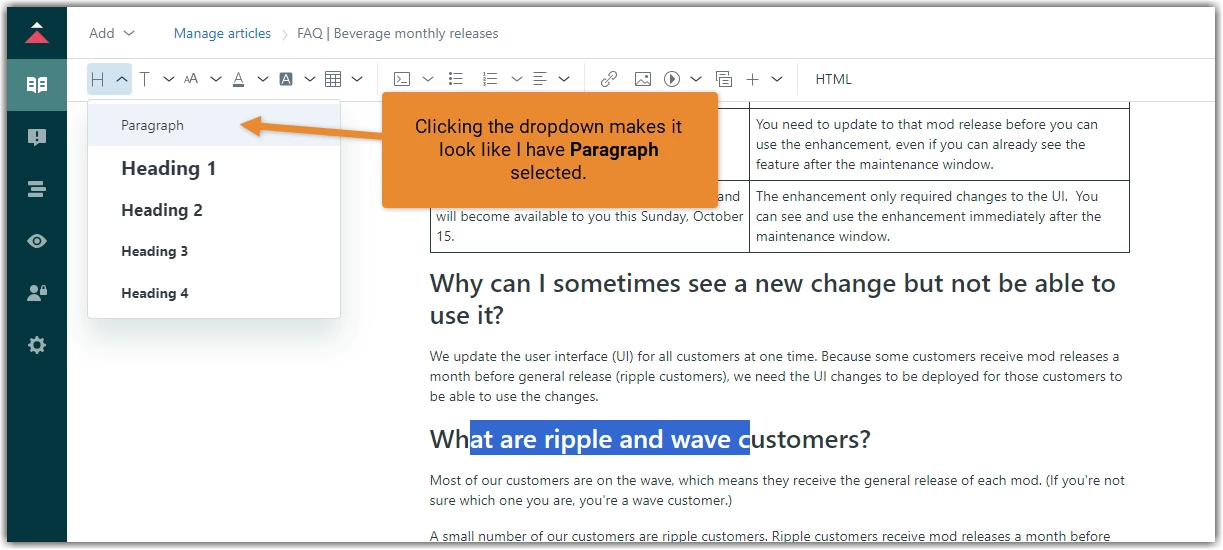
Even when you click on the ‘Choose heading’ button (the H icon), the current heading level is not selected.
Ideally, we could tell what heading level is selected by simply looking at the toolbar.
Second best would be to be able to click on the ‘Choose heading’ button and see the current level highlighted.