

How can I configure a trigger with a condition that looks specifically at the email address of the requester?
The "Requester" condition, which requires you to select from a list of extant users, is insufficient; I want to include emails that don't exist yet as ZD users. I also have a pretty long list to add; would really be great to add them in bulk, rather than one-by-one in separate conditions.
This "Email" field looked promising, but doesn't seem to work: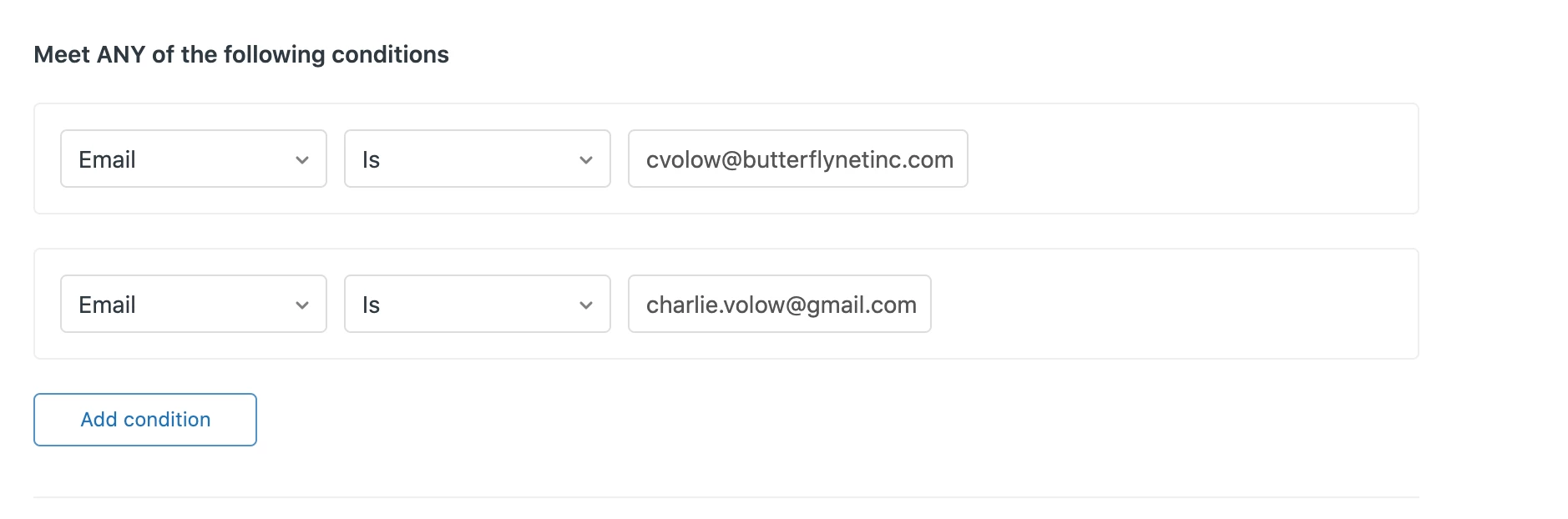
Related: is there a way to specify a given email address or phone number as a recipient for an SMS or email alert, as an "action" on a given trigger? Limiting those fields to named users, without the ability to specify the phone number or email address that's actually targeted, is really cumbersome and hard to troubleshoot. At the very least, the email address/phone number associated with that user should be exposed in the UI while you're creating the trigger. Exposing the name only seems kind of absurd to me.

Hi Charlie,
As Andrew mentioned, rather than specifying a long list of individual users in a trigger, why not all all those users to an Organization, and then just use the Organization as your trigger criteria? You could also use User Tags, or create a custom User Field to hold that information as well, some thing to denote the users are in a particular category that this trigger will use as a criteria. About organizations and groups
And fwiw, you can import users in bulk (and specify an Organization, tags or custom fields values when you do that): Bulk importing users